
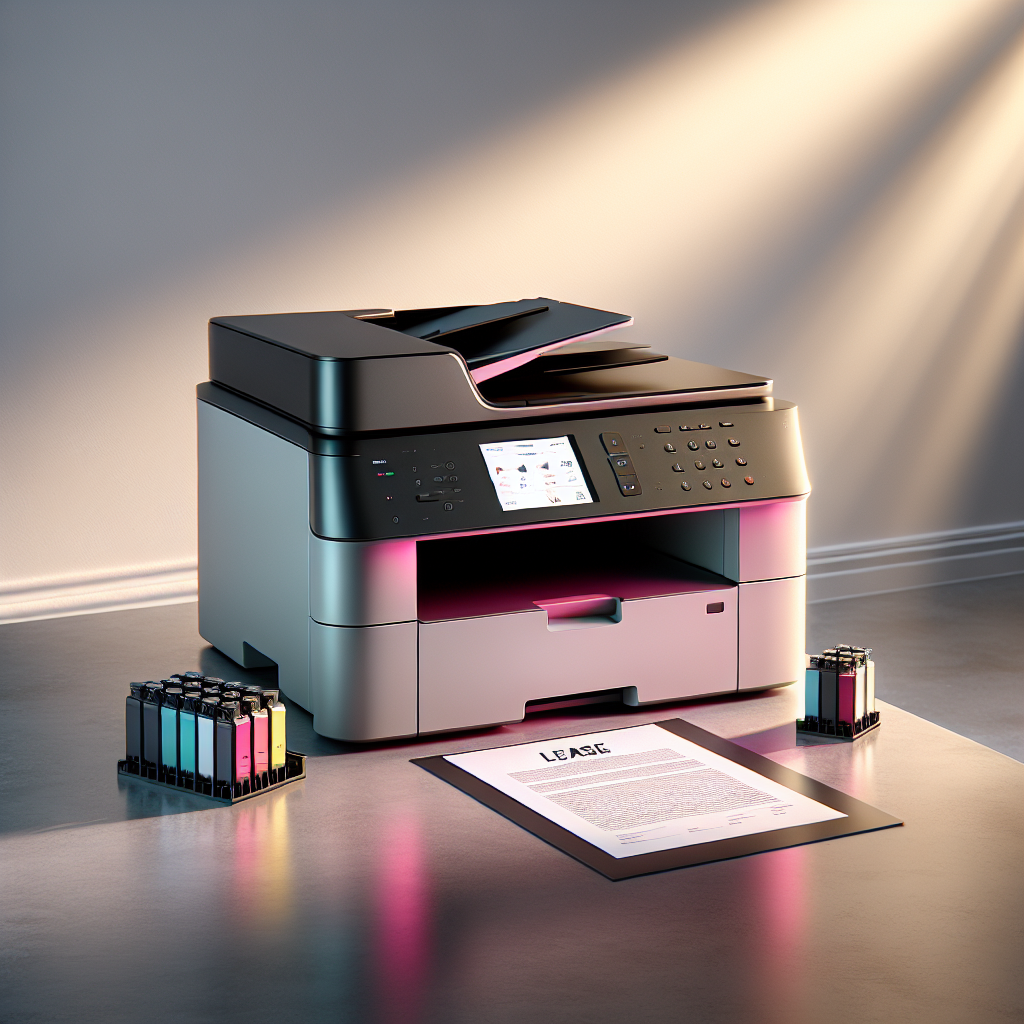
Key Highlights
- Leasing a color laser printer offers flexibility, cost savings, and access to cutting-edge technology without a hefty upfront investment.
- Determine your printing needs, such as monthly page volume and desired features, to choose a printer that aligns with your business requirements.
- Consider the lease duration carefully, opting for a term that matches your business’s growth trajectory and technological advancements in printing.
- Research and compare different printer models and brands to find the perfect fit in terms of features, performance, and overall value.
- Understand the leasing process, ensuring you review the documentation and agreements thoroughly to avoid surprises.
Introduction
In today’s busy business world, having a good printing solution is very important. A color laserjet printer can improve the user experience. It also helps make professional-quality documents. This guide will look at the benefits and important points to think about when leasing a color laser printer for your Minneapolis-St. Paul business. This will help you make a smart choice.
Understanding Color Laser Printer Leasing in Minneapolis-St. Paul
Leasing a color laser printer is more popular now in Minneapolis-St. Paul. It gives businesses a cheaper and flexible choice instead of buying. When you lease, you can use the newest print technology without spending a lot of money at first. This way, you can save your cash for other important things in your business. Also, leasing lets you upgrade or change your printer as your business needs change.
Benefits of Leasing Over Buying
Leasing a color laser printer is a smart choice for businesses, big or small. When you choose to lease, you lower your initial costs. This means you can use that money for other important needs. Lease agreements usually include maintenance and support services. This helps avoid surprise repair costs and wasted time. This way, you can enjoy high quality and reliable performance from your printer. It also helps your printer last longer and keeps your operations running smoothly.
How Leasing Fits into Your Business Model
Integrating a leased color laser printer into your business is easy and brings real advantages. Leasing lets you use the newest print technology, so your business stays competitive without owning the equipment. By looking at your monthly duty cycle – how much printing your business needs – you can choose a printer that fits your needs and budget. This smart choice boosts your printing efficiency, increases productivity, and gives you the perfect solution for your business in Minneapolis-St. Paul.
Key Considerations Before Leasing a Color Laser Printer
Before signing a lease agreement, you need to think about a few important things. First, you should look at your printing needs and the costs involved over time. This way, you can choose what’s best for your business goals. It is also important to review different printer models, their features, lease terms, and the reputation of the suppliers. This will help you have a smooth and affordable printing experience.
Assessing Your Printing Needs
Understanding your printing needs is important when choosing a printer. Start by looking at how many pages you print each month. This number will help you decide on the speed and duty cycle that is right for you. Also, think about the types of documents you usually print. If you often print double-sided pages, having duplex printing is key. It can save you money and paper. By thinking about these points, you can make your printing process smoother and more efficient.
Calculating the Cost-Benefit of Leasing vs. Buying
A clear cost-benefit analysis is very important when deciding if you should lease or buy a color laser printer. You should think about how long you will lease it, the monthly payments, and any extra fees. Compare these costs to the purchase price of a commercial copier. Also, consider the possible depreciation and maintenance costs. Look at the benefits of lower initial costs and steady monthly payments that leasing offers. Then, compare those with the long-term savings of owning the printer. Knowing the details of both choices helps you make a smart decision that fits your budget and long-term money plans. By looking at all the aspects, you can pick the best option for your needs.
The Importance of Choosing the Right Lease Term
Choosing the right lease term is important to get the best value and flexibility. A longer lease term can mean lower monthly payments, but it may keep you stuck with old print technology. On the other hand, a shorter lease term gives you the freedom to upgrade to newer printers with better features as they arrive. For example, if your business needs a lot of printing done quickly, you would want a printer that has the perfect pair of speed and print technology. Matching the lease term with your business needs and the speed of tech changes helps you find the best printing solutions while being smart with your money.
Top Color Laser Printers for Businesses in Minneapolis-St. Paul
The Minneapolis-St. Paul market has many color laser printers for different business needs. Knowing the pros and cons of each model can help you find the best one for what you need.
Printer Model Comparison
|
Model |
Brand |
Type |
Print Speed (ppm) |
Monthly Duty Cycle |
Features |
|
LaserJet Pro M402n |
HP |
Color Laser |
40 |
80,000 |
Duplex printing, wireless connectivity |
|
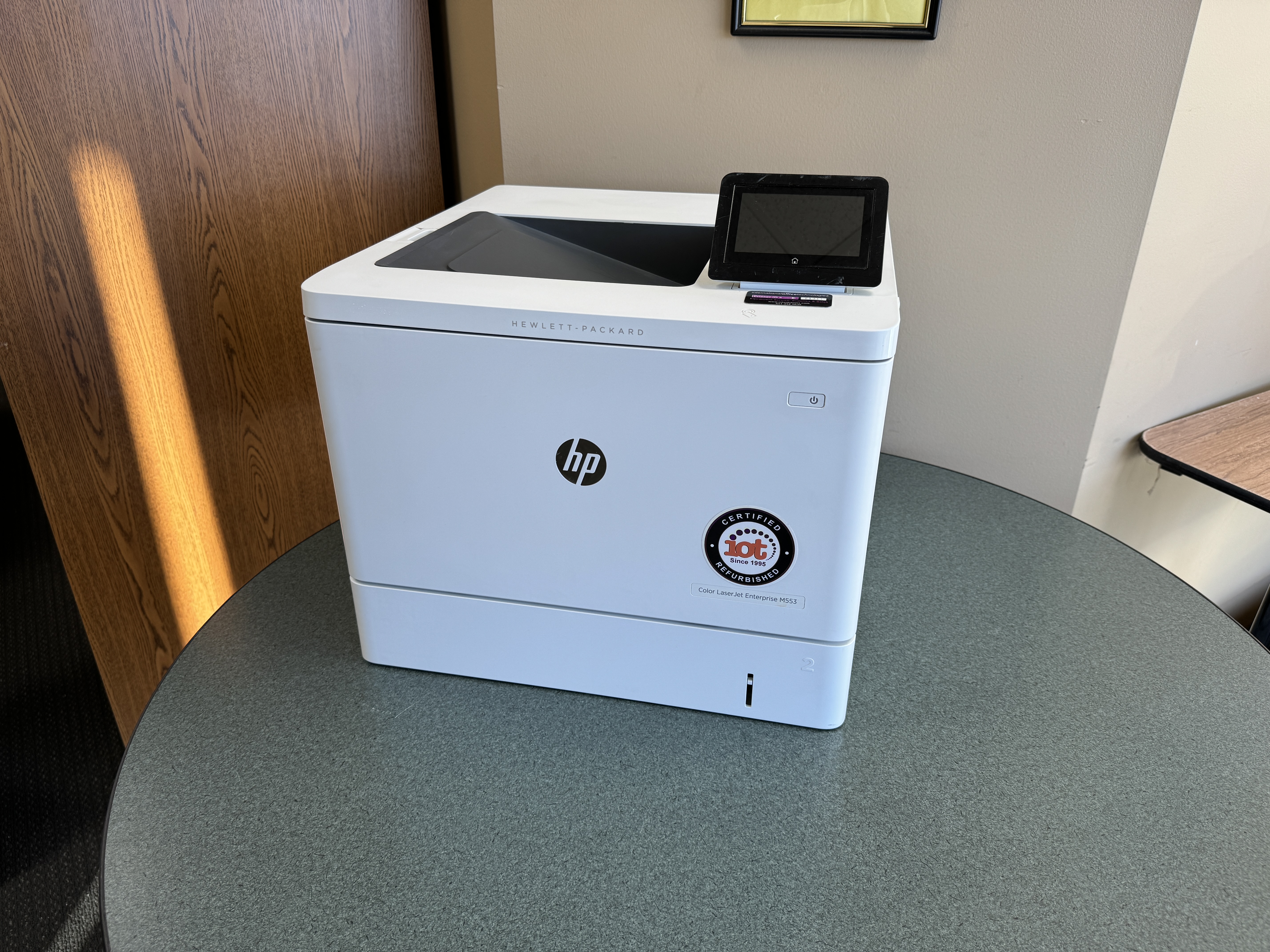
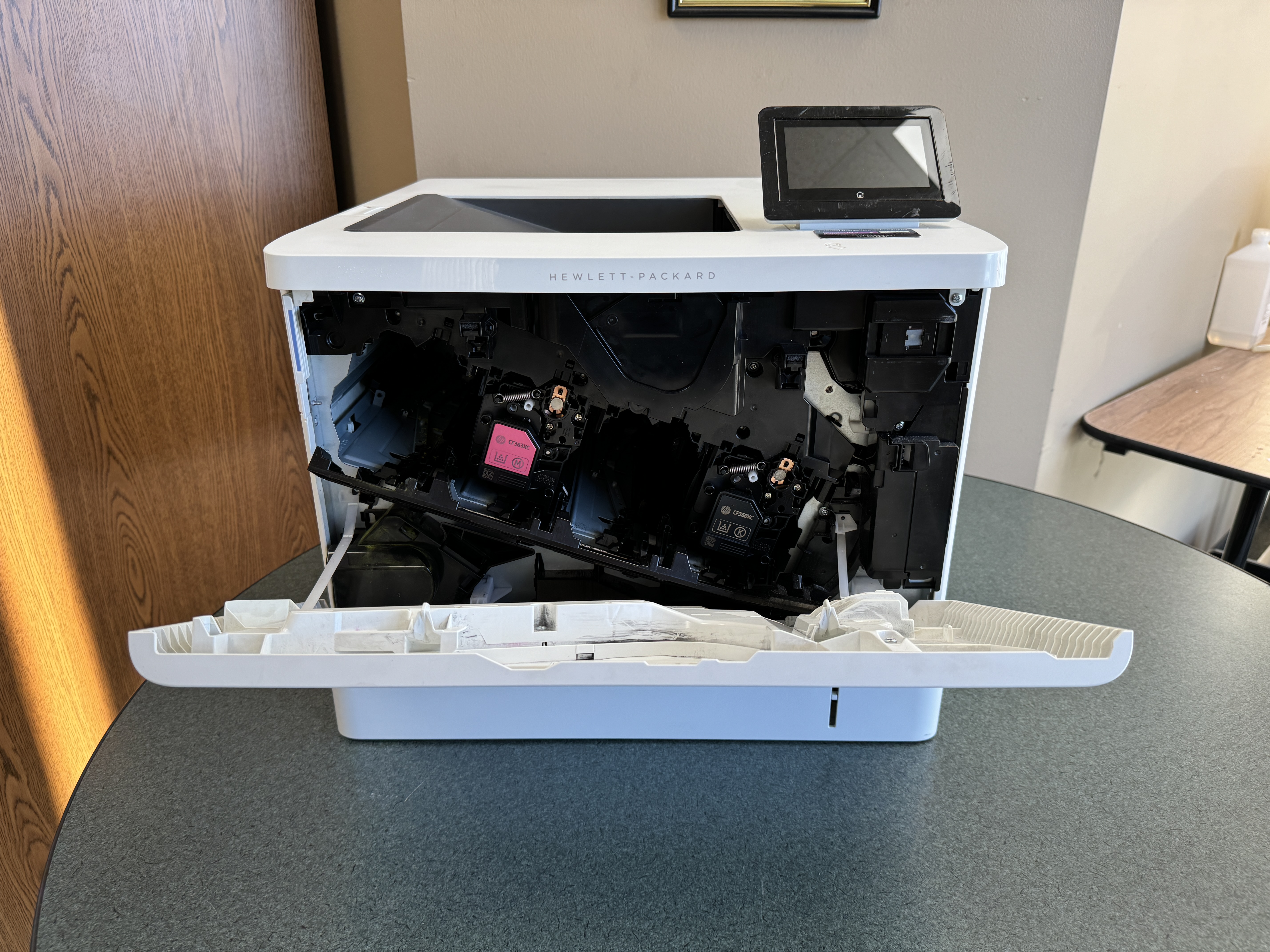
Color LaserJet Enterprise M553DN |
HP |
Color Laser |
35 |
100,000 |
Advanced security features, mobile printing |
|
bizhub C458 |
Konica Minolta |
Color Laser |
45 |
150,000 |
High-volume printing, finishing options |
|
WorkCentre 6515 |
Xerox |
Color Laser |
28 |
80,000 |
Cloud connectivity, multi-function capabilities |
Features to Look For in a Color Laser Printer
When you pick a color laser printer, focus on the features that fit your business needs. Think about multifunction printers that can print, scan, copy, and fax all in one. This helps save space and boosts productivity. Wireless printer choices give flexibility. They let employees print from different devices easily. Check the print resolution. You want it to produce crisp text and bright images for high-quality documents. Choose a printer with a simple control panel. This makes it easy to use and cuts down training time, improving the user experience.
Recommended Brands and Models for Various Business Sizes
Small Businesses: If you have a small business or a startup, the HP LaserJet Pro series is a great choice. It offers good performance at a fair price. Another good option is the Canon ImageClass series, known for its compact design and efficient printing.
Medium-Sized Businesses: Medium-sized businesses will find strong printers in the HP LaserJet Enterprise and Lexmark CS series. These printers are faster, can handle more prints each month, and have features that support larger workloads.
Large Enterprises: For large companies with high printing needs, the Xerox WorkCentre and Konica Minolta bizhub series are ideal. They can print a lot, come with advanced finishing options, and have strong security features. This helps make document management easier and keeps sensitive information safe.
The Leasing Process Explained
Navigating the printer leasing process may seem tricky, but it is usually simple, especially when you have the right help. By knowing the steps, from your first question to the last agreement, you can have a better experience. When you know what to expect at each stage, you can make smart choices and get the best lease terms for your printer.
Step-by-Step Guide to Leasing a Printer
- Identify Your Printing Needs: Think about how much you need to print, the features you want, and your budget.
- Research and Select a Supplier: Look into good printer leasing companies in Minneapolis-St. Paul. Compare what they offer and their lease terms.
- Request an Instant Quote: Reach out to your chosen supplier. Share what you need to get a lease quote made just for you.
- Review and Negotiate the Lease Agreement: Go through the lease terms carefully. Check the duration, monthly payments, and any extra fees or penalties.
- Finalize the Agreement and Schedule Delivery: When you’re happy with the lease terms, sign the agreement. Plan for the delivery and setup of the printer.
Documentation and Agreements: What to Expect
When you look over the lease agreement, focus on important details. Make sure to check the lease term. This is usually between 12 to 60 months. The agreement should say how much you need to pay every month, any upfront costs, and fees if you go over the agreed print volume. Understand the rules about technical support and make sure the lease includes regular maintenance and repairs. Pay close attention to what happens if you want to end the lease early. Also, look for options to buy the equipment or upgrade to a newer model while the lease is still active. By carefully checking these parts, you can lower risks and feel confident about entering the agreement.
Maintenance and Support Services
Ask about the maintenance and support services that come with the lease. Good leasing companies usually provide complete packages. These often include regular maintenance, help with problems, and quick on-site repairs. These services help your printer work well, cut down on downtime, and keep a quality office. A dependable support system is key to getting the most out of your printer. It also protects your investment by taking care of any issues before they become serious.

Conclusion
Leasing a color laser printer can be a smart choice for businesses in Minneapolis-St. Paul. It gives you flexibility and can be more cost-effective for your printing needs. To make a good choice, it’s important to know the benefits, factors to think about, and the best models. By looking closely at what you need and comparing lease deals, you can get the best printing setup. If you take care of your leased printer and get good support, it can help you work more efficiently. Keep in mind that picking the right lease term should match your business goals and budget. Stay updated, make wise deals, and check out end-of-lease options to have a smooth printing experience.
Frequently Asked Questions
What Are the Long-Term Costs Associated with Leasing?
Long-term costs cover the monthly lease payments during your contract. You may also have extra costs for toner replacement, based on your agreement. There might also be fees if you go over the page volume or the ppm limit.
Can I Upgrade My Printer During the Lease Term?
Many leasing companies let you upgrade your printer while you have the lease. This can help you use newer models that have better features. It also lets you make changes based on your business needs. You can add multifunction accessories, fax options, or improve your USB connectivity.
How Does Printer Leasing Impact Tax Deductions?
Printer leasing can have tax benefits. Depending on where you are and the terms of your lease, you might deduct your lease payments as business costs. It is a good idea to talk to a tax expert. They can give you an overview of how printer leases can affect your taxes. This is important, especially if you are looking at ethernet connectivity and dpi capabilities.
What Happens If the Printer Needs Repairs or Maintenance?
Reputable leasing companies usually include maintenance and repair services in their lease agreements. When your printer has a problem or needs regular maintenance, they take care of repairs quickly and well. This helps to reduce downtime and keeps your copying, connectivity, and email running smoothly.
Is There an Option to Buy the Printer at the End of the Lease?
Many lease agreements come with a buyout option. This means you can buy the printer once the lease ends. The buyout details, like the price you need to pay, are usually in the original lease agreement. This may include features like wireless connectivity, duplex printing, or ink usage.
https://goo.gl/maps/8VArppqyxwzBAikj9
Tips for Negotiating Your Lease Terms
Don’t be afraid to discuss important points like the lease length, monthly costs, and any extra fees. Check what others are offering to help you in your talks. Make sure to state your needs about paper use, page volume, and fax features to get the best deal.
Understanding Your Leverage
Knowing your leverage can help you get a better lease agreement. Things like your credit score, lease length, business size, and the type of print technology and speed you want (like USB) can all affect negotiations. This is especially important for small offices, especially when looking at advanced models such as the Laserjet Ent.
Key Terms to Negotiate in Your Lease
Negotiate the main lease terms. This includes the monthly payment, the length of the lease, options for upgrading or buying, and terms for ending the lease early. By clarifying these details at the start, you can create a good agreement that fits your business needs. This is important, especially if you need multifunction capabilities or if your monthly duty cycle changes.
Preparing for End-of-Lease Options
Know the end-of-lease choices in your agreement. These could include returning the printer, renewing your lease, or buying it. Understanding these options and following the return steps in the cookie information policy can help you transition smoothly and skip extra fees. Think about things like paper use, how well the multipurpose tray works, and keeping the text crisp.