

Key Highlights
- Boost productivity and streamline workflow with the convenience of multifunction printers.
- Find the perfect printing solution tailored to your business needs, budget, and printing volume.
- Explore key features such as print speed, quality, connectivity options, and security features.
- Discover top budget-friendly picks and high-performance models from leading brands.
- Make an informed decision for your Minneapolis-St. Paul office with our comprehensive guide.
Introduction
In today’s busy business world, a good printing solution is very important for every office. Multifunction printers are now essential tools, with features that go beyond just printing. These devices combine the functions of a printer, scanner, and copier, making them a solid investment for small businesses looking to maximize their resources. This blog will help you understand what to look for when selecting a multifunction printer and share top picks for your office setup in Minneapolis-St. Paul.
Key Features to Consider When Choosing a Multifunction Printer
Before looking at specific printer models, it’s important to know the main features of multifunction printers. First, check your printing needs. Think about how much you print each month, the quality you want, and if you need color printing or just black and white. Also, look at the types of documents you work with often, like presentations, spreadsheets, or marketing materials.
Next, consider the size of your office and how many people will use the printer. A smaller team might only need a compact model, but a bigger office may require a stronger printer with more paper space and faster print speeds. By keeping these factors in mind, you can narrow down your choices and find a printer that meets your needs.

Print Speed and Quality Essentials for Minneapolis-St. Paul Offices
Print speed and quality are very important for businesses in Minneapolis-St. Paul. Fast and efficient printing is key. Print speed is shown as pages per minute (PPM). It can change based on whether you print text documents or files with lots of graphics. If your office prints many pages, choose a printer with a higher PPM to prevent slowdowns.
Print quality is just as important, measured in dots per inch (DPI). A higher DPI gives clearer images and better text. For businesses like marketing agencies or design studios that need bright and detailed prints, find printers with a DPI of at least 1200. For regular document printing, a DPI of 600 is usually enough for clear imaging.
Keep in mind that print speed and quality depend on the type of printing technology used. Inkjet printers are great for high-quality color printing. Meanwhile, laser printers are better for speed and efficiency when printing a lot of text.
Connectivity Options for Efficient Workflow
Seamless connectivity is important for modern offices to improve workflow. Here are some connectivity options to think about when choosing a multifunction printer:
- Wireless Connectivity: Wi-Fi lets users print from laptops, smartphones, and tablets without needing any cables.
- Ethernet Connectivity: For a reliable wired connection, the printer should have an Ethernet port to connect to your office network.
- USB Connectivity: A USB connection is useful for quick printing from one computer.
- Cloud Printing and Email Printing: Some printers support cloud and email printing. This allows you to send documents to print from almost anywhere.
By understanding your office’s connectivity needs, you can find a multifunction printer that fits well into your setup. This will help increase productivity and teamwork.
Best Multifunction Printers for Small to Medium Businesses in Minneapolis-St. Paul
Now that you know the main features, let’s explore some of the best multifunction printers for businesses in Minneapolis-St. Paul. We have sorted the options into two groups: affordable choices and high-performance models for larger businesses.
Whether you are a small startup seeking a budget-friendly and dependable printer or a more established company needing advanced features and the ability to grow, you will find a printer that fits your needs and budget.
Top Budget-Friendly Picks
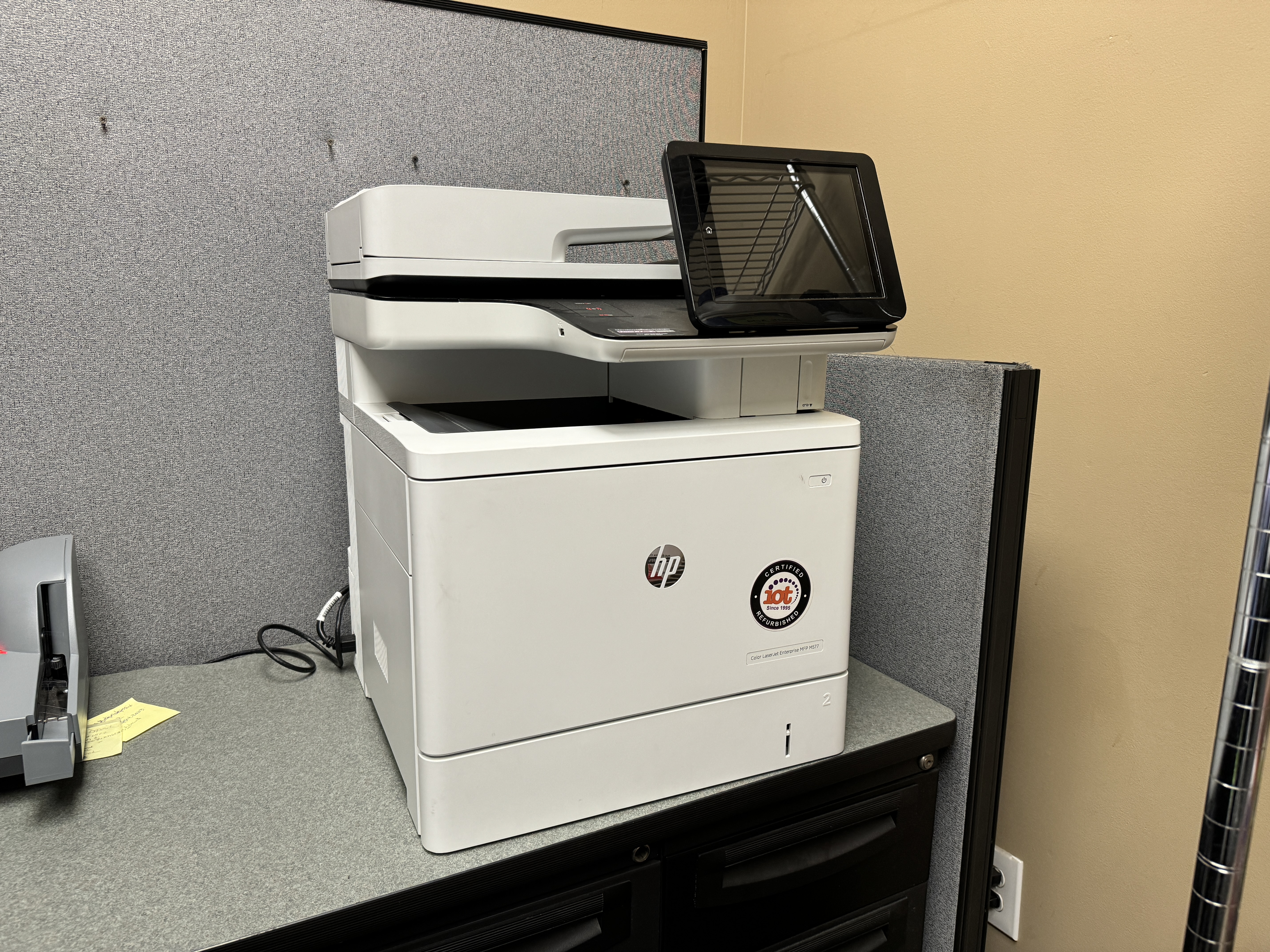
For businesses that need to save money, finding a multifunction printer that is both affordable and performs well is very important. Here are a few good choices:
- Brother MFC-J995DW: This inkjet printer is a great value. It has low running costs and many useful features. You will enjoy great print quality and can print wirelessly, which is very convenient.
- HP OfficeJet Pro 9025e: This printer is also a strong option for those on a budget. The HP OfficeJet Pro 9025e prints quickly, has an easy-to-use touchscreen, and comes with a reliable automatic document feeder (ADF).
- Canon PIXMA TR8620: This printer is well-known for its great photo printing. The Canon PIXMA TR8620 also works well as an all-in-one printer. It has many ways to connect and a small design, perfect for tight spaces.
When you pick a budget printer, you should think about the full cost over time. Remember to consider the price of ink or toner cartridges and ask about extended warranty plans.
https://blog.drupa.com/de/leap-towards-efficiency-canons-new-uv-gel-ink/
High-Performance Models for Growing Businesses
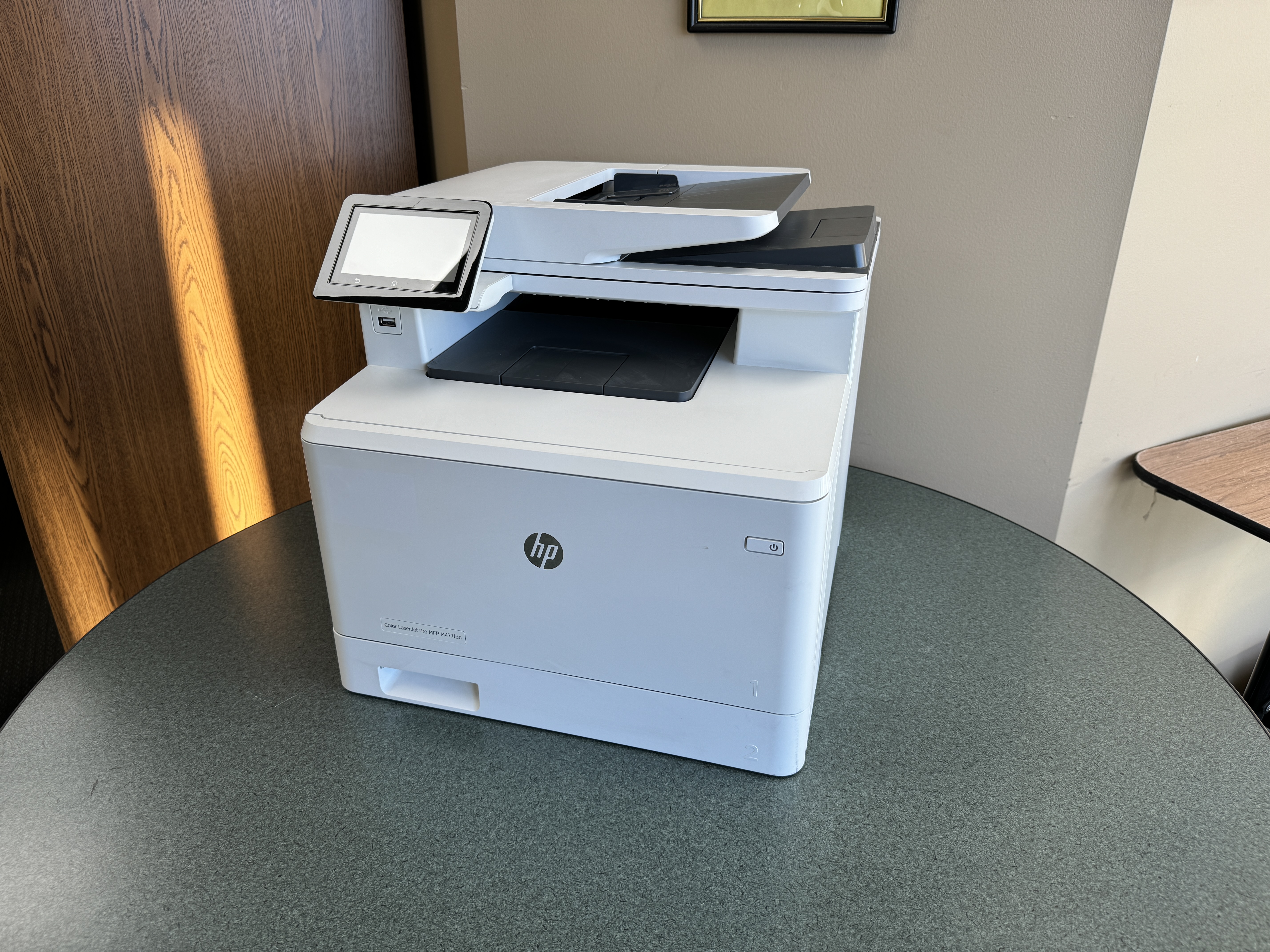
As your Minneapolis-St. Paul business grows, your printing needs are likely to evolve as well. Investing in a high-performance multifunction printer can provide the speed, capacity, and advanced features necessary to keep pace with your expanding operations. Consider these powerhouse options:
|
Printer Model |
Key Features |
Ideal for |
|
Epson WorkForce Pro WF-4830 |
Fast print speeds, duplex printing, 500-sheet paper capacity, advanced security features |
Medium-sized workgroups with high printing demands |
|
HP LaserJet Pro MFP M428fdw |
Black-and-white laser printing, automatic document feeder, high-speed scanning, mobile printing |
Businesses prioritizing fast, efficient document printing |
|
Canon imageCLASS MF746Cdw |
Color laser printing, high-resolution scanning, intuitive touchscreen interface, wireless connectivity |
Offices requiring vibrant color printing and versatile features |
These high-performance printers offer advanced features such as duplex printing, large paper capacities, and comprehensive security features to protect sensitive information. They are ideal for businesses with high printing volumes, demanding workflows, and a need for robust functionality.
Conclusion
When choosing a multifunction printer for your office, think about key features like print speed, quality, and connection options. In Minneapolis-St. Paul, many good choices fit different budgets. These range from affordable to high-performance models that suit small to medium businesses. Picking the right printer can improve how smoothly work gets done in your office. Make sure to decide based on what you truly need to make your printing solutions work well for your business.


