
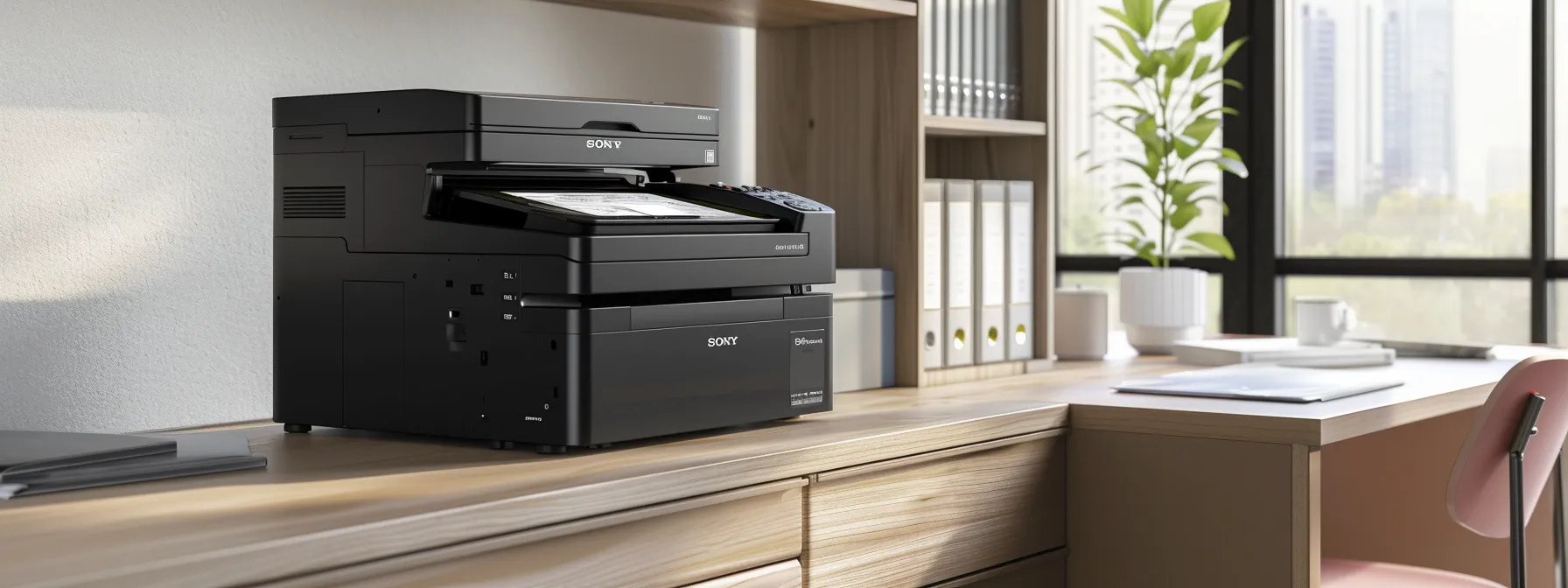
Complete Guide to Key Features of Small Business Copiers
Choosing the right copier for a small business can be challenging. With options ranging from laser to inkjet printing, understanding the essential features is crucial. This guide will explore key aspects such as advanced technologies that enhance performance, budgeting for your copier lease, and the importance of a document management system. By addressing these points, readers will gain insights into selecting a Kyocera copier that meets their specific needs, ultimately improving efficiency and productivity in their operations.
Key Takeaways
- Assess daily copying volume to select the most efficient copier for your business needs
- Identify essential features to ensure the copier meets specific operational requirements
- Consider office space and layout for optimal placement of the copier
- Anticipate future growth to choose a copier that can scale with your business
- Evaluate total cost of ownership, including maintenance and supplies, for effective budgeting
Understanding the Needs of Your Small Business Copier

Understanding the needs of a small business copier involves several key considerations. First, assessing daily copying volume helps determine the right machine for efficiency and cost-effectiveness. Identifying necessary functions and features ensures the copier meets organizational demands. Additionally, considering office space and layout is crucial for optimal placement. Finally, anticipating future growth and scalability can influence the total cost of ownership and overall price.
Assessing Your Daily Copying Volume
Assessing daily copying volume is essential for selecting the right copier for a small business. For instance, businesses that frequently use a Ricoh copier may require a model equipped with an automatic document feeder to streamline operations. Understanding the volume helps determine the necessary resolution, measured in dots per inch, ensuring that the output quality meets professional standards while also considering user interface preferences for ease of use and efficiency in managing tasks, including sending documents via email address.
Identifying Necessary Functions and Features
Identifying necessary functions and features is crucial for small businesses when selecting a copier. For example, a customer may prioritize color printing capabilities for marketing materials, while others might prefer models utilizing inkjet technology for high-quality images. Additionally, understanding the differences between toner and inkjet options, such as those offered by Lexmark, can help businesses choose a machine that aligns with their specific needs and budget, ensuring efficient operation and cost-effectiveness.
Considering Office Space and Layout
Considering office space and layout is vital when selecting a copier for a small business. For instance, a compact Epson model may be ideal for limited spaces, while larger units with features like duplex printing and hole punch capabilities can enhance workflow efficiency in more spacious environments. Additionally, planning for scalability ensures that the chosen copier can accommodate future growth, allowing businesses to adapt without needing to replace equipment prematurely.
Anticipating Future Growth and Scalability
Anticipating future growth and scalability is essential for small businesses when selecting a copier. As companies expand, the need for enhanced accessibility and features such as mobile device integration and ethernet connectivity becomes critical. Implementing access control measures can also ensure that sensitive documents remain secure, catering to the evolving demands of consumers and the business environment.
- Assess daily copying volume to determine the right machine.
- Identify necessary functions and features for specific business needs.
- Consider office space and layout for optimal copier placement.
- Anticipate future growth and scalability to accommodate changing demands.
Now that the needs of your small business are clear, it’s time to focus on what features will serve those needs best. Understanding these essential features will guide you in choosing the right copier for your business.
Essential Features to Look for in a Small Business Copier

When selecting a small business copier, several essential features significantly impact productivity. Print and copy speed requirements are crucial for meeting daily demands. Multifunction capabilities, including print, scan, and fax, enhance versatility. Paper handling and capacity options ensure efficiency, while connectivity and networking essentials facilitate seamless integration. A user-friendly interface and controls simplify operation, making the machine accessible for all staff members.
Print and Copy Speed Requirements
Print and copy speed requirements are critical factors for small businesses when selecting a copier. A machine that offers high-speed printing can significantly enhance productivity, allowing employees to complete tasks efficiently without long wait times. Additionally, features such as optical character recognition can streamline document processing, while a user-friendly interface ensures that all staff members can operate the copier with ease, maintaining data security and confidentiality throughout the ownership of the device.
Multifunction Capabilities (Print, Scan, Fax)
Multifunction capabilities in a small business photocopier, such as those offered by Toshiba, are essential for enhancing productivity and efficiency. These machines typically combine printing, scanning, and faxing functions, allowing businesses to streamline their operations and reduce the need for multiple devices. A user-friendly touchscreen interface simplifies navigation, making it easy for staff to access features like high-quality graphics printing and energy-saving modes, ultimately supporting the diverse needs of a modern office environment.
Paper Handling and Capacity Options
Paper handling and capacity options are critical considerations for small businesses when selecting a copier. A machine that supports various paper sizes and types, such as the HP LaserJet, can enhance flexibility in printing tasks. Additionally, features like automatic duplexing and high-capacity toner cartridges contribute to sustainability by reducing paper waste and the frequency of cartridge replacements, aligning with modern cloud computing practices and the need for efficient document management.
Connectivity and Networking Essentials
Connectivity and networking essentials are vital for small business copiers, as they enable seamless integration into the office environment. A copier that supports wireless connections allows employees to print from various devices without being tethered to a specific location, enhancing productivity. Additionally, features such as cloud computing integration can facilitate environmentally friendly practices by reducing paper waste, while ensuring that the copier can handle the expected duty cycle without compromising performance. Businesses should also consider service contracts that cover ink and maintenance to minimize downtime and ensure consistent operation.
User-Friendly Interface and Controls
A user-friendly interface and controls are essential for small business copiers, as they directly impact productivity and ease of use. Copiers from reputable brands like Xerox often feature intuitive touchscreens that simplify navigation, allowing users to quickly access functions such as faxing and adjusting paper size settings. Additionally, compatibility with various operating systems ensures that employees can seamlessly integrate the copier into their workflow, minimizing training time and enhancing overall efficiency.
- Intuitive touchscreens for easy navigation.
- Quick access to functions like faxing.
- Compatibility with various operating systems.
- Adjustable settings for different paper sizes.
Choosing the right features for a small business copier is just the beginning. Advanced technologies are now pushing the limits of what these machines can do, promising better performance and efficiency.
Advanced Technologies Enhancing Copier Performance

Advanced technologies play a crucial role in enhancing the performance of small business copiers. Wireless and mobile printing solutions enable seamless connectivity within a wireless network, while robust security features protect sensitive information through authentication measures. Energy efficiency and sustainability initiatives reduce operational costs, and integration with cloud services facilitates easy access to documents. Additionally, remote monitoring and management tools ensure optimal performance and maintenance of copiers, supporting high-volume printing needs.
Wireless and Mobile Printing Solutions
Wireless and mobile printing solutions are essential features for copiers for small business, as they enhance flexibility and productivity in the workplace. These technologies allow employees to print documents directly from their smartphones or tablets, streamlining workflows and reducing the need for physical connections. Additionally, incorporating encryption measures ensures that sensitive information remains secure during transmission, providing peace of mind for businesses concerned about data protection. A reliable warranty on these advanced features can further safeguard investments, ensuring that businesses can maintain optimal performance without unexpected costs.
- Enhances flexibility and productivity.
- Allows printing from smartphones and tablets.
- Incorporates encryption for data security.
- Offers warranty for advanced features.
Security Features Protecting Sensitive Information
Security features are essential for protecting sensitive information in small business copiers. Advanced technologies such as user authentication, data encryption, and secure print options help safeguard confidential documents from unauthorized access. For instance, copiers equipped with user authentication require employees to enter a PIN before accessing print jobs, ensuring that sensitive materials are only viewed by authorized personnel.
- User authentication to restrict access to sensitive documents.
- Data encryption to protect information during transmission.
- Secure print options that require a PIN for document retrieval.
Energy Efficiency and Sustainability
Energy efficiency and sustainability are critical considerations for small business copiers, as they directly impact operational costs and environmental responsibility. Many modern copiers are designed with energy-saving features, such as automatic sleep modes and low-energy consumption during idle times, which help reduce electricity bills. Additionally, selecting copiers that support duplex printing minimizes paper usage, aligning with sustainable practices and contributing to a greener office environment.
Integration With Cloud Services
Integration with cloud services is a vital feature for small business copiers, as it enhances accessibility and collaboration. By allowing users to print directly from cloud storage platforms, businesses can streamline workflows and reduce the need for physical document handling. This capability not only improves efficiency but also supports remote work environments, enabling employees to access and print documents from anywhere, thus addressing the growing demand for flexibility in modern business operations.
Remote Monitoring and Management Tools
Remote monitoring and management tools are essential for small business copiers, as they enable proactive maintenance and performance tracking. These tools allow businesses to monitor copier usage, track supplies, and receive alerts for potential issues before they escalate, minimizing downtime. By leveraging these technologies, organizations can ensure their copiers operate efficiently, ultimately enhancing productivity and reducing operational costs.
Advanced technologies can boost copier performance, but they come with a price. Understanding the cost factors and budgeting for your copier is essential to make the right choice.
Cost Factors and Budgeting for Your Copier

Cost factors and budgeting for a small business copier involve several critical considerations. Comparing purchase and leasing options helps determine the most suitable financial approach. Understanding the total cost of ownership, including maintenance and supply expenses, is essential for accurate budgeting. Exploring financing and payment plans, along with assessing warranty and support services, ensures businesses make informed decisions that align with their operational needs.
Comparing Purchase and Leasing Options
When comparing purchase and leasing options for small business copiers, organizations must evaluate their financial flexibility and long-term needs. Purchasing a copier provides full ownership, which can be cost-effective over time, especially for businesses with high printing volumes. Conversely, leasing offers lower upfront costs and the ability to upgrade to newer models more frequently, making it an attractive option for companies that prioritize the latest technology and features.
- Evaluate financial flexibility and long-term needs.
- Purchasing offers full ownership and potential cost savings.
- Leasing provides lower upfront costs and easier upgrades.
Understanding Total Cost of Ownership
Understanding the total cost of ownership (TCO) for a small business copier is essential for effective budgeting and financial planning. TCO encompasses not only the initial purchase or leasing price but also ongoing expenses such as maintenance, supplies, and energy consumption. By evaluating these factors, businesses can make informed decisions that align with their operational needs and avoid unexpected costs down the line:
- Initial purchase or leasing costs.
- Maintenance and repair expenses.
- Supplies, including toner and paper.
- Energy consumption and efficiency.
Evaluating Maintenance and Supply Expenses
Evaluating maintenance and supply expenses is a critical aspect of budgeting for small business copiers. Businesses should consider the costs associated with regular maintenance, such as service contracts and repair fees, alongside the ongoing supply expenses for toner, paper, and other consumables. For instance, a company that frequently uses a high-volume copier may find that investing in high-capacity toner cartridges reduces the frequency of replacements, ultimately leading to cost savings over time:
Exploring Financing and Payment Plans
Exploring financing and payment plans is essential for small businesses when acquiring a copier. Many companies offer flexible leasing options that allow businesses to manage cash flow effectively while accessing the latest technology. For instance, a small business might choose a lease that includes maintenance and supplies, reducing unexpected costs and ensuring the copier remains operational without significant upfront investment.
Assessing Warranty and Support Services
Assessing warranty and support services is a critical step in budgeting for a small business copier. A comprehensive warranty can protect against unexpected repair costs, while robust support services ensure that any issues are addressed promptly, minimizing downtime. For example, businesses should look for service contracts that include regular maintenance checks and quick response times, as these features can significantly enhance the longevity and reliability of the copier, ultimately supporting operational efficiency.
Understanding costs is just the beginning. Next, it’s time to focus on how to keep your copier running smoothly for your small business.
Maintaining and Supporting Your Small Business Copier
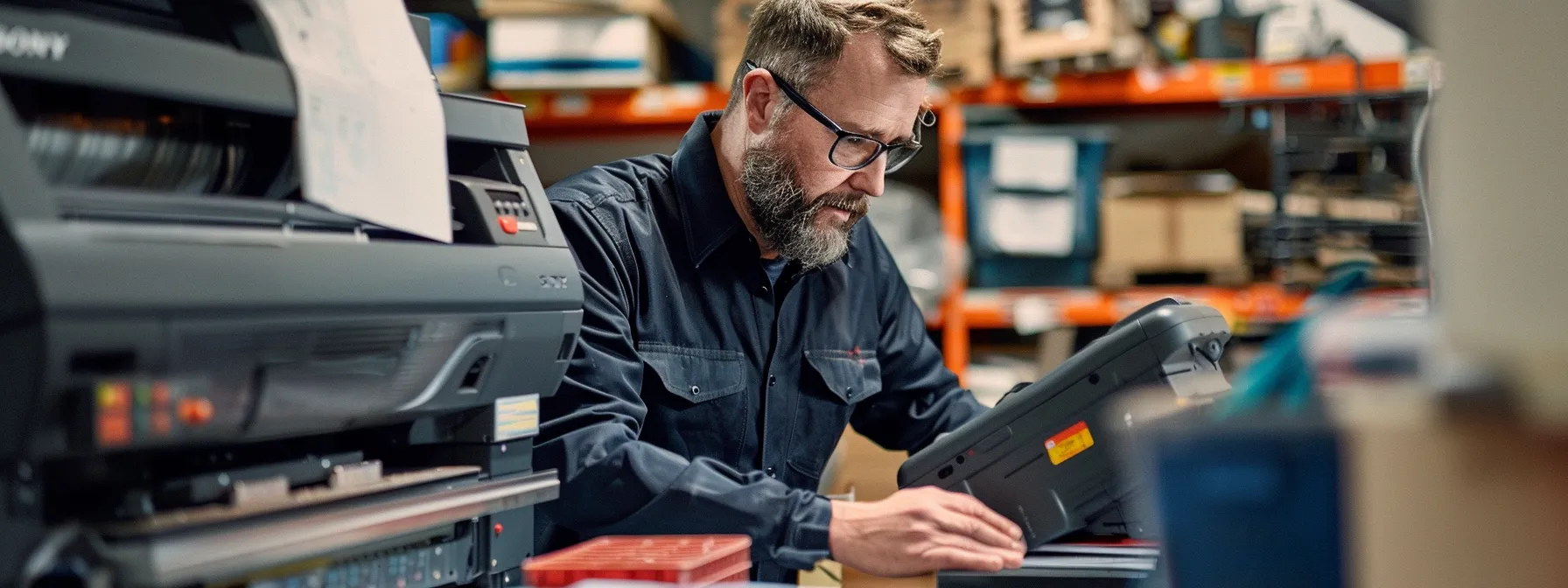
Maintaining and supporting a small business copier is essential for ensuring optimal performance and longevity. Scheduling regular maintenance checks helps prevent issues, while troubleshooting common copier problems can minimize downtime. Training employees on proper usage enhances efficiency, and accessing technical support provides valuable resources. Additionally, planning for upgrades and replacements ensures that the copier continues to meet evolving business needs.
Scheduling Regular Maintenance Checks
Scheduling regular maintenance checks for small business copiers is vital for ensuring optimal performance and longevity. By proactively addressing potential issues, businesses can minimize downtime and maintain productivity. For instance, routine inspections can identify wear and tear on components, allowing for timely repairs and replacements, which ultimately saves costs in the long run:
- Preventive maintenance helps avoid unexpected breakdowns.
- Regular checks can extend the lifespan of the copier.
- Timely repairs reduce operational disruptions.
Troubleshooting Common Copier Issues
Troubleshooting common copier issues is essential for maintaining productivity in a small business. Frequent problems such as paper jams, poor print quality, or connectivity issues can disrupt workflow and lead to frustration. For instance, if a copier frequently jams, checking the paper type and ensuring it is loaded correctly can often resolve the issue. Regularly cleaning the printer heads and ensuring that the firmware is up to date can also enhance performance and prevent many common problems.
Training Employees on Proper Usage
Training employees on proper usage of small business copiers is essential for maximizing efficiency and minimizing operational disruptions. By providing clear instructions on how to operate the copier, including features like duplex printing and scanning, businesses can ensure that staff members feel confident and capable. Regular training sessions can address common issues, such as paper jams or poor print quality, empowering employees to troubleshoot minor problems independently and maintain productivity.
Accessing Technical Support and Resources
Accessing technical support and resources is vital for small businesses to maintain their copiers effectively. Reliable support services can provide quick solutions to issues, ensuring minimal disruption to daily operations. For instance, having a dedicated support line or online resources can help employees troubleshoot problems like connectivity issues or print quality concerns, allowing them to resolve minor issues independently and keep productivity high.
Planning for Upgrades and Replacements
Planning for upgrades and replacements of small business copiers is essential for maintaining operational efficiency. As technology evolves, businesses should assess their current copier’s performance and features to determine if an upgrade is necessary. For instance, if a company frequently experiences downtime or lacks essential functionalities like mobile printing, it may be time to consider a newer model that better meets their needs, ensuring that productivity remains high and costs are kept in check.
A reliable copier is only as good as its fit for your business. Next, discover how to select the right copier that meets your needs and drives your success.
Choosing the Right Copier for Your Small Business

Choosing the right copier for a small business involves several critical steps. Researching brands and models helps identify reliable options, while reading reviews and testimonials provides insights into user experiences. Testing copiers through demonstrations allows businesses to assess functionality firsthand. Additionally, negotiating with vendors and suppliers can lead to favorable terms. Ultimately, making an informed decision based on specific needs ensures the selected copier aligns with operational requirements.
Researching Brands and Models
Researching brands and models is a crucial step for small businesses when selecting a copier that meets their specific needs. Companies should consider reputable brands known for reliability and service, such as Canon, HP, and Xerox, which offer a range of models tailored to different operational demands. By reading user reviews and comparing features, businesses can identify which copiers provide the best performance, efficiency, and support, ensuring they make an informed decision that aligns with their budget and workflow requirements.
Reading Reviews and Testimonials
Reading reviews and testimonials is a vital step for small businesses when selecting a copier. These insights provide real-world experiences from other users, highlighting the strengths and weaknesses of various models. By focusing on feedback regarding performance, reliability, and customer service, businesses can make informed decisions that align with their specific needs and avoid potential pitfalls.
Testing Copiers Through Demonstrations
Testing copiers through demonstrations is a critical step for small businesses in selecting the right machine. By engaging with a copier firsthand, businesses can evaluate essential features such as print quality, speed, and user interface. This practical experience allows decision-makers to assess how well the copier meets their specific operational needs, ensuring that the investment aligns with their workflow and productivity goals.
Negotiating With Vendors and Suppliers
Negotiating with vendors and suppliers is a critical step for small businesses when selecting the right copier. By understanding the specific needs of the organization, businesses can engage in discussions that lead to favorable terms, such as pricing, service agreements, and warranty options. For instance, a small business might leverage its status as a potential long-term customer to negotiate better maintenance packages or discounts on supplies, ensuring that the copier remains a cost-effective solution over time:
- Identify specific copier needs and features.
- Engage vendors with clear expectations.
- Negotiate pricing and service agreements.
- Leverage long-term customer potential for better deals.
Making an Informed Decision Based on Needs
Making an informed decision based on needs is crucial for small businesses when selecting a copier. By thoroughly evaluating specific requirements, such as print volume, desired features, and budget constraints, businesses can identify the most suitable model that aligns with their operational goals. For instance, a company that frequently produces marketing materials may prioritize color printing capabilities, while another may focus on high-speed copying to enhance productivity. Understanding these needs allows businesses to choose a copier that not only meets current demands but also supports future growth:
- Evaluate specific requirements like print volume and features.
- Consider budget constraints to find a suitable model.
- Prioritize features based on operational goals.
- Ensure the copier supports future growth and scalability.
Conclusion
Understanding the key features of small business copiers is essential for optimizing productivity and efficiency. By assessing daily copying volume, identifying necessary functions, and considering office space, businesses can select a copier that meets their specific needs. Additionally, evaluating cost factors and maintenance requirements ensures a sound investment that supports future growth. Ultimately, making informed decisions about copier features empowers small businesses to enhance their operations and achieve long-term success.