
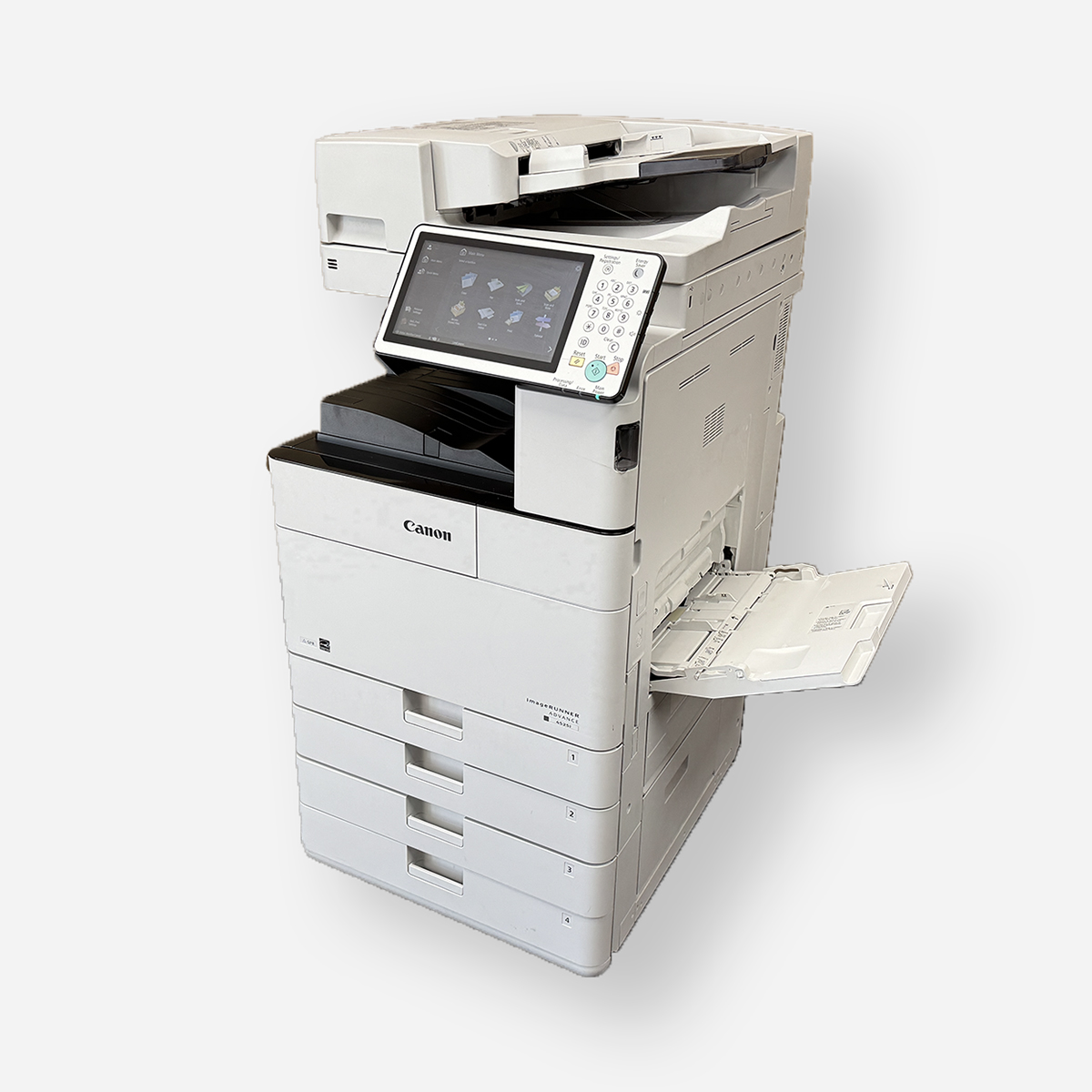
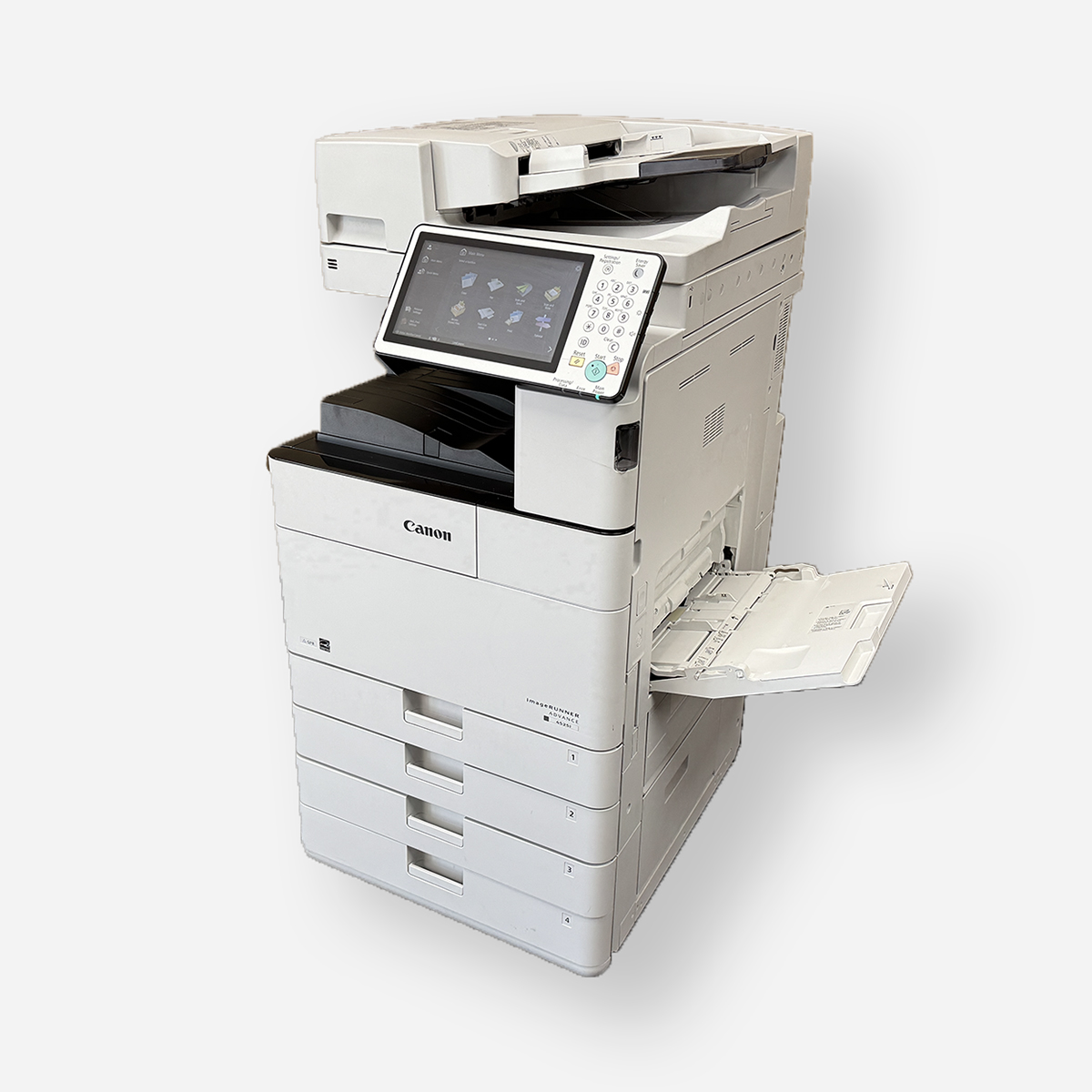
Key Highlights
- Explore the best commercial office printers for efficient and reliable printing in Minneapolis-St. Paul.
- Discover high-volume printers tailored for large-scale printing needs with enhanced paper handling capabilities.
- Find premier color printers ideal for producing professional-quality brochures and presentations with vibrant output.
- Consider compact printer solutions designed for small office spaces, offering convenience without compromising quality.
- Learn about eco-friendly printers promoting sustainability through features like duplex printing for reduced environmental impact.
- Understand the advanced features of modern office printers, including security enhancements, wireless printing, and smart integration options.
Introduction
Modern businesses in Minneapolis-St. Paul need effective and dependable printing solutions. Commercial office printers are key in keeping things running smoothly. They help with everything from vibrant color presentations to green options for sustainable practices. It’s important to understand the advanced features and new technology in today’s printers. This knowledge can boost your productivity. Choosing the right printer that fits your needs can greatly improve your workflow and help your business succeed. In this guide, we will look at the best commercial office printers for companies in the Minneapolis-St. Paul area.
Find the best commercial office printers from IOT Solutions
https://g.co/kgs/Tfu5XbC
Leading Commercial Office Printers for Your Minneapolis-St. Paul Business
When choosing the best office printers for your business in Minneapolis-St. Paul, you should focus on how efficient and reliable they are. These printers must handle a lot of printing without problems. This way, you can create professional-quality brochures and presentations. Look for compact designs that work well in small office spaces to make the most of your layout. Eco-friendly features are also important for being sustainable. Pay attention to printers with strong security, wireless capabilities, and easy integration with your business tools. This will give you a cost-effective and productive printing experience.

1. Best Overall Commercial Printer for Efficiency and Reliability
When you are looking for the best commercial printer that works well and is reliable, you should think about some important features. These include duplex printing functionality, fast printing speeds, and high-quality output. You need a printer with a large input capacity and a good duty cycle to efficiently manage the print volume in your office. A printer with wireless connectivity allows for more freedom in your workspace. Make sure the printer is made of durable parts for long-lasting use in a busy office. Brands like HP and Canon are known for their high-quality commercial printers that perform well, with the added benefit of fast printing speeds. Choosing a trusted brand can give you a solid printing solution for your business.
2. Top High-Volume Printer for Large Scale Printing Needs
When you need to meet big printing needs, the best office printers shine in producing a lot of prints. These strong machines can easily take care of heavy printing tasks quickly and accurately, making them the perfect fit for a medium or large office. Businesses in Minneapolis-St. Paul often choose printers that have a high duty cycle and large input capacity to keep up with their daily printing needs. The top high-volume printers, such as the LBP674Cdw, provide steady output quality and are ideal for large office settings, capable of printing pages up to supertabloid size (13 by 19 inches). For companies that want to boost productivity and improve workflow, investing in these powerful printers is a smart move. New ideas in this area keep changing what these printers can do, giving excellent solutions for tough printing tasks.
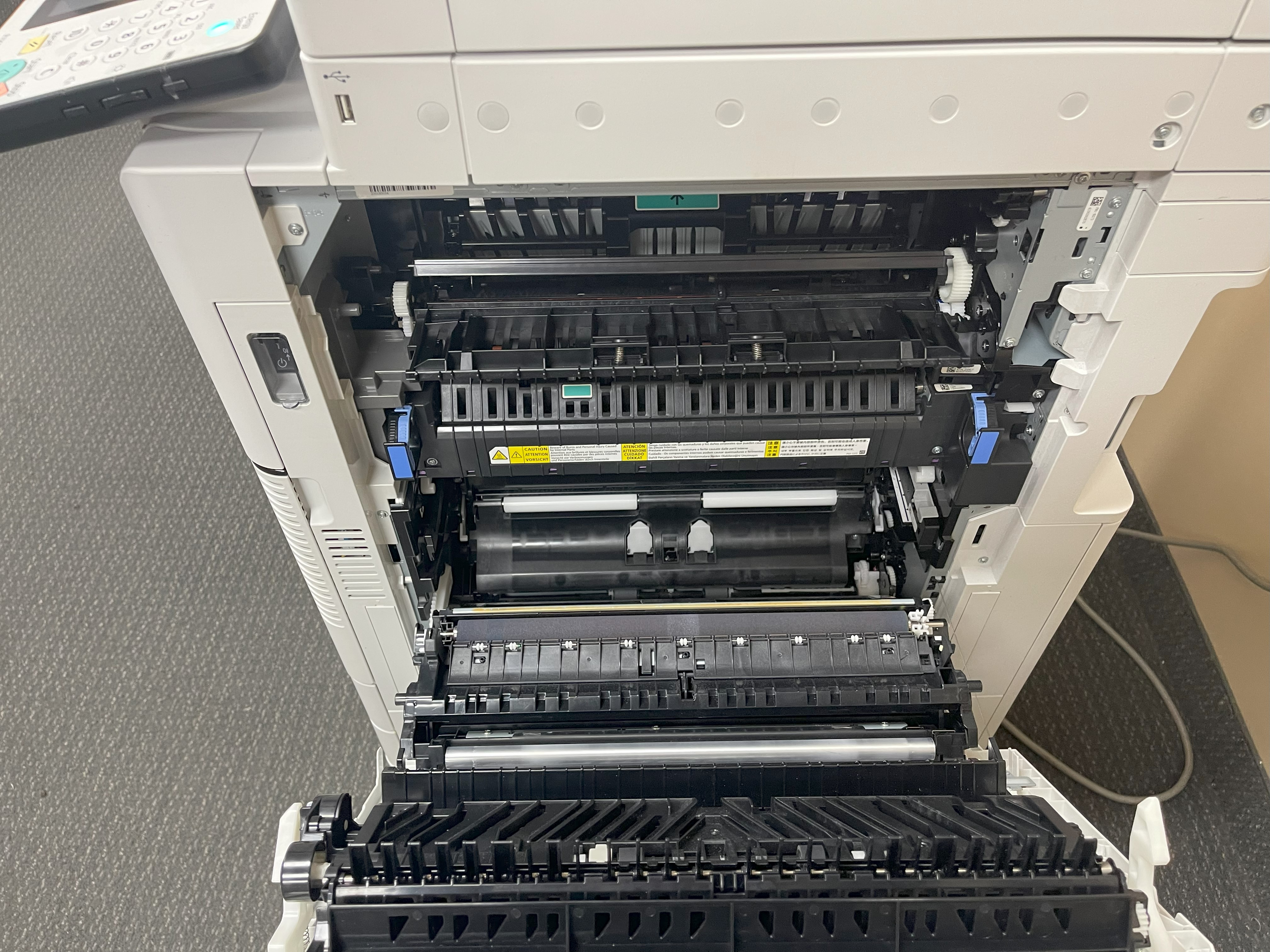
3. Premier Color Printer for Professional-Quality Brochures and Presentations
When you want to show off great-looking brochures and presentations, it’s very important to choose a good color printer. These printers provide high-quality prints, especially for color pages, which makes your marketing materials more impressive. With features like duplex printing and high-resolution prints, your brochures, flyers, and presentations will really grab attention. Look for printers that have great color accuracy and can handle different paper sizes for all your printing needs. By investing in a quality color printer, you can leave a lasting impact with every document you make.
4. Optimal Printer for Small Spaces: Compact Solutions for Minneapolis-St. Paul Offices
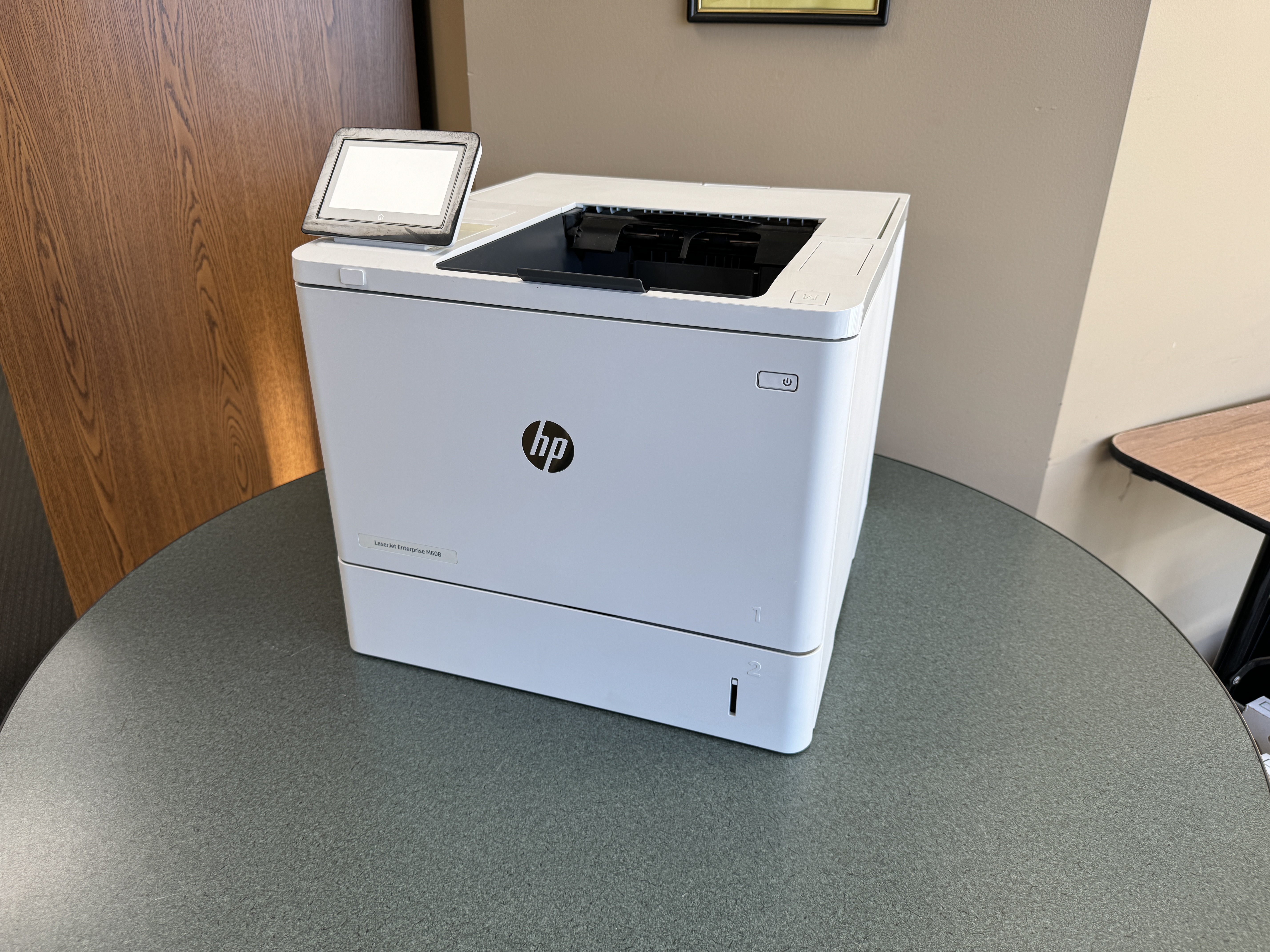
When choosing printers for small offices in Minneapolis-St. Paul, a compact design is very important. Pick printers that take up little space but still work well, such as the mono printer. Look for features like duplex printing and wireless connectivity to make the most of tight areas. It’s also smart to select printers with a high input capacity. This will help cut down the need to refill paper often. Compact printers that provide good quality prints and last a long time are perfect for small offices. They help your operations run smoothly without losing performance. Make your office setup better with a space-saving printer that works well in a small workspace.
5. Eco-Friendly Printers: Sustainable Choices for Environmentally Conscious Businesses
In today’s world, many people care about the environment. Because of this, eco-friendly printers are important for businesses that want to lower their carbon footprint. These printers use less energy and have features like duplex printing, which saves paper. They also use optimized toner to help reduce waste. By choosing eco-friendly printers, businesses in Minneapolis-St. Paul can meet their printing needs while supporting the planet. Make a smart choice for sustainability with eco-friendly printers that help your business be responsible for the environment. Select wisely for a better tomorrow.

https://www.shop.xerox.com/versalink-b625
https://www.shop.xerox.com/xerox-c235
https://www.shop.xerox.com/xerox-c310
https://www.shop.xerox.com/versalink-c7000
Advanced Features of Modern Office Printers
Cutting-edge office printers come with many modern features for today’s businesses. They have strong security protocols to protect private printouts and keep your data safe. With options for wireless and remote printing, you can work flexibly in different environments. Smart integration helps these printers connect easily to your network. Knowing the total cost of ownership helps you find cost-effective printing choices, including color printing and vibrant images and graphics. These business printers are also designed for durability, high-speed printing, and great output quality, fitting the needs of a professional workplace. Stay ahead with printers that do more than just print. They also help improve your business operations.
Cutting-edge Security Features for Confidential Documents
Office printers today have new features for better data security. They include encryption to keep information safe while it is being sent. Printers may also have secure print options. This means users must log in to print sensitive documents. Some printers come with safe hard drives that encrypt stored data. There are smart access controls to stop unauthorized people from using them. Secure erase functions delete leftover data, ensuring it can’t be recovered. These security steps are essential for businesses in Minneapolis-St. Paul that deal with sensitive information. They help keep confidential documents safe and give peace of mind.
https://www.laboratoirertings.com/carrieres
https://www.laboratoirertings.com/revente-de-produits
Wireless and Remote Printing Capabilities for Flexible Work Environments
Modern office printers have wireless and remote printing features that are perfect for busy work settings. With wireless network connectivity, workers can easily print from different devices without needing to stand next to the printer. Remote printing gives users the ability to send their print jobs from anywhere, which boosts productivity in today’s quick-moving world. These features help teams work together smoothly and keep things running well, making them a must-have for businesses that want to keep up with changing work needs.
Smart Integration: How Printers Interface with Your Business Ecosystem
In today’s world of technology, smart integration is very important for connecting office printers with your business. It helps with easy connections to wireless networks and cloud services, making things more accessible and improving productivity. Printers can now support mobile printing from smartphones and tablets, which suits modern ways of working. Also, when printers integrate with your current software systems, it makes workflows smoother and more efficient. If you know how printers connect with your business, you can improve processes and raise printing standards in your company. Smart integration is the key to a successful and efficient office environment.
Cost-Effective Printing Solutions: Understanding Total Cost of Ownership
Investing in office printers means you need to understand the total cost of ownership (TCO). This includes more than just the purchase price. You should also think about ongoing expenses. These can include maintenance, ink or toner replacements, and paper costs.
Check the printer’s print speed, volume, and quality. Look at how these factors relate to its operational costs. The printer’s lifespan and possible repairs can help you see the full TCO.
Choose printers that use efficient ink, toner, and last long. This can save you money over time. Knowing the TCO helps you make smart choices. It allows you to balance high-quality output with cost-efficiency.

https://brother.pxf.io/c/221109/1546073/18036
Selecting the Right Printer for Your Minneapolis-St. Paul Business
Look at your business’s printing needs. Think about the amount you print, the quality you need, and how fast you want it done. Check if the printer works well with your current systems, including your laptop. This will help everything blend smoothly. Make sure your chosen printer can grow with your business, so you are ready for the future. Also, have good customer service and technical support available. This can help you avoid any issues. By considering these points, you can pick a printer that fits your business needs in Minneapolis-St. Paul well.
Assessing Your Business’s Printing Needs: Volume, Quality, and Speed
To assess your business’s printing needs well, think about how many documents you usually print. Also, consider the quality you want for your prints and how fast you need it to print. Knowing these things will help you choose a commercial office printer that fits your needs, whether it be for color or white documents. Checking the volume helps ensure that your printer can manage the work without any trouble. Focusing on quality makes sure your documents look professional. Speed is also important for keeping productivity high in your workspace, including scan speed for all-in-one printers. By looking at these factors, you can make a smart choice when buying a commercial office printer for your home office.

Compatibility with Existing Systems: Software and Hardware Considerations
When you choose a commercial office printer, it is very important to check if it works well with your current systems. You should see if the printer connects easily with the software and hardware you already use. Look for compatibility with operating systems like Windows, MacOS, or Linux. You also need to check how it works with your network for wireless printing. Make sure to consider connectivity options such as USB, Ethernet, or NFC. By understanding these software and hardware needs, you can make setup smooth and help your business in Minneapolis-St. Paul run better. Compatibility will help you have a smooth changeover and a more effective workflow, which boosts productivity and lowers technical problems.
The Importance of Scalability: Future-Proofing Your Office Equipment
Scalability is important for keeping your office equipment ready for the future. When your business grows, your printing needs will grow too. It’s essential that your printer can handle more demands without losing efficiency. Scalable printers make it easy to upgrade, which helps with larger workloads and changing technology needs. When you choose a scalable printing solution, you reduce the need to buy new printers often. This saves time and resources over time. Focusing on scalability helps your business remain flexible and competitive in an ever-changing market.
Customer Service and Technical Support: Ensuring Uninterrupted Operations
When you use commercial office printers, good customer service and technical support are very important. They help keep your printer working without issues in your business. If you have problems, quick help can solve them and help you use your printer better. Fast responses and expert support can lower downtime and boost productivity. When you choose a provider with strong customer service and technical support, you can be sure that your printing needs are handled well and quickly.
https://www.kyoceradocumentsolutions.eu/en/products/printers/ECOSYSP5021CDW.html
https://www.pntrs.com/t/1-8105-101987-8105
Tips for Maintaining Your Office Printer
Regular maintenance is very important to keep your office printer working well. Set up a consistent schedule for maintenance to get the best performance. Be quick to fix any problems to avoid downtime. Learn about common printer issues and solve them right away. Use good practices when operating your printer to make it last longer. Think about upgrading your printer when needed to keep up with new technology. By following these tips, you can improve how long and how well your printer works.
Regular Maintenance Schedule: Keeping Your Printer in Top Condition
Regular maintenance is very important to keep your printer running well. Set up a routine to clean the printheads, check for paper jams, and make sure the ink levels are good. Frequently check the paper tray and scanner bed for dust or debris. It’s a good idea to follow the manufacturer’s advice on when to do maintenance to avoid bad print quality. Also, think about getting professional help for more detailed cleaning. By sticking to a maintenance plan, you can make your printer last longer and ensure you get good output quality.
Troubleshooting Common Printer Issues: A Quick Guide
Printer issues can mess up your work, but knowing common problems can help you save time and avoid stress. First, check the connection and power sources. Clear any paper jams and make sure the paper is loaded right. Check that your drivers are current and that the ink cartridges are installed correctly. If your prints look streaky or faded, clean the printheads or change the ink cartridges. For problems that do not go away, look at the user manual, or get in touch with technical support. Regular care and fixing small problems can keep your office printer working well. Stay aware of these issues for a smooth workflow.
Optimizing Printer Usage: Best Practices for Minneapolis-St. Paul Businesses
- Regular upkeep is important for the best performance.
- Create a schedule to clean, inspect, and change parts as needed.
- Use eco-friendly methods like duplex printing to save paper and money.
- Change printer settings for quality and efficiency to fit your needs.
- Ask employees to follow printing rules to lessen mistakes and misuse.
- Look for features like wireless connectivity to print easily from different devices.
- Think about the printer’s duty cycle and capacity to prevent overworking it.
- Following these steps will improve productivity and help your office printer last longer.
Upgrading Your Printer: When to Consider a New Model
Regular changes in technology mean you may need to check your printer model. Here are some signs to look for:
- Poor print quality,
- Reduced efficiency,
- Difficulty handling your increased workload.
If your printer has trouble with new paper sizes or needs many repairs, you might need a new one. Also, if your business needs have changed and your printer does not have key features like duplex printing or wireless connectivity, it may be time to think about upgrading. A new printer could help you work better and make printing easier.
Case Studies: Successful Printer Integrations in Minneapolis-St. Paul Businesses
Many businesses in Minneapolis-St. Paul have done very well by using the right printers. They have improved how efficiently small businesses work. They have also made operations smoother in bigger offices. Choosing the right printer can really change things for the better. Non-profits have seen great results by using printers smartly, too. These case studies show that picking the right office printers helps meet the needs of each business. This leads to real improvements in growth and productivity. New printing technology has clearly changed the printing world in Minneapolis-St. Paul.
Small Business Success Story: Enhancing Efficiency with the Right Printer
A small local consultancy in Minneapolis-St. Paul updated its printing equipment by getting the best office printers for their needs. They chose a compact design printer that prints quickly and has an automatic document feeder (ADF), making it an ideal choice for their busy workgroup. This improved how fast they could finish documents, especially with the added feature of single-pass duplex scanning. The duplex printing feature also helped cut down on paper waste, showing they care about the environment. The printer’s wireless connectivity lets staff print from anywhere, making them more productive. This smart upgrade made their work easier and showed their focus on being efficient and professional.
Corporate Office Transformation: Streamlining Operations with Advanced Printing Technology
Investing in new printing technology can change how offices work. It can make them more efficient and productive. By using features like duplex printing, which allows you to print on both sides of the paper, and wireless connectivity, businesses in Minneapolis-St. Paul can improve their printing processes. High-quality printouts, fast print speeds, and safe document handling are very important in office settings. Modern office printers come with large paper trays and automatic document feeders, making it easier to print on both sides of the paper and meet the needs of busy workplaces. Upgrading to better office printers can really help with workflow. This change can make operations smoother and more effective.
The Non-Profit Advantage: Maximizing Budget and Impact with Strategic Printer Use
Non-profits can use their resources better by choosing the right office printers. Picking printers that fit their budget and needs can help save money. Focusing on durability and efficient printing can make sure that every printed item is effective. Also, selecting printers with low total cost and high output quality can improve how well they work. This allows more money to go towards their main goals and helps spread the organization’s message better.
Future Trends in Commercial Office Printing
Innovations in office printing are about to change the way businesses work. There is a clear move towards using eco-friendly materials and methods. Also, the use of AI and machine learning is helping to create smarter printing tools. These tools will make printing more efficient and productive. As companies aim to be more responsible and improve their operations, these changes in office printing will raise the industry standards and boost business performance. Stay updated by following these new trends in office printing.
Innovations on the Horizon: What’s Next for Business Printing Solutions
AI and machine learning will change how businesses use printers. They will help with predictive maintenance and offer better customization. Sustainability will lead to using eco-friendly materials for printers, which will lessen harm to the environment. Better connectivity will ensure that printers work well with IoT devices, making workflows smoother. New security features will protect data in a more digital workspace. Automation will improve how printers handle different paper sizes and types, increasing flexibility. Future printers will focus on saving energy and cutting operational costs through new technology. To stay ahead, it is important to accept these trends in business printing.
The Shift Towards Sustainability: Eco-Friendly Materials and Practices
Eco-friendly materials and practices are now important for office printers used in businesses. Companies in Minneapolis-St. Paul are choosing sustainable options to lessen their environmental impact. They use recycled paper and energy-saving printing modes to focus on sustainability. Many companies are also looking into recycling programs for ink and toner cartridges to cut down waste. By adopting these eco-friendly habits, businesses not only support their responsibility to society but also help create a greener future for their offices.
Integrating AI and Machine Learning: The Next Level of Smart Printing
Integrating AI and machine learning is the best way to improve smart printing solutions. With these advanced technologies, office printers can change and optimize printing on their own. AI looks at printing patterns to make things more efficient and cut down on waste. Machine learning also adjusts print settings right away, so you get the best output quality. This mix not only makes workflows easier but also helps predict printing needs. It changes how businesses manage their documents. The future of office printers will be about smoothly combining artificial intelligence and machine learning.
Conclusion
In conclusion, choosing the right office printer for your business in Minneapolis-St. Paul is very important. You need to think about print volume, quality, and if it can grow with your needs. Look for new features like strong security, wireless printing, and smart connections. Don’t forget to look at the total cost, which includes maintenance and supplies. Regular care and quick upgrades are key for good performance. By using the newest printing technology that fits your business, you can improve efficiency and make your work easier. Make smart choices to keep up in the changing world of office printing.
Frequently Asked Questions
What types of printers are best for high-volume printing?
The best printers for high-volume printing are designed for large printing jobs. They work efficiently and reliably. These printers are fast and can keep up with heavy printing needs. This makes them perfect for businesses that print a lot.
How can businesses reduce printing costs without compromising on quality?
Businesses can save money on printing by using duplex printing. They can also use eco-friendly toner cartridges and managed print services. This helps keep the quality of their prints high while cutting costs. Smart use of paper and managing documents digitally also helps reduce spending. They can achieve this without giving up on print quality.
What security features should businesses look for in a commercial printer?
- Look for printers that have encryption, secure printing, and user authentication features.
- Make sure to protect data and stop unauthorized access.
- Audit trails and fleet management tools can boost security.
- Focus on devices with strong cybersecurity measures to keep sensitive information safe.
Can commercial printers be integrated with cloud services for remote printing?
Yes, commercial printers can easily work with cloud services. This allows users to print from anywhere. It makes printing more flexible and helps people get more done. Using cloud integration is a smart option for today’s businesses that want better printing solutions.