
Key Highlights
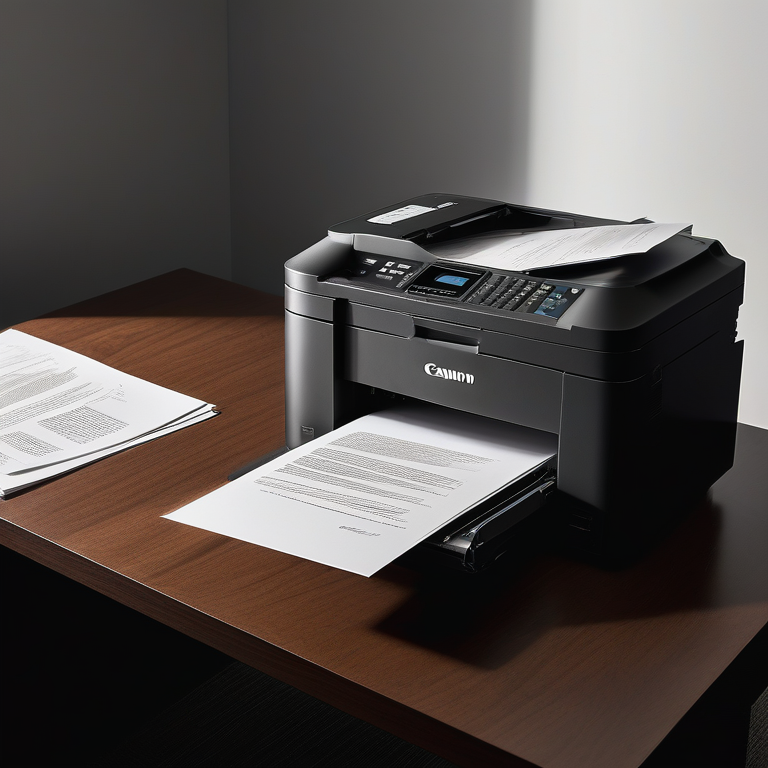
- Canon black and white copiers offer a balance of performance, reliability, and affordability for businesses of all sizes.
- From compact models for small offices to high-volume machines for large enterprises, Canon has a copier to meet specific document workflow needs.
- Key features to consider include print speed, image resolution, connectivity options, and advanced features like mobile printing and security functions.
- Canon is committed to sustainability, offering energy-efficient models and eco-friendly features.
- Comprehensive maintenance, support, and warranty options ensure the long-term performance and reliability of your Canon copier.
Introduction
In today’s busy business world, a good black and white copier is very important. Whether you own a small business in Minneapolis-St. Paul or run a big company with a lot of printing needs, Canon has many models to help you work better and faster. This guide will take you through Canon black and white copiers. It will give you the information needed to make a smart choice. We will discuss important features, the best models, and what to think about. We will also highlight how Canon is dedicated to quality and taking care of the environment.
Overview of Canon Black and White Copiers
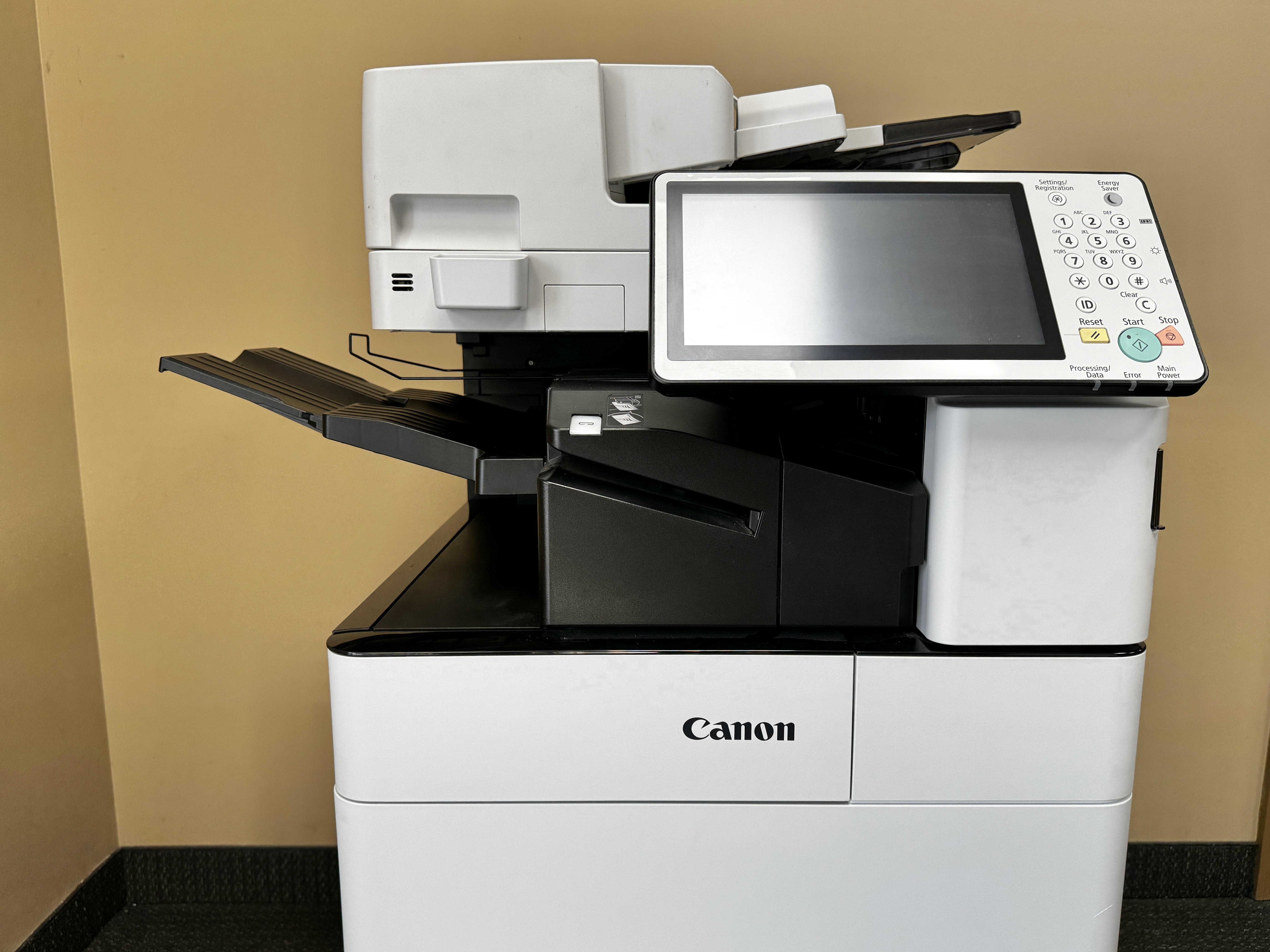
Canon is a well-known leader in imaging and printing. They focus on innovation and quality. Their black and white copiers reflect this, offering many models that serve different business needs.
There are smaller desktop units that work best in small offices. There are also strong, high-volume machines for bigger businesses. Canon makes sure there is a right copier for every workspace. These copiers fit well into current workflows, helping to improve efficiency and productivity.
The Evolution of Canon Copiers
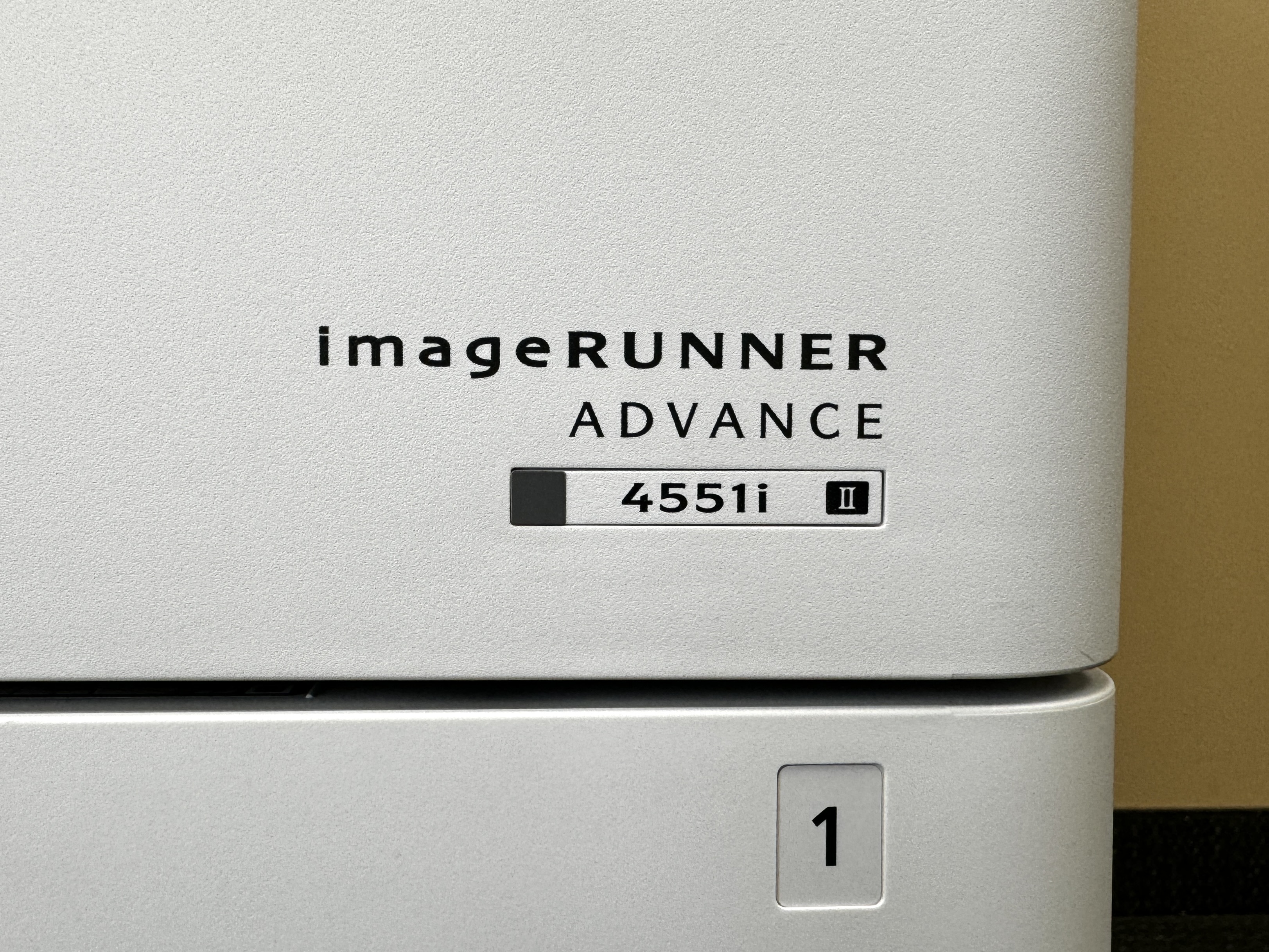
Canon has been changing and improving in the copier industry for a long time. They started with simple analog machines and now have complex digital printers that can do many things. Canon always aims to meet the changing needs of businesses.
Over the years, Canon added smart features. These include laser printing, automatic document feeders, and ways to connect to networks. This has changed how businesses manage their documents.
Today, Canon’s black and white copiers offer great features. They have mobile printing, can connect to the cloud, and have strong security options. This keeps them leading in the industry. These improvements help businesses work better and meet the need for safe and flexible ways to manage documents.

Why Choose Canon for Your Black and White Copying Needs?
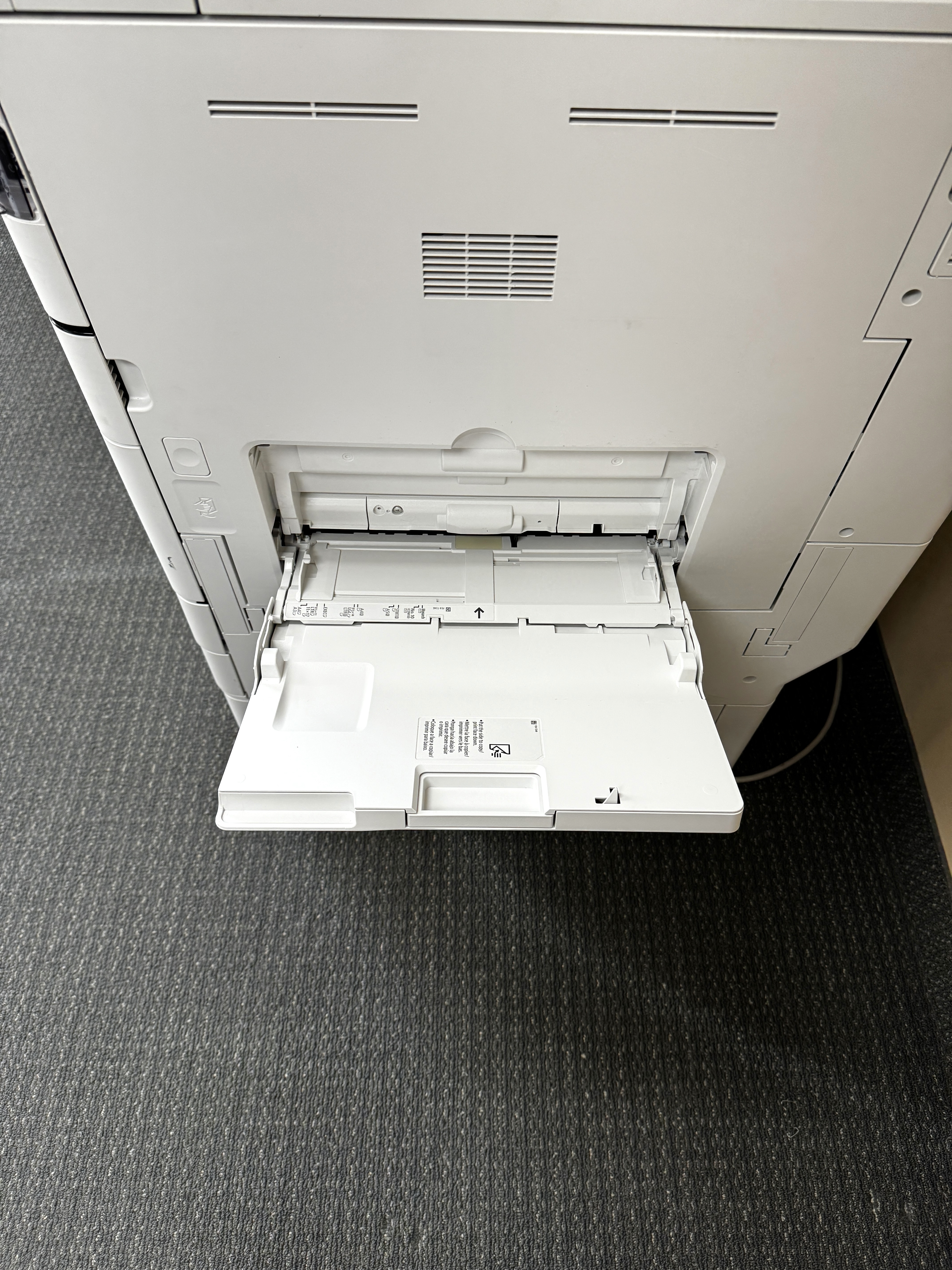
When picking a black and white copier, there are many strong reasons to choose Canon. They have a long-standing reputation for quality and trust. Businesses can feel confident that they are making a smart investment. Canon copiers make sharp and clear black and white prints. This means your documents will always look professional.
Canon also cares about their customers. They have a strong support network to help with service and maintenance. They provide different warranty options and easy technical support. This focus on helping customers gives you peace of mind.
In addition, Canon values sustainability. They design their copiers with energy-saving features and eco-friendly practices. Choosing Canon shows that your business cares about the environment. This commitment reflects their dedication to responsible business practices.
Key Features to Look for in a Black and White Copier
Choosing the right black and white copier means knowing the important features that match your business needs.
You should think about print speed, image quality, paper handling, and connection options. Looking closely at these things will help you pick a copier that can meet your needs now and in the future.

https://dgi6.ecihosted.com/C24888_einfo
Print Speed and Volume
Print speed is very important. It is often shown in pages per minute (ppm). In busy offices that print a lot, it’s better to choose a model with a higher ppm. This helps finish printing tasks faster and keeps the workflow running smoothly.
Also, think about how much you print each month. This will help you find the right copier. Companies usually have a suggested monthly print volume for each model. Picking a copier that fits your expected print amount helps it work well and avoids damage from overuse.
By looking closely at your print speed and volume needs, you can pick a Canon black and white copier that meets your needs. This will help you avoid delays and keep your work flowing efficiently.

https://www.onetrust.com/products/cookie-consent/
Image Quality and Resolution
It is very important to have clear black and white prints, especially for work documents. The copier’s resolution, which is shown in dots per inch (dpi), affects how much detail you see in each print. For documents with a lot of text, a resolution of 600 dpi usually works well. If you print many images or graphics, a higher resolution of 1200 dpi or more is better for clear details.
Canon black and white copiers are great for producing high-quality prints with sharp text and clear lines. Their advanced technology provides steady results, making them good for different types of documents, from simple text to detailed graphics.
Choosing a copier with the right resolution for your needs helps you create professional-looking documents. This can make your brand look better and improve the way you communicate.
Connectivity Options for Efficient Workflow
In today’s connected workplaces, good connectivity is a must. When choosing a copier, make sure it has different options to connect. Look for Ethernet, USB, and Wi-Fi. These options will help you easily add the copier to your current network. This way, you can print from many devices like desktops, laptops, and phones.
Wireless options are especially great. They remove the need for messy cables, which gives you more flexibility in your office setup. Also, many Canon black and white copiers can work with cloud printing. This means you can print documents straight from services like Google Drive or Dropbox.
If you focus on getting the right connectivity features, you can create a smooth and efficient way of working. This will help employees easily print and share documents from different places.
Durability and Reliability
Black and white copiers are very important for offices. They need to work well to keep people productive. When choosing a copier, think about the duty cycle. This number shows how many pages the copier can print each month. It’s a good idea to pick a model with a duty cycle that meets or exceeds your expected print needs.
Canon is known for making strong and reliable copiers that can handle regular use. They thoroughly test their machines to ensure they are of high quality and perform well.
Buying a solid and trusted Canon black and white copier gives you confidence. You can be sure that it will meet your printing needs over a long time.
Top Canon Black and White Copiers for Small Businesses
For small businesses, it’s important to balance costs, efficiency, and features. Canon has a range of black and white copiers made for smaller teams and offices.
These models are usually compact, which makes them great for limited spaces. They still offer the key features needed for managing documents effectively.
Model Comparison and Specifications
Here’s a comparison of popular Canon black and white copier models for small businesses, highlighting their key specifications:
|
Model |
Print Speed (ppm) |
Duty Cycle (pages/month) |
Connectivity |
Special Features |
|
imageRUNNER ADVANCE 525iF III |
55 |
150,000 |
Ethernet, USB |
Compact Design, Intuitive User Interface |
|
imageRUNNER ADVANCE 717iFZ |
75 |
250,000 |
Ethernet, USB |
High-Speed Printing, Three Output Trays |
|
imageRUNNER ADVANCE DX 4725i |
25 |
50,000 |
Ethernet, USB |
Affordable, Space-Saving |
These models offer varying print speeds, duty cycles, and features, providing options to fit different budgets and needs. For instance, if high-volume printing is a priority, the imageRUNNER ADVANCE 717iFZ with a print speed of 75 ppm and a duty cycle of 250,000 pages/month would be a suitable option with a listed maximum of 300,000 printed pages. Conversely, if you prioritize affordability and space-saving design, the imageRUNNER ADVANCE DX 4725i presents an excellent choice.
Carefully assess your specific requirements and choose the model that aligns with your budget, anticipated print volume, and desired features.
User Experience and Feedback
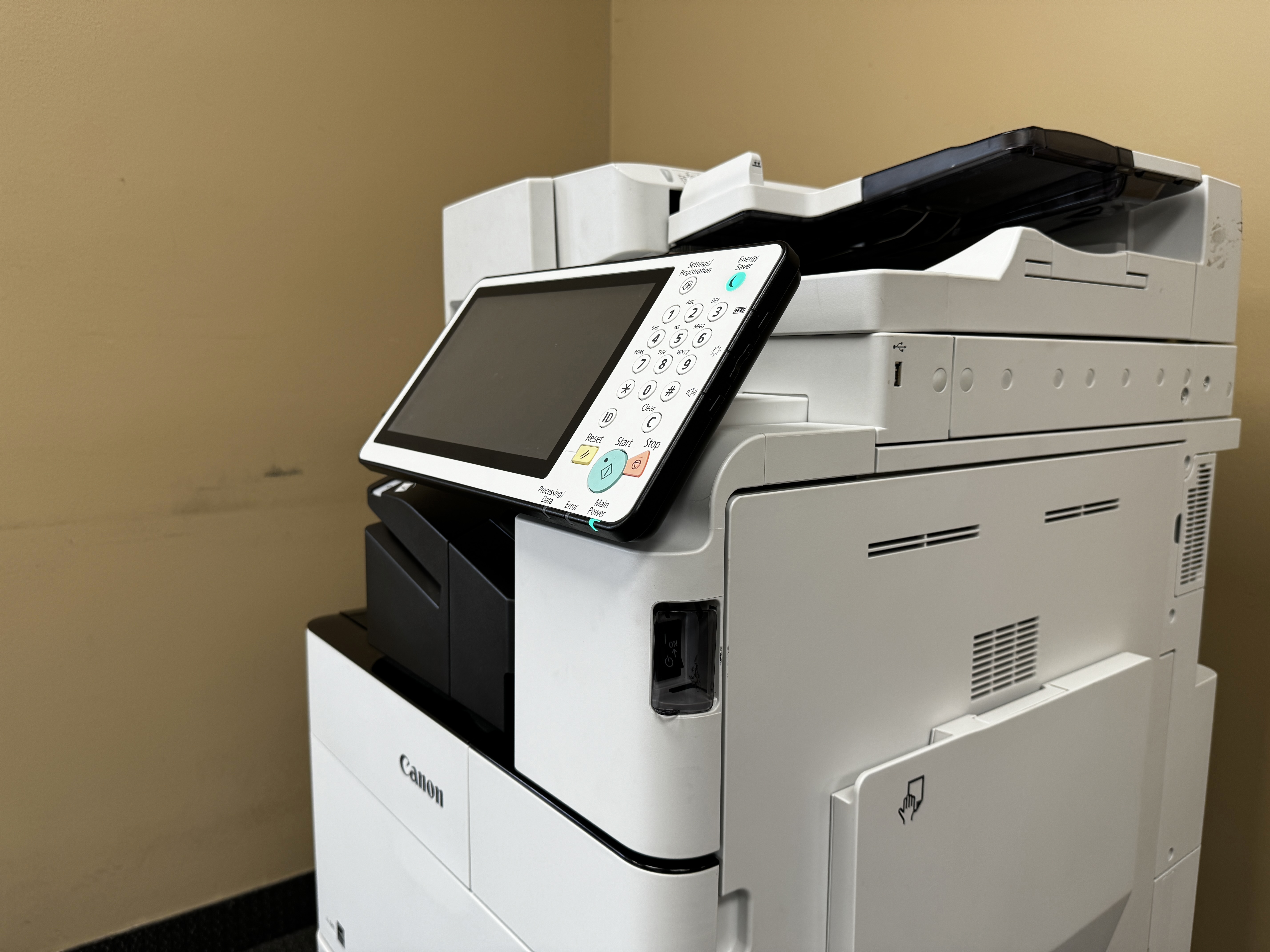
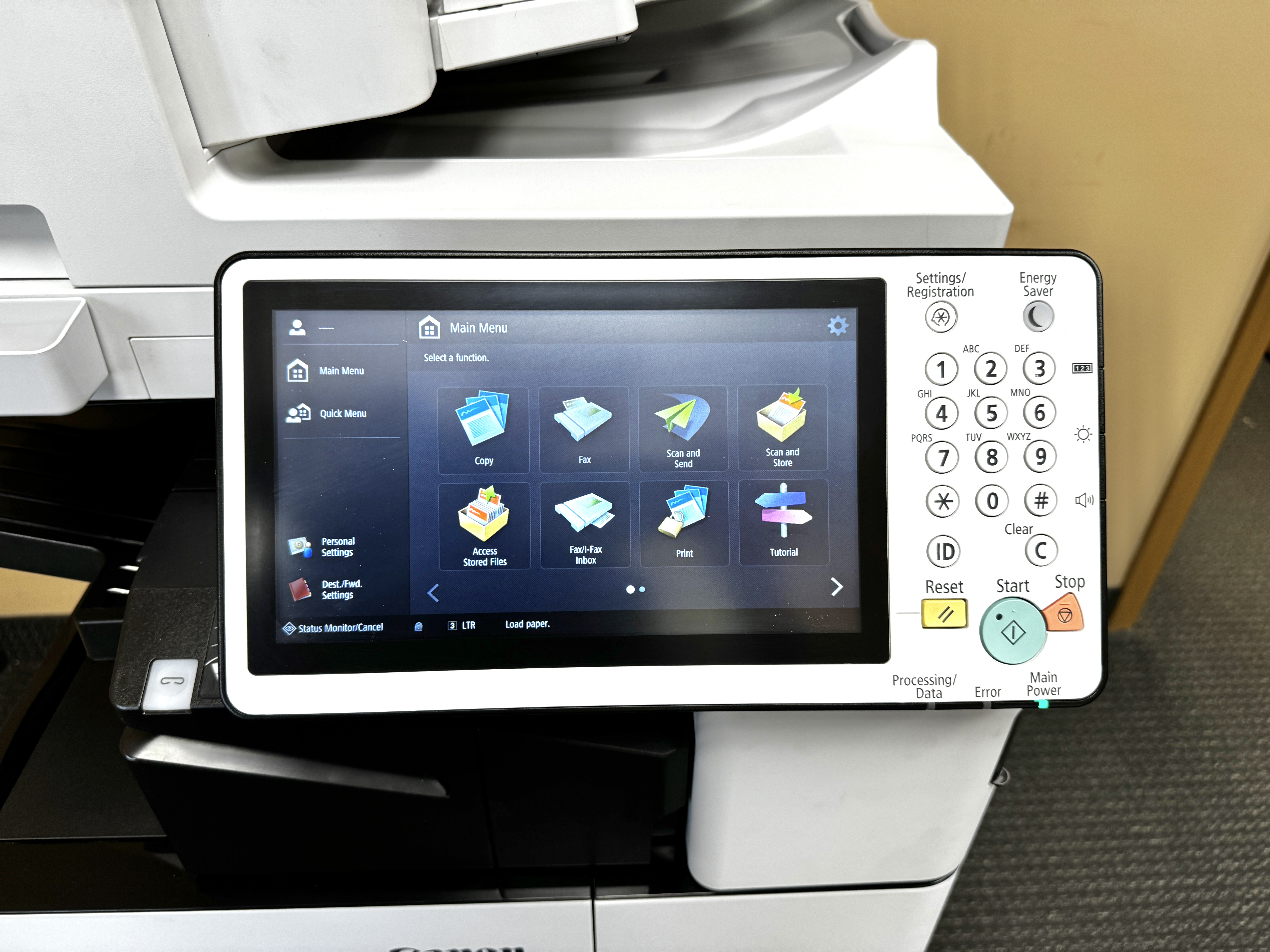
Canon black and white copiers are very well-liked. People find them easy to use because of their simple design. The control panels are straightforward to navigate. This is great for users who are not very tech-savvy. Many models have touchscreen displays. These make tasks easier and show clear instructions.
Small business users say Canon copiers are reliable and efficient. They enjoy the steady print quality and quick print speeds. Users also like that these copiers can work with different paper sizes and types. Many models are compact, which is a big plus for businesses with small office spaces.
In summary, Canon black and white copiers are a good choice for small businesses. Users appreciate how easy they are to use, their reliability, and their efficient performance. These copiers help improve workflows and make handling documents easier. They also boost the overall productivity of small businesses.
Price Range and Value for Money
Canon has many black and white copiers for different budgets. For small offices with light printing needs, they have entry-level models at good prices. These models offer a cost-effective way to handle basic printing and copying needs. They do this without giving up quality or reliability.
They also offer mid-range models. These have more features and print faster. They cost more, but they provide great value. Their strong design and improved features make them a good choice for businesses that use copiers a lot.
When thinking about value, it’s important to look beyond just the purchase price. You should also consider the total costs, like toner use, maintenance, and energy savings.
Best Canon Copiers for Large Enterprises
Large companies have special needs for printing and document management. They need to print a lot, have strong security features, and easily connect with their current business systems.
Canon’s range of black and white copiers for enterprises is designed to meet these demands. They help create a smooth workflow and boost productivity in big organizations.
High-Volume Printing Capabilities
High-volume printing in businesses needs copiers that are fast, efficient, and dependable. Canon’s black and white copiers for enterprises stand out because they have great print speeds and can handle many continuous printing tasks without losing quality.
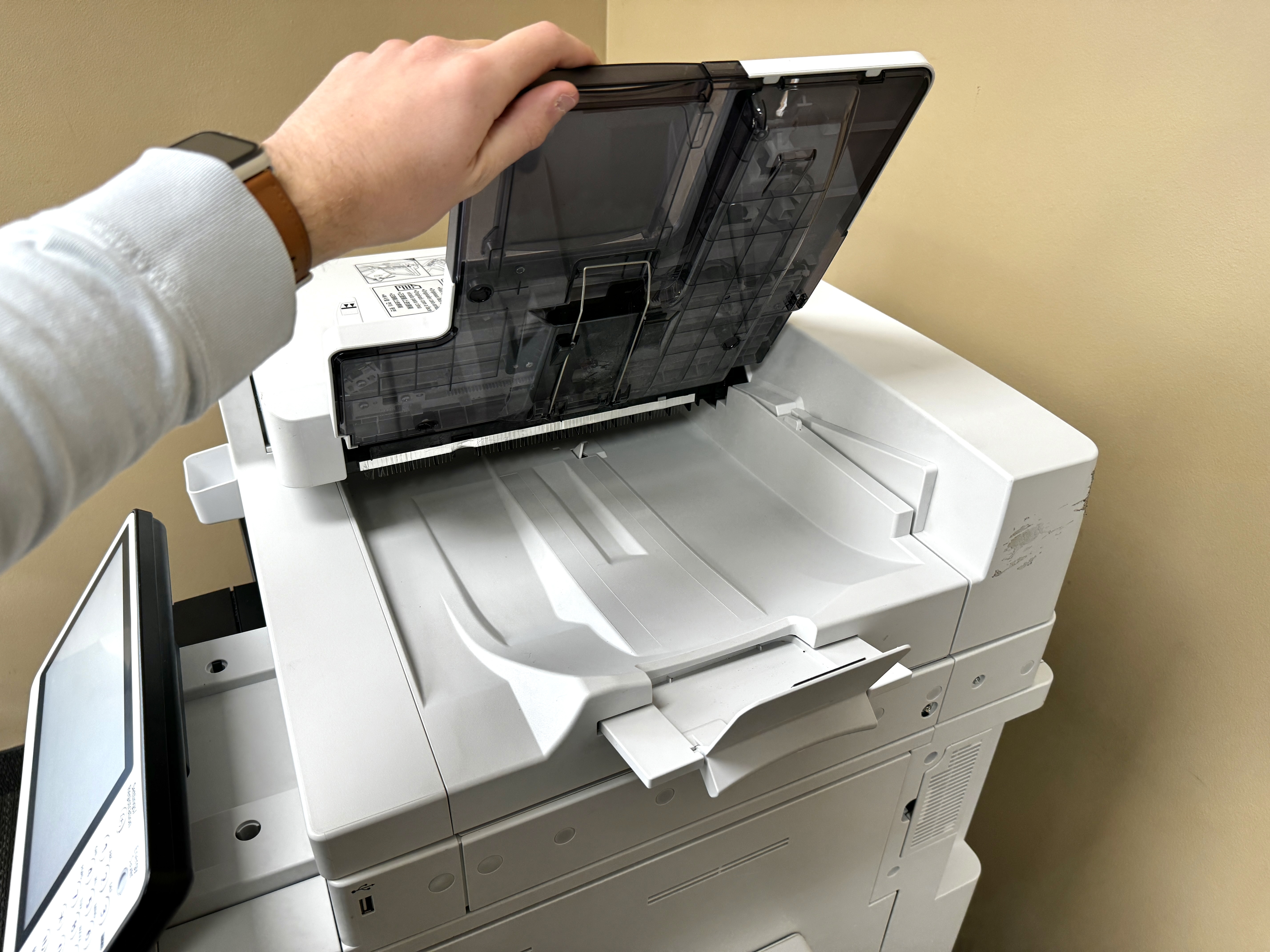
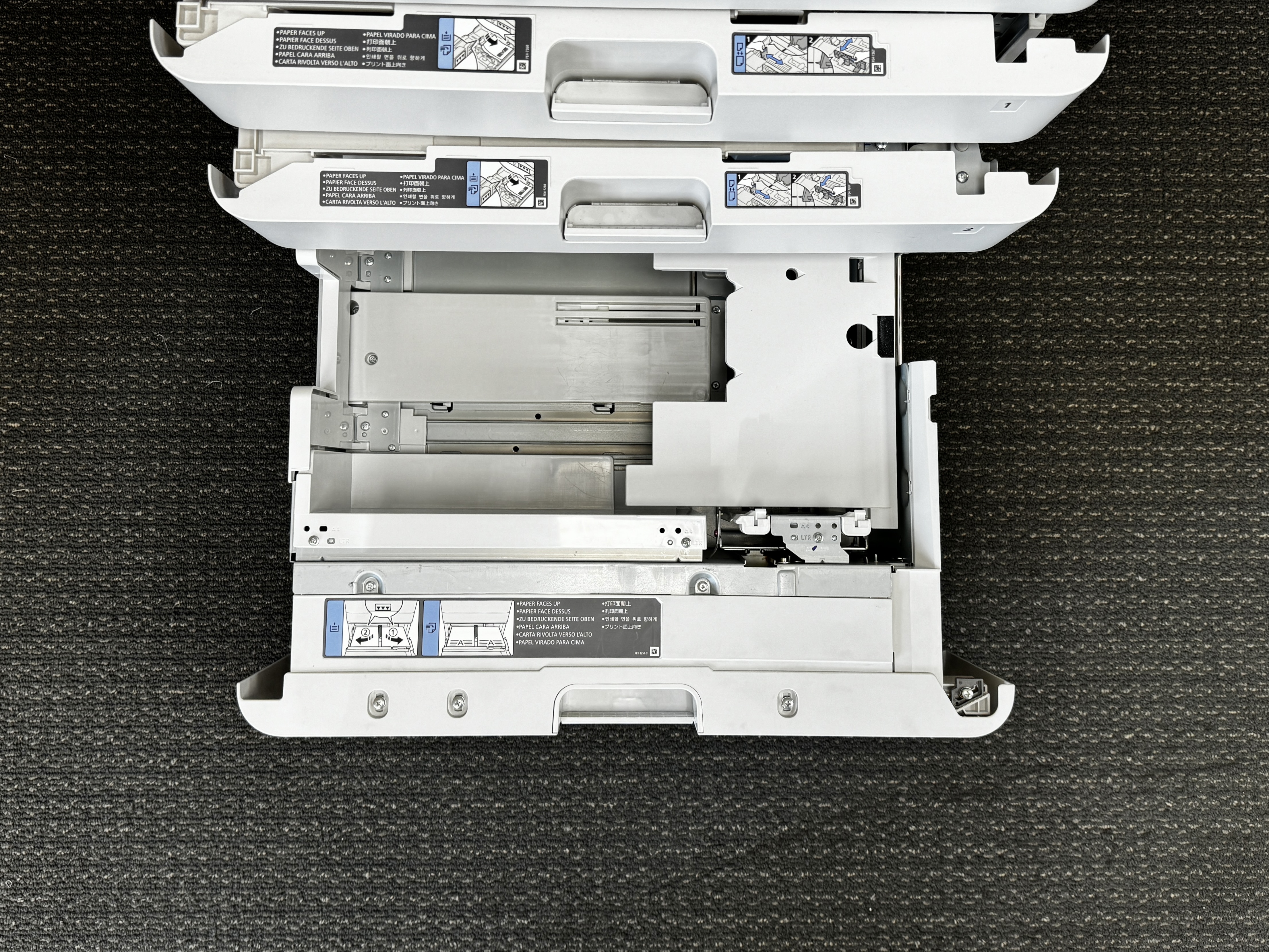
These models also have advanced features for handling paper. They come with large paper trays and automatic document feeders. This means you won’t need to refill them often or deal with interruptions. Large print jobs can be done smoothly, helping workers stay productive.
Additionally, these copiers use high-yield toner cartridges. This helps save money over time by cutting down how often you need to change the toner. By choosing a Canon black and white copier made for high-volume printing, big businesses can improve their document output and make their workflows better.
Advanced Security Features
Protecting sensitive information is very important for businesses today. This is especially true for big companies that handle a lot of data. Canon understands this need and includes strong security features in its high-quality copiers. These features have tools like user authentication, data encryption, and secure printing options. They help keep private documents safe from people who shouldn’t access them.
User authentication keeps control over who can use the copier. This means only certain people can print, copy, or scan sensitive data. Also, data encryption keeps the information secure while it moves across the network. This helps stop any unauthorized reading or catching of data.
Canon Solutions America offers many services, including security checks and help with setting up secure printing. Their strong security features, together with good support services, help businesses feel safe about their data.
Integration with Business Systems
Seamless integration with current IT systems is crucial for large companies that want to improve workflows. Canon black and white copiers are made for easy connection to enterprise networks. They can link up with different business apps and cloud services.
This easy integration allows for better document sharing and teamwork in the company. For example, you can scan documents straight to network folders, send them to certain people by email, or upload them to cloud storage. This process makes document management smoother and boosts productivity.
In addition, Canon provides software solutions and APIs. These help in creating custom apps and integrations for specific business needs. This level of flexibility guarantees that Canon copiers fit well into existing workflows.
Eco-Friendly and Energy-Efficient Models
In today’s world, many people care about the environment. Businesses want to do their part to be less harmful to nature. Canon is leading this effort by providing black and white copiers that are good for the environment and use less energy.
These copiers focus on being sustainable while still working well. They include features that lower energy use, cut down on waste, and encourage smart use of resources.
Canon’s Commitment to Sustainability
Canon is committed to helping the environment. They show this through their eco-friendly actions at every stage of making their products. Canon uses green materials and energy-saving processes to lower their impact on nature.
They also include recycled materials when making their copiers and follow strict environmental rules. Canon has a belief called “Kyosei.” This means “living and working together for the common good.” This idea is a big part of how they do business.
Canon’s focus on being sustainable matches well with the goals of businesses that care for the environment. This makes Canon a top choice for organizations that value eco-friendly methods.
Energy Saving Features and Certifications
Canon includes many energy-saving features in its black and white copiers. These features help use less energy and cut down costs. Some of these features are sleep mode, automatic shut-off, and energy-efficient parts. They help lower power use when the copier is in operation or on standby.
Many Canon copier models have received important environmental certifications. These include the Energy Star rating and EPEAT (Electronic Product Environmental Assessment Tool) certification. Energy Star shows that a product follows strict energy efficiency rules from the US Environmental Protection Agency (EPA). EPEAT looks at the environmental effects of electronic products from design to manufacturing, energy use, and recycling.
With these certifications, businesses can trust that choosing Canon means they are buying products that are good for the environment and meet high standards of energy efficiency and sustainability.
Maintenance and Support for Canon Copiers
Investing in a Canon black and white copier is more than just buying it. It also means keeping it well-maintained and having good support available.
Canon offers strong support choices. This way, your copier can keep running smoothly. It helps reduce the time it is not working and helps it last longer.
Warranty and Service Agreements
Canon gives a standard warranty on all its black-and-white copiers. This warranty usually covers a certain time or number of printed pages. During this time, any problems with materials or how the copier was made are fixed. This offer brings peace of mind and protects your money.
For better support and coverage, Canon has extended warranty plans and service agreements. These plans give businesses fast service, preventative maintenance services, and help from certified technicians. Preventative maintenance is very important. It helps keep your copier running well for a long time and avoids future problems. This includes regular cleaning, checks, and replacing parts to keep the copier in great shape within five (5) business days under the Advanced Exchange Program, where a defective Covered Product will be exchanged for a comparable refurbished Covered Product on an expedited basis. Additionally, Canon offers eCarePAK coverage for their WG Series Inkjet Printers, providing a maximum of 300,000 printed pages for the Covered Product within a maximum coverage time period of five (5) years. This coverage is crucial for businesses that rely on these printers for their daily operations.
When businesses choose a good warranty or service agreement, they can protect themselves from surprise repair costs. It helps reduce downtime and makes the Canon copier last longer.
Tips for Extending the Life of Your Copier
To make your Canon black and white copier last longer, follow some simple steps for care.
First, stick to a cleaning schedule. Cleaning it often will help avoid dust build-up, which can cause paper jams. Just use a soft, dry cloth while you clean.
Second, always use high-quality toner cartridges. It’s best to use Canon brand cartridges for the best print quality. This helps keep the inside of your copier safe too.
Lastly, keep the firmware updated. Manufacturers release updates that can make your copier work better. By using these tips, you can help your copier last a lot longer.
Choosing the Right Canon Copier for Your Needs
When there are many Canon black and white copiers to choose from, picking the right one can be hard. You need to think carefully about a few things.
First, look at what you need for printing. Next, consider how much money you can spend and how much space you have. By doing this, you can reduce your choices and find the best Canon copier for your business.
Assessing Your Printing Requirements
To find the right Canon copier, start by looking at your printing needs. Think about how many documents you print daily or monthly. If your business prints a lot, you need a copier that has a fast print speed and can handle a heavy workload.
Next, consider what kinds of documents you print most of the time. If you usually print text documents, a standard resolution copier will be enough. But, if you print images, graphics, or marketing materials often, you should invest in a copier with a higher resolution. This will give you clearer and more detailed prints.
Finally, think about your current printing needs and what you might need in the future. Look at possible business growth, any plans to expand, or how your document workflows might change. By thinking about these things, you can choose a copier that fits your present needs and will work for you later.
Budget Considerations
When choosing a Canon black and white copier, setting a realistic budget is very important. First, figure out how much money you can spend right away. Also, think about the ongoing costs that come with owning and using the copier.
Entry-level copiers might have a low starting price, but remember that things like toner replacements, maintenance fees, and power costs can add up over time. You can look into leasing or financing options to help make the payment easier for your budget.
By paying close attention to both the initial cost and the long-term expenses, you can make a good financial choice while still getting the quality and features you need.
Space and Setup Requirements
Before choosing a specific Canon copier model, think about your office space. Find the best spot for the machine. Measure the copier’s size and make sure there is enough space for doors, hallways, and the work area.
Look at how the copier will fit into your office layout. If you have a small space, choose a small desktop model or a multifunction device. These can print, copy, and scan all in one.
Also, check the power and network needs of the copier. Make sure there are enough power outlets and a good network connection in the area you picked for setup and use.
Installation and Setup Guide
Installing your Canon black and white copier is easy. Just follow the steps from the manufacturer. Make sure you have everything you need ready before you start. This way, your new copier will be working quickly.
This guide gives you a simple look at how to install and set it up.
Preparing for Your Copier’s Arrival
Before your Canon copier gets here, it’s good to do some preparation. This will help make the installation straightforward. First, find a good spot for the copier. Think about the space you have, how easy it is to get to, and if there are power outlets and network connections nearby.
Next, clear the area where you will place the copier. Make sure there is enough room to unpack and move it. If the copier is heavy, ask someone for help to avoid getting hurt. Also, gather tools you will need for unpacking, like a utility knife, scissors, and packing tape.
By doing these steps, you will set up a nice space for a quick and easy installation.
Step-by-Step Installation Process
Once your Canon black and white copier gets to you, unpack it carefully. Remove all packing materials and protective covers. Check the copier for any damage that may have happened during shipping.
Next, plug in the power cable to the copier and an outlet that is grounded. Load the paper trays with the right size and type of paper. Make sure the paper guides are aligned correctly. If your copier model comes with toner cartridges, install them according to the instructions from the manufacturer.
Finally, turn on the copier. Follow the prompts on the screen to set up the language, date, time, and other basic settings. The copier will take a few minutes to perform an initialization process. When it’s done, your Canon copier is ready for you to use.
Connecting Your Canon Copier to Your Network
To print from computers or devices on your network, first, connect your Canon black and white copier to it. Most Canon copiers work with both wired (Ethernet) and wireless (Wi-Fi) connections.
For a wired setup, take one end of an Ethernet cable. Plug it into the LAN port on your copier. Then, connect the other end to an empty port on your router or network switch. If you want a wireless connection, go to the network settings on your copier’s control panel. Follow the steps to pick your Wi-Fi network and type in the password. If you do not have a live Ethernet connection or an Ethernet cable at the time of your request, an additional visit to connect the imagePROGRAF printer to your network will need to be scheduled. This additional visit will incur a fee.
After the copier is connected to the network, install the print drivers on your computers or devices. This will help them communicate easily with the copier when you want to print.
Advanced Features of Canon Black and White Copiers
Canon black and white copiers come with many smart features. These features help improve productivity and make work easier. They also offer a smooth experience for users.
The advanced options make Canon copiers more than just simple printers or copiers. They change into useful tools for any office.
Mobile and Cloud Printing
To keep up with today’s mobile workers, Canon black and white copiers provide easy mobile and cloud printing. With mobile printing, users can print documents, emails, or images right from their smartphones or tablets. The Canon PRINT Business app is available for both iOS and Android devices, making mobile and cloud printing and scanning simple and essential for digital business communications. Additionally, Canon offers a limited warranty of 3 years or 60,000 pages for their black and white copiers, ensuring reliable and long-lasting performance for your business needs.
Cloud printing goes beyond regular office spaces. Users can print from anywhere with an internet connection, using cloud storage services like Google Drive, Dropbox, or Microsoft OneDrive.
This flexibility allows people to print while on the move. It is especially helpful for businesses with remote workers or for those who need printing options while traveling.
Security Functions and User Authentication
Canon understands how important data security is. They add strong security features and user authentication in their black and white copiers to keep sensitive information safe. User authentication tools, like password protection and user IDs with PIN codes, limit who can use the copier. This means only approved people can print, copy, or scan private documents.
Canon copiers also have extra security features, like data encryption and hard drive overwrite. Data encryption keeps sensitive information safe by turning it into a format that can’t be read. This stops unauthorized access both when sending data and while it is stored.
These security features, along with strong user authentication, ensure that important business data is safe from unauthorized access and possible breaches.
Customizable Control Panels and Workflows
Canon black and white copiers have customizable control panels. These panels can show functions, shortcuts, or workflows that users commonly need. This helps create a user-friendly and efficient interface.
Streamlined workflows can include simple one-touch buttons for tasks. For example, users can easily scan to email, print many copies, or set up profiles for different document types. Also, many Canon copiers work with document management software. This lets businesses automate how documents are sent, tracked, and stored.
These customization options help businesses improve their document handling, making processes smoother and boosting productivity.
Comparing Canon to Other Brands
Canon black and white copiers are often seen as some of the best on the market. However, it’s important to see how they compare to other brands.
Many well-known brands make copiers, but Canon stands out. They focus on quality, new ideas, and great support for their customers.
Performance Benchmarks
When looking at how well Canon black and white copiers work, they often do better in print speed, image quality, and reliability. Their latest imaging technology and toner provide clear text and detailed images, which means you get professional documents every time.
Canon shows its focus on research and development through its new features. They usually use new technology before others do, expanding what copiers can do.
Also, their copiers are tough and can handle heavy use. They go through strict tests to keep running well, which helps businesses stay productive and reduces downtime.
Cost Analysis
When you compare Canon black and white copiers to other brands, a careful cost analysis is very important. The initial buying price might be different, but looking at the total cost of ownership gives a wider view.
You should think about a few things. This includes how many prints you get from toner cartridges, how much it costs to replace them, how much energy the machines use, and if there are good maintenance plans. Canon is a good choice because it usually has lower running costs. They offer high-yield toner cartridges and energy-saving designs that help you save money in the long run.
Also, Canon has a large service network. It means you can find parts easily, which helps to lower downtime and cut repair costs.
User Satisfaction and Reviews
Canon often gets great feedback for its black and white copiers in surveys and online reviews. People like how easy these machines are to use. They appreciate the simple control panels and dependable performance.
Customers also enjoy the helpful support resources available. This includes online tutorials, FAQs, and quick customer service. Canon works hard to fix any problems fast, which builds a strong reputation for good customer care.
Good reviews and high ratings show that Canon is a top option for businesses that want performance, reliability, and good value.
Case Studies: Success Stories with Canon Copiers
Businesses have seen great benefits from using Canon black and white copiers. Real-life examples show how these copiers make a difference.
These stories show clear signs of better efficiency, more productivity, and cost savings in different industries.
Small Business Efficiency Improvements
A small marketing agency had problems keeping up with printing tasks. They used old and slow equipment. This led to slow print speeds, frequent paper jams, and limited options for connecting devices. After switching to a Canon black and white copier, they saw a big rise in their productivity.
The Canon copier could print faster and worked reliably. This helped them create documents more easily and handle bigger printing jobs without issues. Also, the copier let employees print straight from their smartphones or tablets. This made it easier for them to work together.
With these changes, the marketing agency could take on more projects. They met deadlines better and made their clients happier.
Large Organization Workflow Optimization
A big healthcare organization wanted to improve how they manage many documents and keep their data safe. They had several departments that dealt with sensitive patient information. For this reason, they needed a strong and secure way to print.
By using Canon black and white copiers with special security features, they changed how they managed documents. User authentication protocols limited access to the copiers. This way, only approved staff could work with private data. Secure print functions helped stop anyone from viewing documents who shouldn’t, which kept patient information private and met important rules. Also, the copiers worked well with the organization’s electronic health records (EHR) system.
These improvements helped them save time, lower mistakes, and make their data security even better.
Future of Black and White Copiers in the Digital Age
The job of black and white copiers keeps changing in the digital age. They are adapting to new business needs and technology.
Even with the growth of digital documents and cloud solutions, black and white copiers are still important for many industries and business activities.
Trends and Innovations
Black and white copiers are changing to keep up with digital trends. They are now working well with cloud services and mobile devices. This makes it easier to handle both printed and digital documents.
Voice control and artificial intelligence are now part of copiers. These features make tasks simpler and improve how users interact with the machines. For example, you can use voice commands to start print jobs, scan papers, or change settings. This saves time and makes things easier to access.
These new features show that black and white copiers are still important and can adapt to the fast-changing tech world.
Canon’s Role in the Evolving Printer/Copier Industry
Canon leads the way in the changing printer and copier world. They are always pushing for new ideas and improving how we manage documents.
Canon spends a lot on research and development. This helps them bring new features that meet the changing needs of businesses. They also focus on being eco-friendly, making products and processes that are good for the environment.
With their smart partnerships and teamwork, Canon wants to create an easy-to-use system of hardware, software, and services. This makes their role in the industry even stronger.
Where to Buy Canon Black and White Copiers in Minneapolis-St. Paul, MN
Finding the best place to buy your Canon black and white copier in Minneapolis-St. Paul, MN, is easier if you know your options.
Think about authorized dealers, service centers, and online stores. This way, you can choose what fits your needs and preferences.
Authorized Dealers and Service Centers
Authorized dealers have a big range of Canon black and white copiers. They offer expert help and good prices. Usually, they have knowledgeable sales workers who can look at what you need and suggest the best models for you.
Authorized service centers focus on maintenance, repair, and support for Canon copiers. They have certified technicians. These technicians are trained to fix problems quickly, which helps reduce downtime. This ensures that your copier works well.
Choosing an authorized dealer or service center helps businesses get expert advice. They also get reliable support and know they are working with trusted representatives of the Canon brand.
Online vs. In-Store Purchases: What to Consider
When you are choosing between buying Canon black and white copiers online or in a store, think about the good and bad sides of each choice. Online shops usually have more models, good prices, and you can shop from anywhere at any time. You can compare prices, read what other customers say, and get the copier shipped right to your office.
On the other hand, buying in a store lets you see and touch the copiers. You can talk to helpful sales people and maybe get better prices or deals. If you like personal help and being able to look at the products, shopping in-store might be better for you.
In the end, what is best for you will depend on what you like and what you are comfortable doing online.
Conclusion
In conclusion, Canon Black and White Copiers provide great quality, reliability, and efficiency for all kinds of businesses. They have many models to meet different needs. Canon cares about being eco-friendly and includes smart features like mobile printing and strong security. They also have high user satisfaction. When picking a copier, think about what you need, your budget, and how much space you have. Canon offers good maintenance and support, helping the machines last longer. Their eco-friendly models fit with today’s sustainability goals. Choose Canon for your printing needs. This brand is always coming up with new ideas and leads the copier industry. Make a smart choice for your business with Canon’s outstanding black and white copiers.
Frequently Asked Questions
What Are the Main Differences Between Black and White and Color Copiers?
Black-and-white copiers are great for making grayscale copies. They work best for documents with a lot of text. On the other hand, color copiers can print in color. They are good for presentations, graphics, or marketing materials.
How Can I Determine Which Canon Copier Model Is Right for My Business?
- Think about what you need for printing. Consider the amount you print, the paper size, and the speed you want.
- Look at your budget and the features you want.
- Talking to Canon dealers is a good idea. They can help you choose the best option with their knowledge.
What Maintenance Do Canon Black and White Copiers Require?
Regular tasks include cleaning, changing the toner, and fixing paper jams. Scheduling maintenance visits with authorized technicians helps keep everything working well and makes it last longer.
Can I Upgrade My Canon Copier to Include More Features in the Future?
Upgradability varies based on the model. You can add some features, like finishing options or software upgrades, after you buy it. However, making bigger changes to the hardware might not be possible.
How Do Canon Copiers Ensure the Security of My Documents?
Canon copiers use features to protect information. These include user authentication with passwords or PINs. They also have data encryption and secure print options. This helps keep your information safe from unauthorized access.
How to Maximize the Efficiency of Your Canon Black and White Copier
- Clean and maintain regularly.
- Use energy-saving settings.
- Optimize your printing process.
- This will help you improve efficiency.
Regular Maintenance Tips
- Clean the copier often.
- Use good-quality toner.
- Change consumables quickly.
- Keep the copier safe from dust and extreme heat.
Optimizing Your Printing Workflow
Discover how Canon Black and White Copiers can improve your printing process. Look at the best models reviewed here. Make your document management easier to boost efficiency and productivity. Find out about the new features and technology that can enhance your printing experience.
Utilizing Canon’s Support and Resources
Learn how to improve your Canon Black and White Copier experience. Use Canon’s many support tools and resources. You can find troubleshooting guides and software updates. With Canon’s help, get the most out of your device.
Why Canon Black and White Copiers Stand Out
Canon black and white copiers are known for their great print quality, reliability, and advanced features. The best models have been reviewed, showing they offer excellent performance for businesses big and small. Discover why Canon is a leader in this field!
Recap of Key Benefits and Features
Discover the best Canon black and white copiers. Here’s a quick summary of their main benefits and features. These models provide excellent print quality. They also have advanced scanning abilities. Overall, they offer great performance for all your printing needs.
Making the Right Choice for Your Printing Needs
When picking a Canon black and white copier, think about things like how much you print, the speed, and any extra features. Check your printing needs to find the model that fits you best.
Canon black and white copiers are renowned for their reliability and efficiency, making them a popular choice for businesses in Montana and beyond. These copiers, such as the Canon imageRUNNER ADVANCE series, are designed to meet the demands of busy work environments by offering high productivity, user-friendly interfaces, and consistent image quality. They are particularly well-suited for small businesses or workgroups within larger organizations that require efficient printing and copying solutions.Installation and Maintenance
For Montana residents, the installation of Canon copiers involves several considerations. The installation site must be prepared to accommodate the copier’s electrical requirements, ensuring compatibility with AC power sources. An installation technician will typically handle the setup, ensuring that all electrical work is completed safely and in accordance with applicable state laws. This includes compliance with the laws of the state regarding electrical installations and any additional work that might be necessary to meet local regulations.Warranty and Coverage
Canon copiers come with a manufacturer warranty that covers defects and ensures the replacement of any defective part. The effective date of coverage typically starts from the date of purchase, and customers should be aware of the expiration date to ensure they can access warranty services if needed. In cases where a copier exhibits signs of excessive wear, Canon’s contractual liability insurance policy may cover the Full replacement cost of a new covered product, provided the issue falls within the combined term of your manufacturer’s warranty and any extended protection plans.Service and Support
Canon provides comprehensive installation services and ongoing support through its network of authorized dealers and service centers. In Montana, companies like DEX Imaging offer expedited service options for both Canon black and white copiers and Canon color copiers, ensuring that any issues with Canon copiers are resolved in a timely manner. This includes the availability of a CUSA representative to address any customer concerns and facilitate repairs or replacements as needed.Payment and Financing
Purchasing a Canon copier can be facilitated through various payment options, including credit card transactions. This flexibility allows businesses to manage their finances effectively while acquiring the necessary equipment to support their operations.Conclusion
Canon black and white copiers offer a robust solution for businesses in Montana, combining high performance with reliable service and support. By understanding the installation requirements, warranty coverage, and service options for both Canon black and white copiers and Canon color copiers, businesses can ensure they maximize the value and efficiency of their Canon copiers. Whether it’s through local service providers or direct support from Canon, these copiers are designed to meet the diverse needs of modern work environments.