
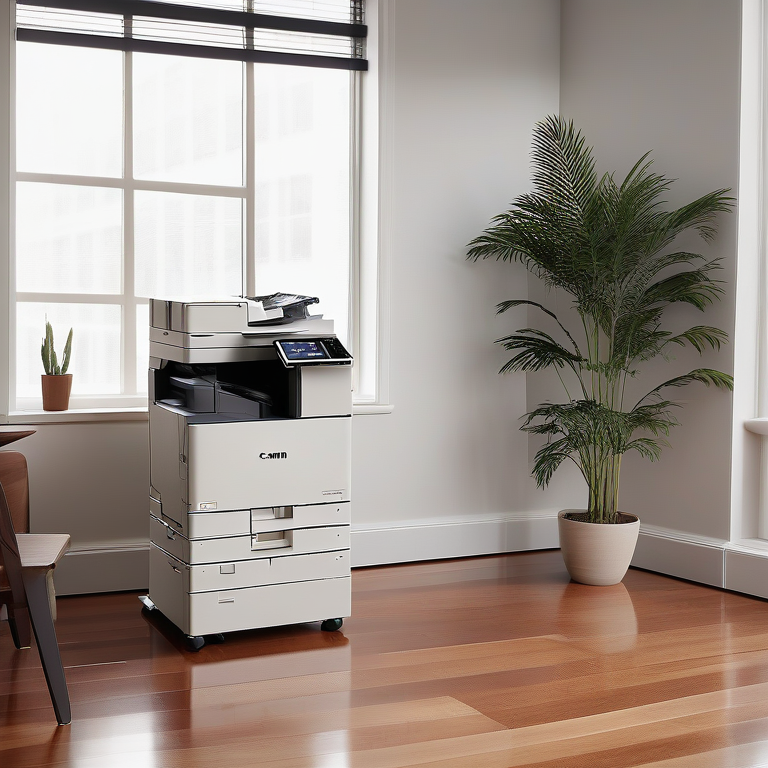
Key Highlights
- Leasing a copier is a smart way for businesses to get top-notch copiers without paying all the money upfront.
- Before you sign anything, it’s really important to understand what’s in your Canon copier lease agreement.
- When we talk about how much leasing a copier costs, there are things like monthly payments, fees for setting it up, initial charges, keeping the machine running smoothly and fixing it if needed. There might also be extra charges if you use it more than expected. Plus costs for supplies and insurance.
- Comparing whether to lease or buy a Canon copier can help companies figure out which option saves them more money in the long run and meets their tech needs better.
- Making sure your lease matches what your business actually needs is key. Companies should think carefully about how much they need to print and pick the model of the copier that has everything they need.
- With getting through the process of applying for a lease comes gathering all required paperwork and making sure you meet any conditions before handing in your application.
Introduction
Thinking about getting a Canon copier for your business by leasing? Leasing is a smart way to handle your office’s printing demands without having to pay a lot of money upfront for a new machine. But, it’s crucial you get the hang of what goes into signing up for one. We’re here to break down everything about leasing a Canon copier, including key terms and conditions, cost structure, copier capabilities and specifications, lease duration, and ending lease agreements, so you can decide with all the facts in hand.
We’ll guide you through understanding how lease agreements work, what costs are involved, and why choosing to lease might be better than buying outright. Plus, we’ll show you how to make sure the agreement fits just right with what your business needs and walk you through applying for it.
For both small businesses and big ones alike, picking out the perfect copier is key for keeping things running smoothly around documents management. With affordable Canon copier lease options, not only do you get access top-notch tech but also enjoy more manageable monthly payments that don’t strain your budget—all while making sure everything matches up perfectly with what your company requires. Copiers are essential office equipment that ensures smooth document reproduction and efficient workflows. Leasing provides a cost-effective solution for businesses, especially for small and medium-sized enterprises, to access the latest technology without a significant financial investment.

Decoding Canon Copier Lease Agreements
Trying to make sense of a Canon copier lease can feel like a lot, with all its detailed terms and conditions. But getting the hang of the main parts and terms in your lease agreement is key for a hassle-free leasing journey.
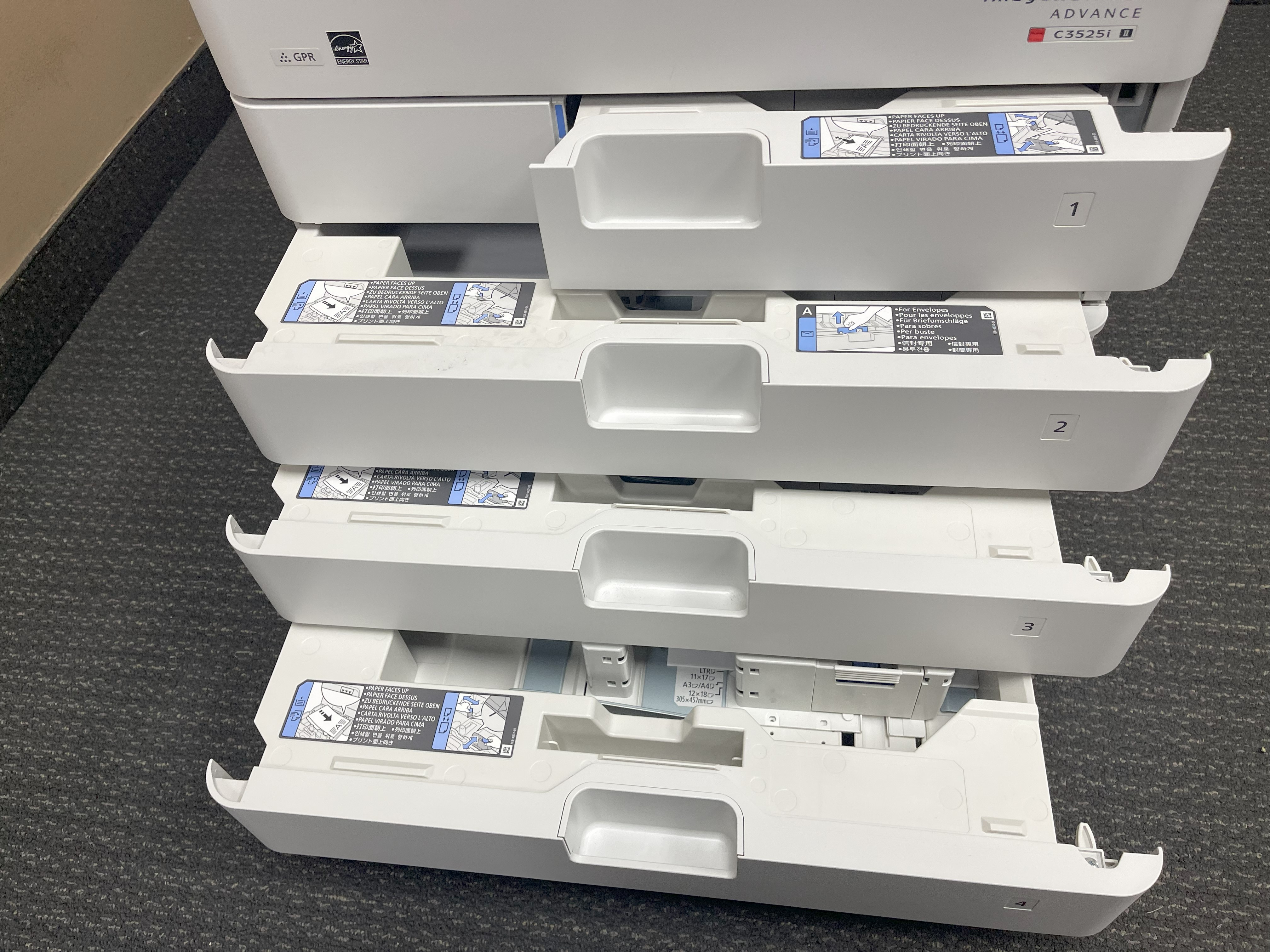
At the heart of any Canon copier lease agreement is how long you’ll have the copier for – this is known as the lease period. The agreement will also spell out what your copier can do, matching it up with what your business needs when it comes to printing. On top of that, there’s info on taking care of your machine through a maintenance agreement; this means help with fixes, keeping things running smoothly, and swapping out parts if needed while you’re leasing.
With termination clauses thrown into mix too these bits tell you about any fees or penalties if you choose to wrap up your lease early. Knowing what these are upfront helps dodge surprises down the line. By unpacking these crucial elements in a Canon copier lease, stepping through each part confidently becomes much easier.
Key Components of a Canon Copier Lease
When you’re looking into a Canon copier lease, there are a few main things to keep an eye on. First off, with the lease period, this is all about how long you’ll have the copier for. It can be anywhere from one year up to five years, with the option for a longer lease period. Think about what your business will need down the line before deciding on this duration. Another key component to consider is the vendor, as some (like Xerox) may try to lock customers into lengthy contracts and upsell them on additional goods and services within that period.
With regards to copier capabilities, we’re talking about what the machine can do—like how fast it prints, if it can print in color or just black and white, whether it does duplex (double-sided) printing and if it has any cool extras like being able to connect wirelessly or handle different sizes of paper. Making sure these features match up with what your business needs means picking out the right white copier that won’t let you down.
Lastly, there’s something called a maintenance agreement in every lease deal which is super important because it covers fixing anything that breaks and regular upkeep so everything runs smoothly during your time using the canon copier.
By paying attention to these parts – lease period, copier capabilities, and maintenance agreement – tailoring your Canon Copiers Lease becomes much easier ensuring that whatever choice made aligns perfectly with those specific requirements of yours making sure not only does everything work as needed but also avoiding any unnecessary hassle throughout its use.
Common Terms and What They Mean
When you’re looking at a Canon copier lease, there are some key phrases that really matter. Here’s what they mean:
- Fair market value: This is all about how much the copier is worth when your lease time is up. Some contracts might let you buy the copier for its fair market value then.
- Early termination: If you choose to end your lease early, be ready for possible extra charges or fees. It’s super important to get what this part means so you don’t get hit with costs you didn’t see coming.
- Automatic renewal: With some leases, if you don’t say otherwise, your lease just keeps going. Knowing about this part helps avoid surprises and lets you make plans on whether to stick with it or change things up.
Getting a handle on these terms can help guide through your Canon copier leaser agreement smoothly and keep you in the know about decisions regarding our lease.
The Financials Behind Leasing a Canon Copier
To really get a handle on the money side of leasing a Canon copier, it’s key to dive deep into what goes into those costs. Let’s talk about how this all breaks down.
With any lease agreement for a copier, one big thing you’ll look at is your monthly payments or monthly fee. These are crucial because they spread out the cost of using the copier over time – during what we call the lease period. It’s super important to make sure these payments don’t bust your budget by understanding exactly what you’re paying each month, including a breakdown of the costs.
On top of that, there are often extra costs that aren’t so obvious right off the bat. We’re talking about things like fees for setting up, upfront charges you might have to pay before anything else happens, and even ongoing expenses like keeping everything running smoothly or if you use more than expected (that’s excess usage). Don’t forget supplies and insurance too! By getting why leasing can mean lower monthly payments compared to buying outright but also considering these additional potential expenses, choosing whether or not to go with a Canon copier lease becomes clearer.
Understanding Monthly Payments and Terms
When you’re looking into a Canon copier lease, the monthly payments are super important. These payments take care of the leasing cost for your copier and you’ll usually make them every month during your lease time.
With these monthly leases, it’s key to get what options are out there for you. You might see different times for how long you can lease, like one year, two years, or even three years. Each option has its own kind of monthly payment setup. By thinking about what your business needs and how much money you have to spend can help pick the best lease choice and payment plan that fits.
On top of that, always read through all the details about making those monthly payments carefully—especially any extra charges if a payment is late or missed altogether. Knowing this stuff means no surprises later on with added costs or fees messing up your budget.
Hidden Costs and How to Avoid Them
When you lease a Canon copier, sometimes there are extra costs that pop up which weren’t clearly mentioned before. One of the sneaky ones is excess usage fees. With some leases, if you print more than they say you can, it’ll cost you extra. It’s really important to figure out how much your business will be printing so this doesn’t catch you off guard.
On top of that, thinking about the overall cost of the copier during the entire lease period matters too. Leasing might seem cheaper at first because it doesn’t ask for a lot upfront but add everything up and make sure it makes sense in the long run.
By talking things through with whoever is leasing out the Canon copier and making sure every detail in your agreement is clear as day, including any additional fees or limits on usage, helps avoid those “Oh no!” moments later on when unexpected bills start coming in.
Evaluating the Benefits of Leasing vs. Buying
When thinking about getting a Canon copier, it’s smart to weigh the pros and cons of leasing versus buying. Here’s why going for a lease might be better for your company.
By choosing to lease, you could end up saving money in the long run instead of paying all at once to buy a copier. Leasing lets you use the newest models without having to spend a lot upfront. This means your business can keep up with the latest technology in copiers.
On top of that, when you go with leasing, worrying about maintenance or fixing things isn’t on your plate because those expenses are usually covered by the lease agreement. Looking at everything from upkeep costs to repairs shows that leasing offers an affordable way for your business to have a Canon copier. Thinking through these advantages will guide you toward making a well-informed choice regarding whether leasing is right for you.
Pros and Cons of Leasing a Canon Copier
When you think about leasing a Canon copier, there are both good and bad sides to it. Let’s dive into what these are:
On the plus side of leasing a Canon copier:
- You get to use the newest copier tech without having to pay a lot all at once.
- The money you have to pay every month is less than if you bought a new copier right away.
- Usually, fixing and keeping up with the machine won’t cost extra because that’s covered in your lease deal.
- When your lease time is up, there’s an option for you to switch out for an upgraded model.
- There are tax perks since what you spend on lease payments can be written off as business costs.
But then, looking at some downsides:
- Your company doesn’t actually own the copy machine
- With time, paying monthly might add up costing more than buying one outright would have been
- You don’t get much say in how this leased canon printer gets tweaked or customized
By weighing these pros against cons carefully considering them alongside what exactly your business needs and how much budget flexibility exists will help decide whether going down path towards leasing makes most sense situationally speaking.
Long-Term Savings: Lease vs. Purchase Analysis
To understand the long-term savings associated with leasing versus purchasing a Canon copier, let’s analyze a lease period of three years and compare it to the cost of purchasing a new copier upfront.
Lease Analysis:
- Monthly lease payment: $200
- Lease period: 36 months
- Total lease payments over three years: $7,200
Purchase Analysis:
- Cost of a new copier: $3,000
Based on these figures, leasing a Canon copier would result in a total cost of $7,200 over three years, whereas purchasing a new copier upfront would have a one-time cost of $3,000.
However, it’s important to consider other factors, such as maintenance and repair costs. With leasing, these costs are typically included in the lease agreement, while with purchasing, these costs would be additional expenses.
By analyzing the long-term savings and considering your business’s specific needs and budget, you can determine whether leasing or purchasing a Canon copier is the right choice for your business.
|
Lease Analysis |
Purchase Analysis |
|
Monthly lease payment: $200 |
Cost of a new copier: $3,000 |
|
Lease period: 36 months |
One-time cost |
|
Total lease payments over three years: $7,200 |
|
Tailoring Your Lease to Fit Your Business Needs
Making sure your Canon copier lease matches what your business needs is key to being efficient and saving money. Here’s how you can make that happen:
- Start by figuring out how much printing your business does: Look at how many pages you print each month, if you need to print in color, and whether having the option to print in white is important.
- With those needs in mind, pick the right copier for the job: You’ll want a model that fits with what your business does. This includes looking at things like how fast it prints, if it can do color or double-sided printing, and other cool features like being able to connect wirelessly or handle different sizes of paper.
- Think about how much you’re going to be using this printer: If you’ve got a lot of printing work all the time, choose a copier designed for lots of action so it lasts longer without getting worn out too quickly.
By focusing on these points when setting up your Canon copier lease agreement based on what’s best for your company’s specific tasks will help ensure everything runs smoothly around here.
Assessing Your Company’s Printing Needs
To pick the right Canon copier for your business, it’s crucial to figure out what your printing needs are. Here’s how you can do that:
- Start by figuring out how much you print each month. This helps decide which copier can handle your company’s workload.
- With color capabilities in mind, if making colorful marketing stuff or anything similar is important for your work, go for a copier that can print in color.
- For those needing to print on dark or colored paper, having white printing might be key. Check if this feature fits into what you need.
By getting a clear picture of these aspects of printing within your company, choosing a Canon copifier becomes easier and ensures you get quality prints without any hassle.
How to Choose the Right Model and Features
When picking the perfect Canon copier for your business, it’s crucial to think about what you really need. Here are some things to keep in mind:
- Copier features: Look at what the copier can do. You might need one that prints quickly, works with different paper sizes, connects without wires, and can print on both sides of the paper (duplex printing). Also consider if you’ll be needing color or just black and white.
- Color copiers: If having colorful documents is important for your marketing or other needs, make sure to get a copier that has color capabilities.
- With duplex printing: For those who often have documents that need printing on both sides, choosing a machine with duplex ability will save you time and materials.
By taking a close look at what your business specifically requires from its printing tasks and selecting accordingly among various Canon models and their functionalities like speed of copying/printing, color options, and wireless connectivity, you’re setting yourself up for smoother operations regarding document management.
Navigating the Lease Application Process
To get through the process of applying for a Canon copier lease, you need to take care of a few things. First off, make sure you have all your paperwork ready. This includes stuff like your ID, financial records, and any papers that show you own a business.
Next up is making sure you fit what the leasing company is looking for in terms of credit and finances. They’ve got specific criteria they want met before they’ll consider approving your application.
After getting all your documents together and ensuring you meet their requirements, it’s time to submit your application to them so they can go over it.
By taking these steps—getting the right documents ready and meeting the leasing company’s standards—you’re smoothing out the whole process of securing a lease for a Canon copier which will be really handy for your business.
Documentation and Approval Requirements
When you’re getting ready to sign a lease for a copier, there are some things you’ll need to have on hand. For starters, the company leasing out the copier will want to see proof that you are who you say you are – this could be something like your driver’s license or passport. They’ll also want some evidence that shows either you own the business or have been given permission to sign documents for it. Working closely with their customer service team is key during this process. With their help, going through all the paperwork and clearing up any questions about signing the lease becomes much easier. By making sure all necessary documents are provided and meeting what’s asked by them approval-wise, moving ahead with your copier lease agreement can be done confidently.
Tips for a Smooth Approval Process
To make sure your copier lease agreement goes through without a hitch, it’s key to talk clearly and quickly with the leasing company. If you’ve got any questions or something’s bothering you, don’t think twice about getting in touch with their customer service team. Using email is a smart move because it helps keep all your important chats and details in one place. When you’re ready to send off your lease application, be sure everything needed is there, filled out right, and on time. Before handing it over to the leasing folks, give everything another look to catch any mistakes or bits that might have been skipped. By sticking to these pointers, you’ll boost your odds of having an easy-peasy approval process for your copier lease deal and addressing any queries that may arise during the process.
Managing Your Canon Copier Lease
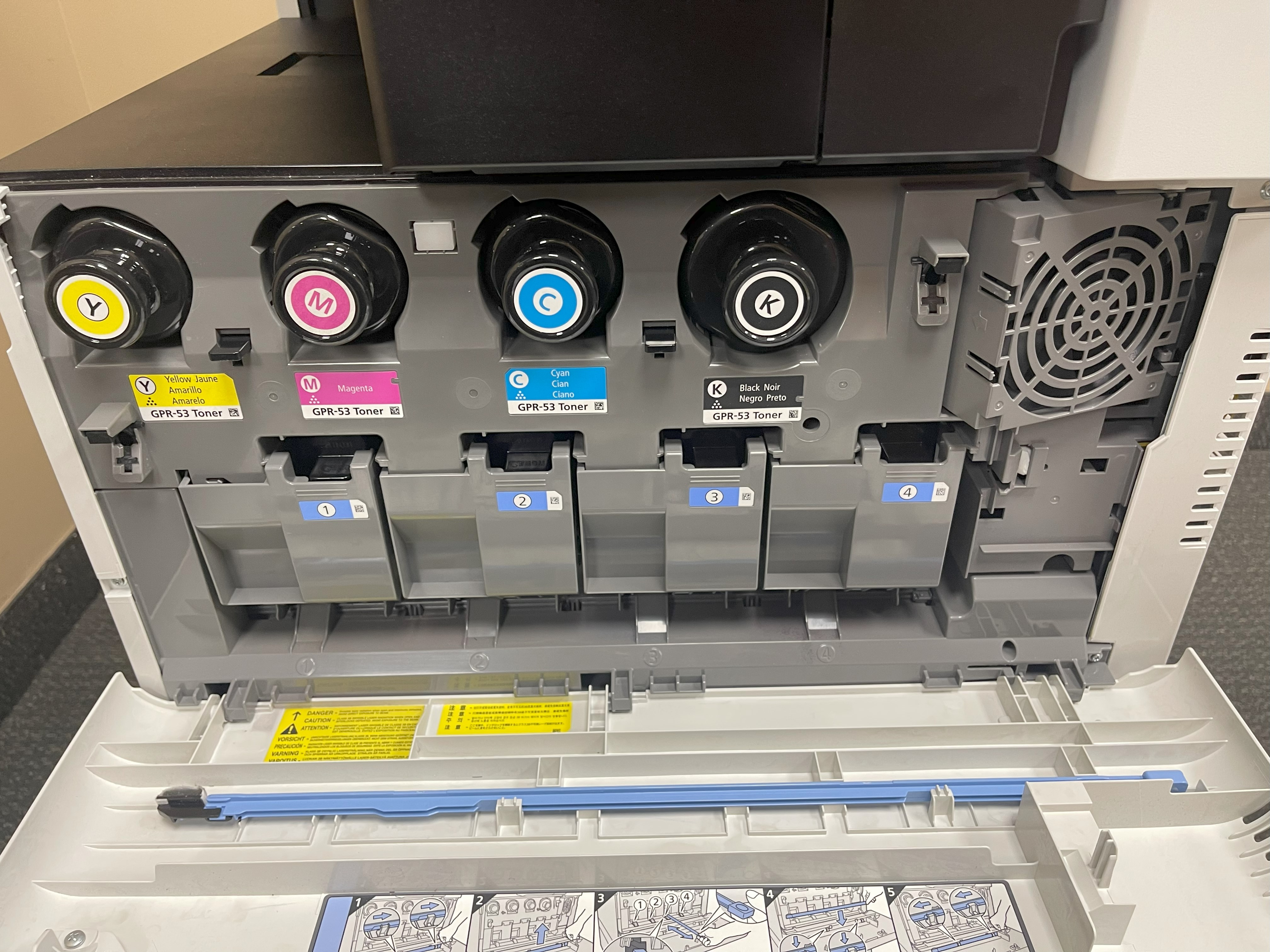
After you sign the lease agreement for your Canon copier, managing it well is key to keeping it running smoothly and avoiding any hiccups. If your lease includes a maintenance agreement, this means you’ll get help with repairs, upkeep, and even getting parts replaced while you’re still in the lease period. It’s really important to know what your service contract covers and how to ask for help or fixes when needed. Taking care of your copier by doing things like changing the toner regularly and having routine check-ups can make it last longer and work better. By looking after your Canon copier lease properly, you can make sure it does its job without causing problems for your business.
Routine Maintenance and Service Agreements
Keeping up with regular maintenance is key when you’re leasing a Canon copier. Often, your lease agreement will include a service deal that takes care of repairs, upkeep, and swapping out parts when needed. It’s crucial to get the hang of what your service agreement says about getting support or fixing issues. Making sure you change the toner on time and stick to suggested upkeep routines can really help your copier stay in great shape. If ever you’re unsure about how to handle routine maintenance, it’s always smart to talk to the customer service team from the leasing company. They’re there to help guide you so that during your entire lease period, your Canon copier works just as well as it should.
Handling Repairs and Downtime
When your Canon copier runs into trouble or needs fixing, it’s key to stick to the steps in your service contract. If you run into any problems or need some repairs done, get in touch with the customer service team of the leasing company right away. They’ll help you figure out how to get those repairs scheduled or might even sort things out over a call. Sometimes, depending on what’s wrong, fixing your copier could be covered by your agreement without extra costs; other times, there might be additional fees involved. Keeping downtime short is super important for keeping things moving smoothly in your business, so make sure to deal with any repair issues quickly and keep up good communication with the leasing company to fix whatever comes up.
The End of the Lease Journey
As the end of your Canon copier lease draws near, it’s time to think about what comes next. With the lease wrapping up, you might have a chance to upgrade your copier to one with the latest technology if that’s allowed in your agreement. On another note, returning the leased copier back to where you got it from is also an option worth considering. It’s crucial to go over your lease agreement carefully so you understand any must-dos or special conditions as you reach this turning point. By getting a good grip on what choices you have and making plans early on, moving into whatever phase follows in leasing a Canon copier should be pretty smooth sailing for you.
Options at the End of Your Lease Term
Once your Canon copier lease is up, you’ve got a few choices to think about. For starters, you could renew the lease and keep using the same machine. Or, if owning sounds better, you can buy it for what it’s worth on the market right now. With some deals, there’s even a chance to switch things up and get newer or different models. It all comes down to figuring out what your business really needs and how much each option will cost you in the long run. By getting all the facts straight and talking things over with whoever gave you the lease, deciding what’s best when your canon copier lease ends should be a breeze.
Upgrading vs. Returning Your Equipment
When it’s time to think about what to do as your Canon copier lease comes to an end, you’ve got a couple of paths you can take based on what your business needs and how much money you’re looking to spend. If the copier you have now isn’t cutting it anymore or if grabbing the newest tech sounds appealing, going for an upgrade with copier solutions might be the way forward. On the other hand, if what your business requires has shifted or shelling out cash for a new copier doesn’t sound too good, then handing back the equipment could work better for you. It’s key to weigh up both sides – pros and cons – and chat with your leasing company before making a choice that fits well with where you want your business headed.
Common Pitfalls and How to Avoid Them
Leasing a copier can be really helpful, but it’s good to know about the usual traps and how to dodge them. For starters, getting out of your lease early could hit you with big fees if you decide to cut ties before the time is up. Then there’s auto-renewal – this means your lease might keep going without a break unless you say otherwise or talk about changing terms. To steer clear of these issues, make sure to go through the lease agreement carefully, especially looking at any parts about ending the deal early and how renewals work. Also, consider your current lease and any potential penalties or fees associated with terminating it early. By keeping an eye on these things and planning ahead, adding a copier lease buyout option can provide a safety net in case of any unexpected changes or needs for your business. With this option, other dealers can take over your lease and handle any remaining balance, allowing for a smoother transition and avoiding any potential pitfalls.
Early Termination Fees and How They Work
If you decide to end your copier lease early, you might have to deal with some hefty charges. These early termination fees are usually spelled out in the lease agreement and can change depending on how much time is left on your lease and what the leasing company’s rules for cancellation are. To steer clear of any surprise expenses, it’s crucial to go over the lease agreement thoroughly and get a good grasp of all the details concerning ending your contract sooner than planned. In case there’s a chance you’ll need to cut the lease short, try working out better terms or adding clauses that shield you from big fees right from the start. By getting familiar with how these termination costs work and thinking ahead, you’re more likely to dodge serious financial hits.
Avoiding Auto-Renewal Traps
When you’re dealing with a copier lease, it’s easy to get caught by surprise if you don’t pay close attention to the fine print. These agreements often have renewal clauses that mean they’ll keep going for another period unless you say otherwise in advance. To steer clear of these auto-renewal traps, make sure to go through your lease agreement carefully and understand how to let them know if you want out before it renews on its own. It helps a lot to set reminders for yourself way before the deadline comes up so that you have plenty of time to think about what’s best for your business needs. If getting stuck in automatic renewals doesn’t sound good, try talking about shorter terms from the start or ask them only to renew with your okay first. By doing this, you can avoid being tied down by a lease term that isn’t right for where your business is headed.
Conclusion
Wrapping things up, it’s really important to get the hang of a Canon copier lease agreement if you want to make choices that are good for your business. You’ve got to break down the main parts and think about how much it’ll cost, because every bit of this is key in making sure the lease fits what you need perfectly. Watch out for any extra fees and weigh up leasing against buying so you can use your money wisely. By carefully going through the application process for the lease and keeping on top of regular upkeep, everything should run smoothly while you’re using the copier. And by knowing what usually goes wrong and looking at your options when the lease is coming to an end, you’ll be able to decide on stuff that helps your business grow over time.
Frequently Asked Questions
Can I negotiate my lease terms?
Absolutely, you can talk about changing the terms of your lease for a Canon copier. By chatting with the leasing company, you can share what you’re looking for in terms of how long the lease lasts, how much you pay every month, and any extra services or details that matter to you. With some discussion during the contract negotiation process, there’s room to adjust these aspects to better suit your needs.
What happens if I exceed my agreed print volume?
Going over the number of pages you’re allowed to print can lead to extra charges. Usually, these charges are based on each page or a certain amount of copies that go beyond what was agreed. To steer clear of any surprises in your bill, it’s crucial to know the rules and how much it’ll cost if you print more than planned.