

Key Highlights
- Understand the different types of printer copy machines available
- Compare inkjet and laser printers to determine which one suits your needs
- Consider key features such as print quality, speed, and connectivity options
- Explore top picks for home offices and small to medium businesses
- Learn about the cost of ownership and eco-friendly options
Introduction
Printer copy machines are essential office equipment that combines the functions of a printer, copier, scanner, and sometimes even a fax machine. They are versatile devices that can handle various document tasks, making them a convenient tool for both home offices and businesses. However, with so many options available in the market, choosing the right printer copy machine can be a daunting task. In this ultimate guide, we will walk you through everything you need to know to make an informed decision. From understanding the different types of printer copy machines to considering key features and exploring top picks for different settings, we’ve got you covered. So let’s dive in and find the perfect printer copy machine for your needs.
https://apps.apple.com/us/app/brother-mobile-connect/id1516235668
Understanding Printer Copy Machines
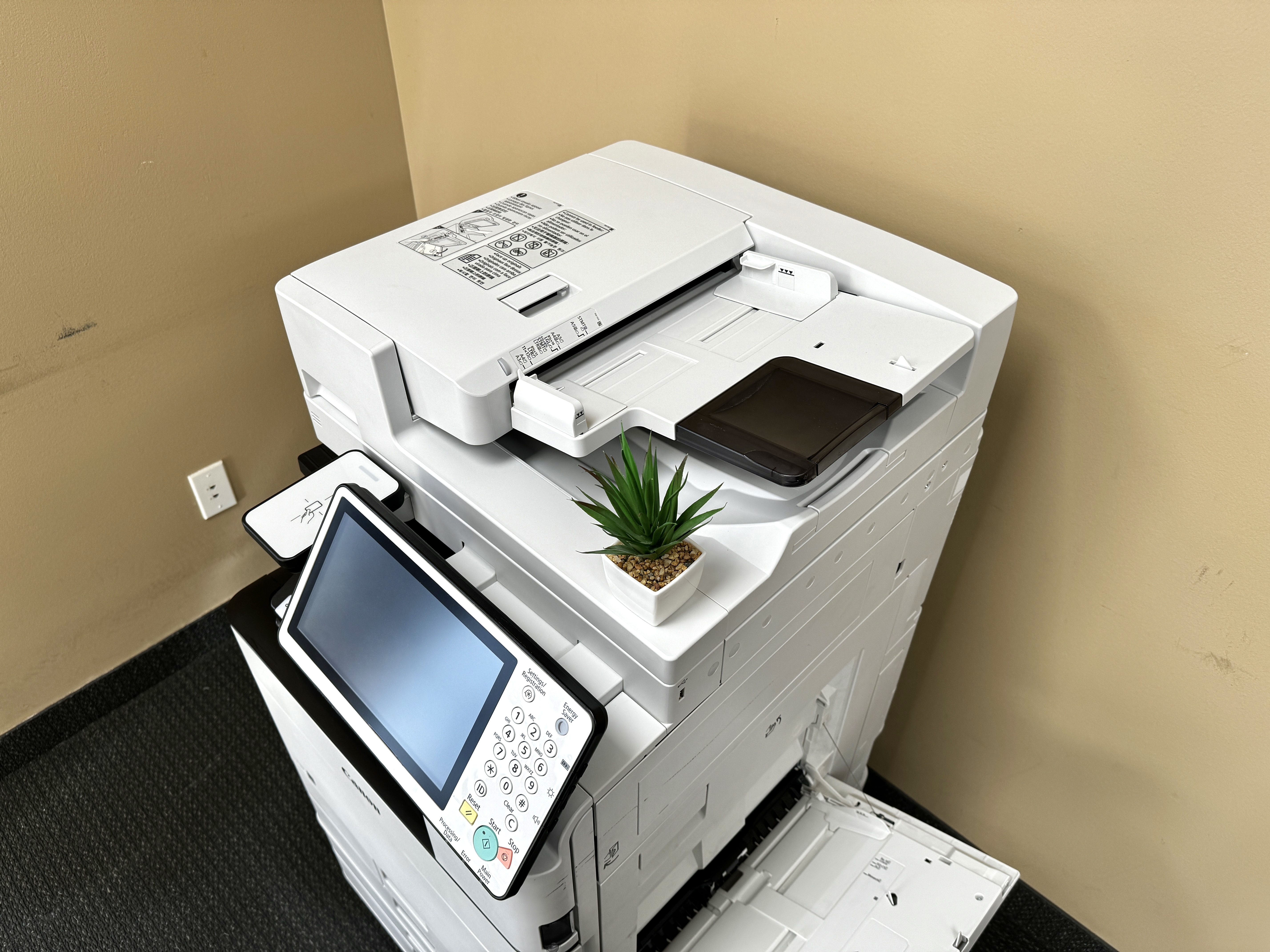
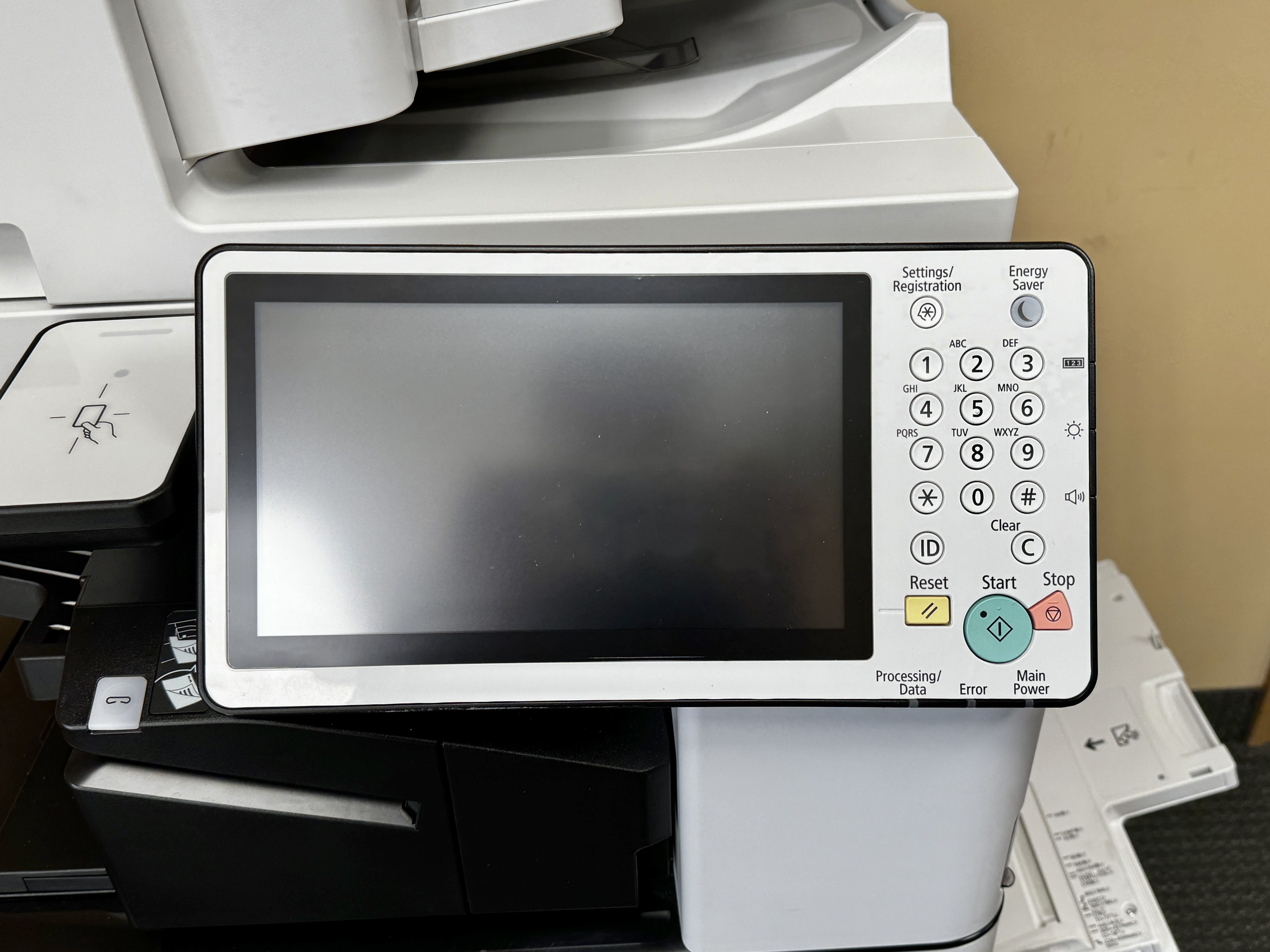
Printer copy machines, also known as multifunction printers, are all-in-one devices that combine the functionality of a printer, copier, scanner, and sometimes even a fax machine. They are designed to handle a wide range of document tasks, making them a versatile tool for both home offices and businesses. With a printer copy machine, you can print documents, make copies, scan files, and even send and receive faxes. These devices are an essential part of any modern office setup, providing convenience and efficiency in one compact package.


The Evolution of Printer Copy Machines
Printer copy machines have come a long way since their inception. In the early days, they were bulky and had limited functionality. However, advancements in technology have brought about significant improvements in both design and functionality. Today, printer copy machines are compact, efficient, and capable of producing high-quality prints. They have become an integral part of any office setup, enabling users to perform multiple tasks without the need for separate devices. With the introduction of wireless connectivity and cloud integration, printer copy machines have become even more versatile and user-friendly. Whether you need to print, scan, copy, or fax, a modern printer copy machine can handle it all with ease.
Inkjet vs. Laser: Which One Suits Your Needs?
When it comes to printer technology, there are primarily two types to choose from: inkjet and laser. Each has its own pros and cons, and the choice depends on your specific needs.
Inkjet printers are known for their versatility and ability to produce high-quality photo prints. They use liquid ink cartridges to create vibrant and detailed prints. Inkjet printers are ideal for home offices or small businesses that require occasional printing and color accuracy. They are also more affordable upfront, making them a popular choice for personal use.
Laser printers, on the other hand, are known for their speed and efficiency. They use a toner cartridge and a laser beam to produce sharp and precise prints. Laser printers are well-suited for high-volume printing and are commonly used in medium to large-sized businesses. They are more expensive upfront but offer a lower cost per page in the long run, making them a cost-effective choice for businesses with heavy printing needs.


https://preferences.business.xerox.com/US
Key Features to Consider When Choosing a Printer Copy Machine
When selecting a printer copy machine, it’s essential to consider certain key features to ensure it meets your specific needs. These features include:
- Duplex printing: Allows for automatic double-sided printing, saving time and paper.
- Print quality: Look for a printer with a high resolution (measured in dpi) for sharp and detailed prints.
- Speed and efficiency: Consider the printer’s pages per minute (ppm) rating to ensure it can keep up with your workload.
- Connectivity options: Check for ethernet, wireless, and cloud connectivity options to enable seamless printing from multiple devices and locations.
- Additional features: Consider any additional features you may need, such as a document feeder for scanning or a fax function if required.
Print Quality and Resolution
When selecting a printer copy machine, one crucial factor to consider is print quality and resolution. These aspects determine the clarity and precision of your documents or images. Higher resolutions lead to sharper outputs, while print quality affects the overall professional appearance of your materials. Be sure to check the specifications for dots per inch (DPI) and color depth to gauge the machine’s printing capabilities accurately. Prioritize these features to ensure your documents reflect professionalism and clarity.
Speed and Efficiency
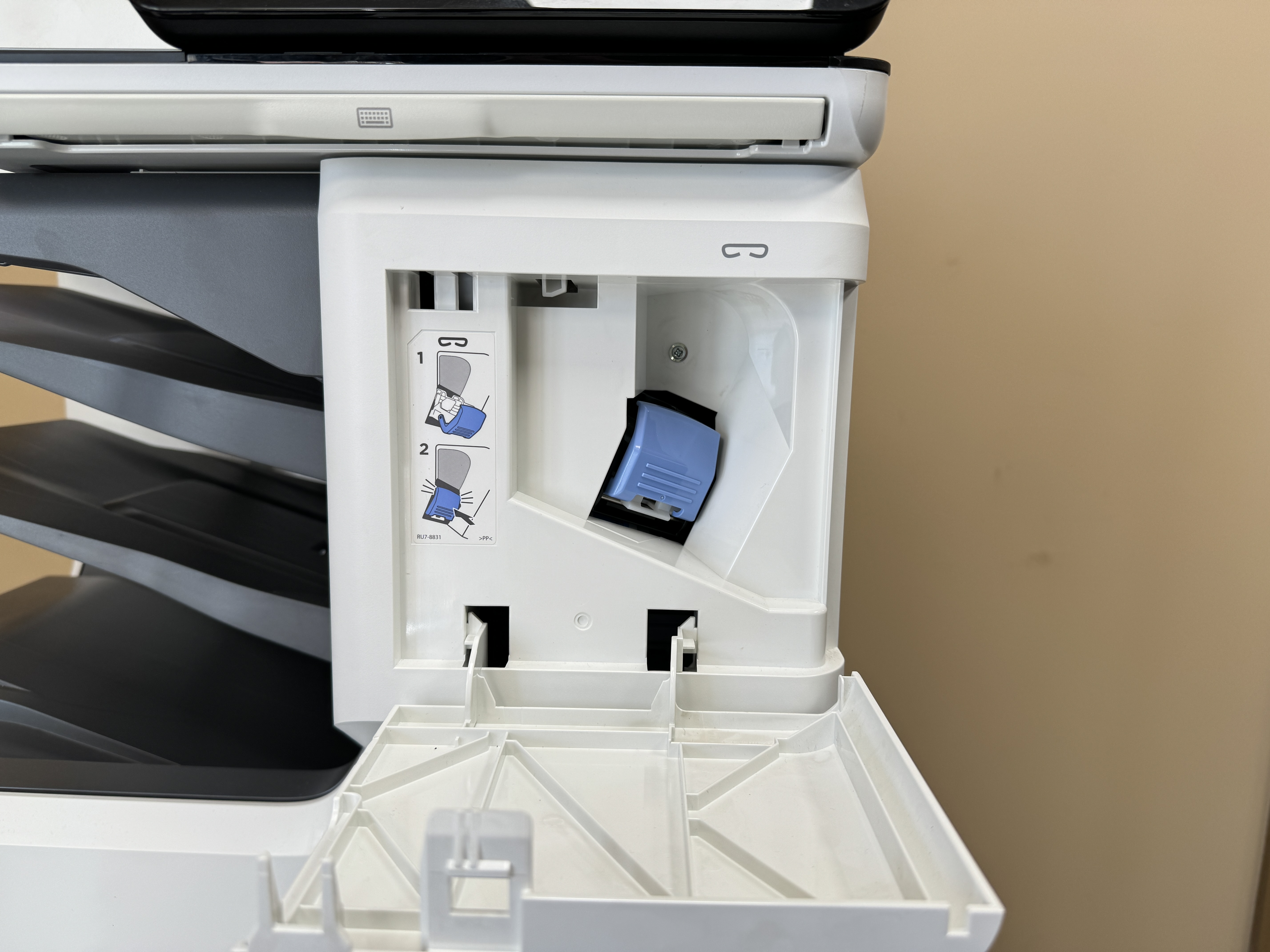
When selecting a printer copy machine, assessing speed and efficiency is crucial. Manufacturers often specify the pages per minute (ppm) metric to indicate printing speed. Higher ppm values denote faster outputs, which can be beneficial for busy office environments. Efficiency encompasses factors like document feeder capabilities for quick scanning and copying tasks. Duplex printing, where printing can happen on both sides of a page, also contributes to time-saving and eco-friendly practices. Consider these aspects to streamline your printing processes efficiently.


https://thewirecutter.com/wp-admin/post.php
Connectivity Options
When selecting a printer copy machine, exploring connectivity options is crucial. Modern machines offer a variety of ways to connect, including Wi-Fi, Ethernet, USB, and cloud-based services. Wi-Fi enables wireless printing from any device on the network, while Ethernet provides stable connections for multiple users. USB connections are handy for direct printing, and cloud services allow printing from anywhere. Consider your workflow and the devices you use to ensure seamless connectivity with your chosen printer copy machine.
Top Picks for Home Offices
For home offices, the HP OfficeJet Pro series offers multifunction printers with exceptional performance. These printers are ideal for small business needs, combining printing, scanning, copying, and fax capabilities in a single device. The HP OfficeJet Pro printers are known for their efficiency and cost-effectiveness, making them a top choice for home office professionals seeking reliable and high-quality printing solutions.
Best Budget-Friendly Models
When looking for budget-friendly printer copy machines, consider the HP DeskJet 3755, renowned for its compact design and wireless printing capabilities. Another option is the Canon Pixma TR4520, providing excellent print quality and versatility at an affordable price. These models offer a balance between cost and efficiency, ideal for home offices or small businesses with moderate printing needs. Prioritize features like ink efficiency and connectivity to maximize value while staying within budget constraints. Investing in a reliable yet affordable machine can positively impact your workflow.
High-Performance Printers for Faster Outputs
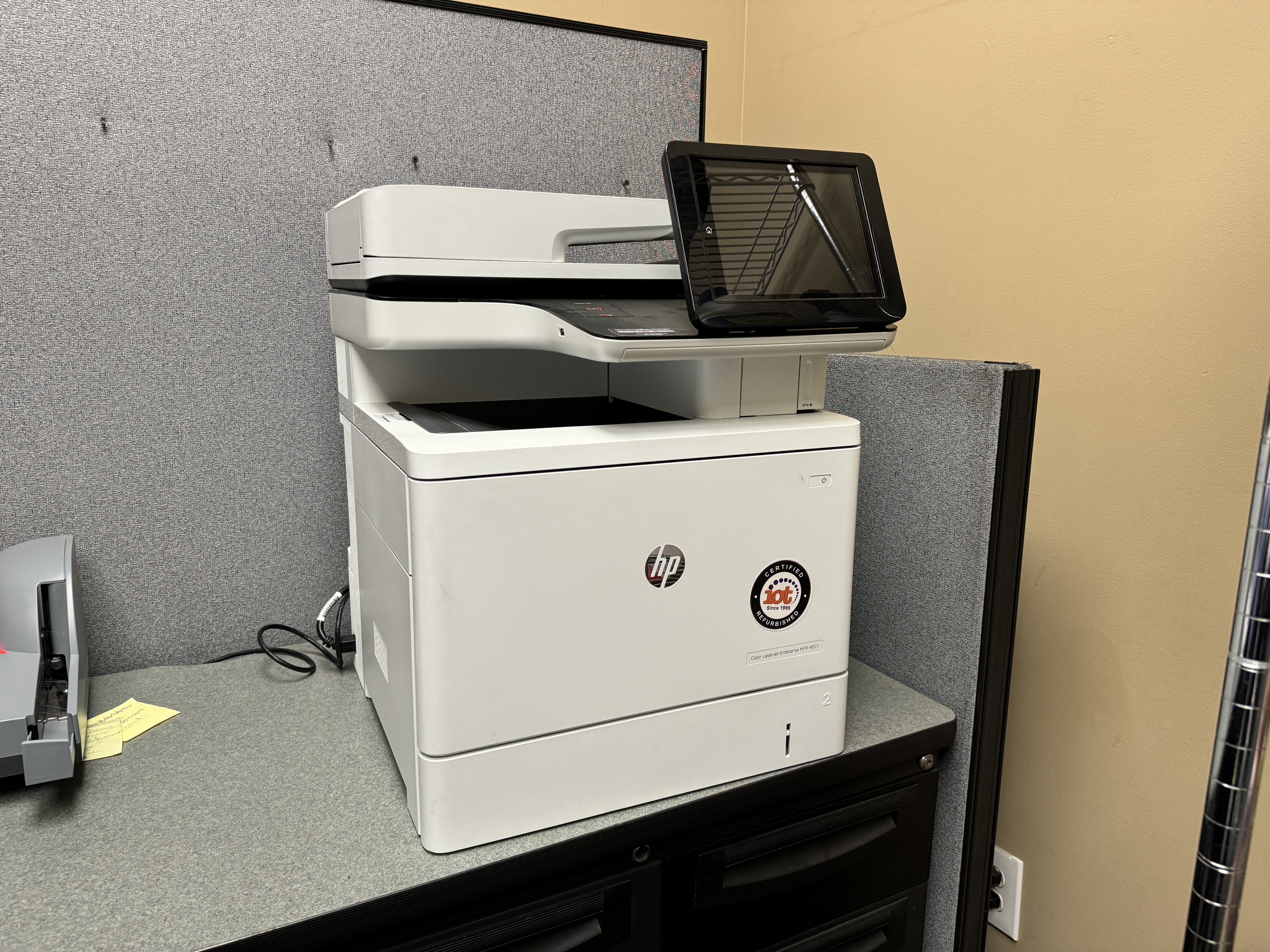
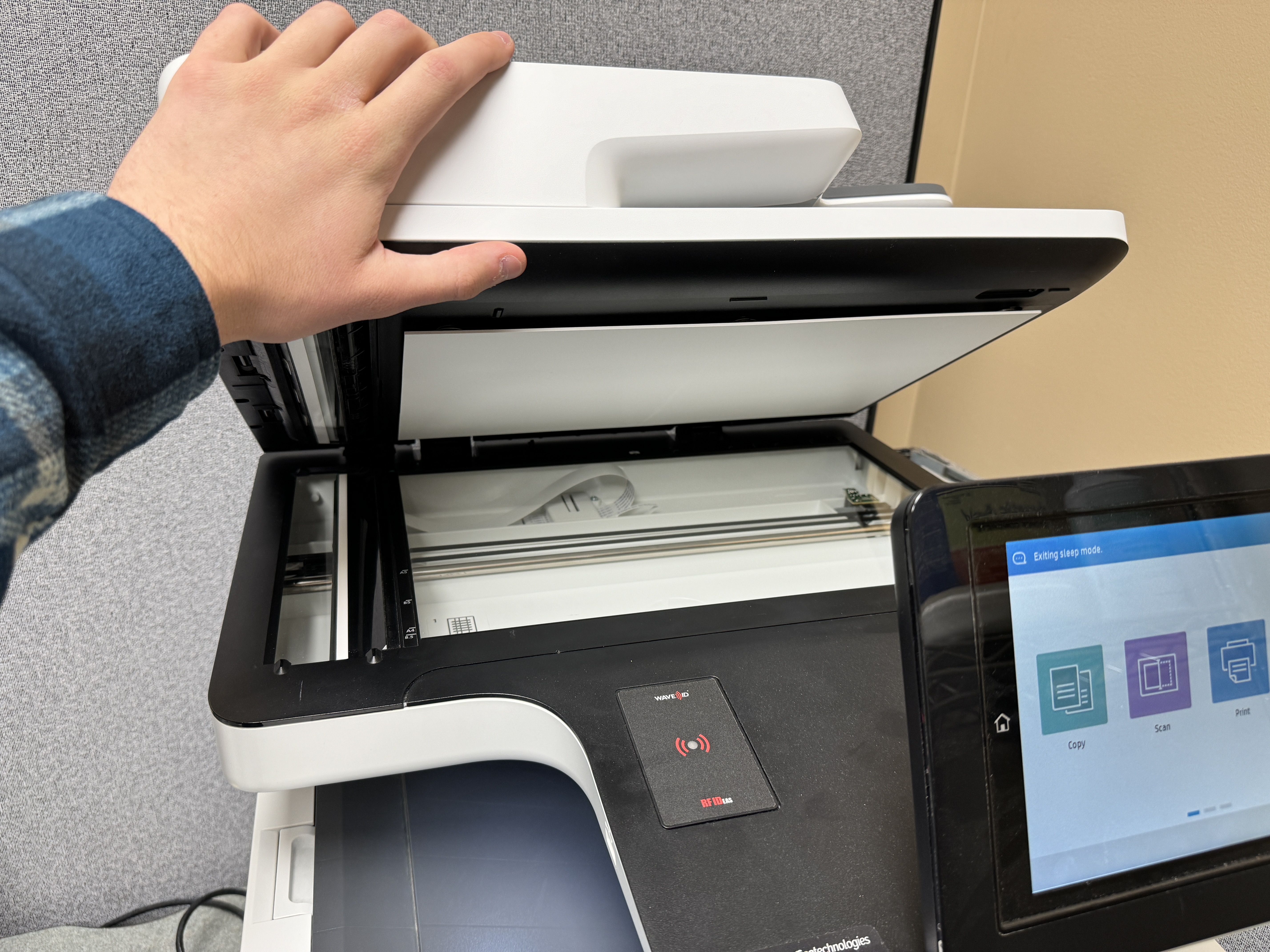
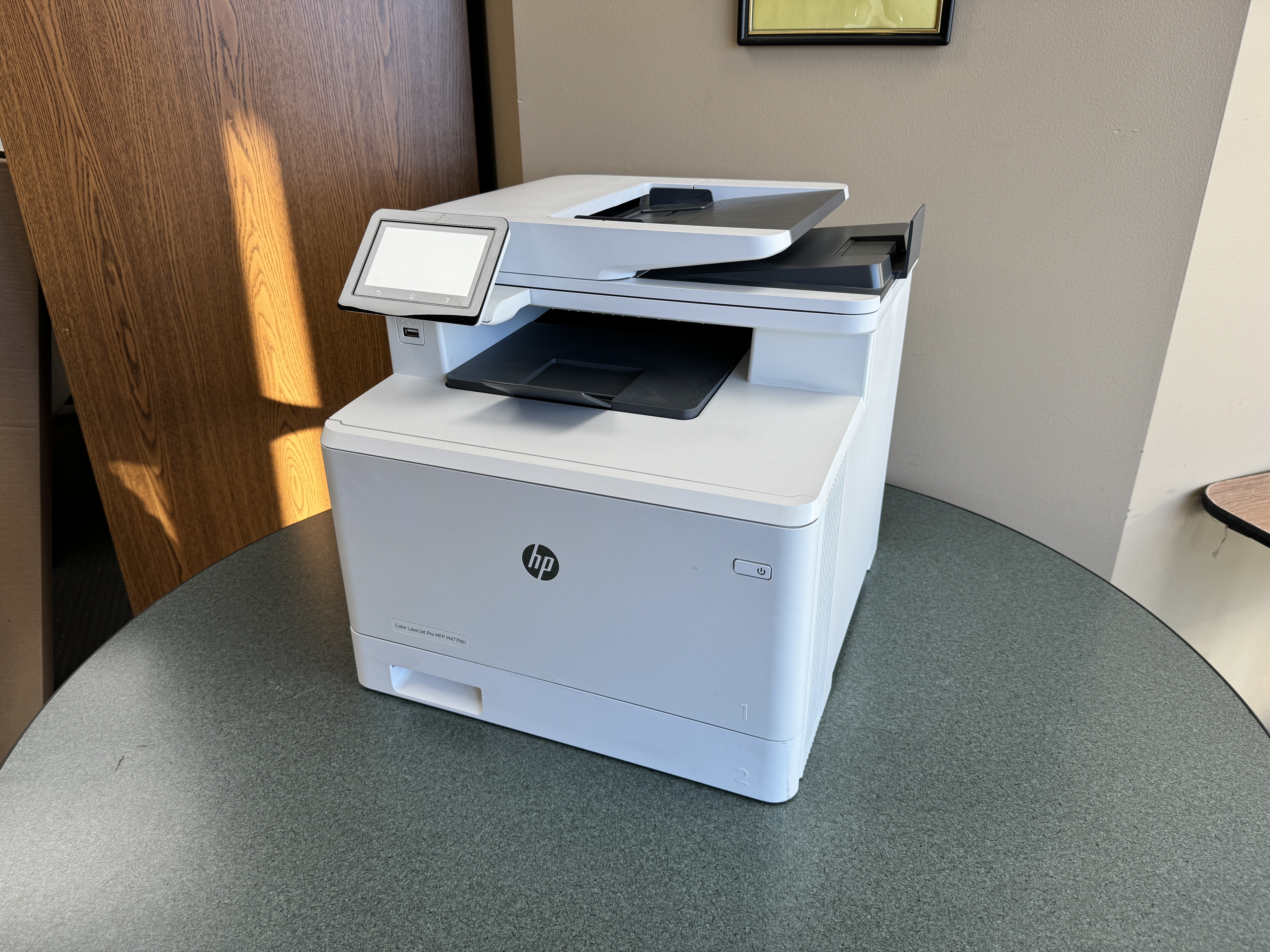
For high-performance printers tailored for faster outputs, consider models with advanced features like duplex printing and high PPM (pages per minute) rates. Look for laser printers or color multifunction printers suitable for small businesses or demanding home office requirements. Features like touchscreen interfaces, Ethernet connectivity, and rapid printing capabilities can significantly enhance productivity. Brands like HP OfficeJet Pro or LaserJet Pro MFP series offer reliable options with warranty support for efficient printing solutions. Explore models with scanning and copying functionalities for a comprehensive office equipment solution.
https://www.boxofficemojo.com/
Best Picks for Small to Medium Businesses
For small to medium businesses, robust printer copy machines are essential for daily operations. Opt for multifunction printers that offer a range of features like scanning, copying, and fax capabilities. Consider models from reputable brands like HP OfficeJet Pro or Canon imageCLASS for reliability and performance. Look for options with high-capacity toner cartridges to handle frequent printing tasks. Ensure seamless connectivity with Ethernet or wireless options for efficient workflow. Prioritize speed, quality, and durability when selecting the best fit for your business needs.
Durable Machines for High Volume Printing
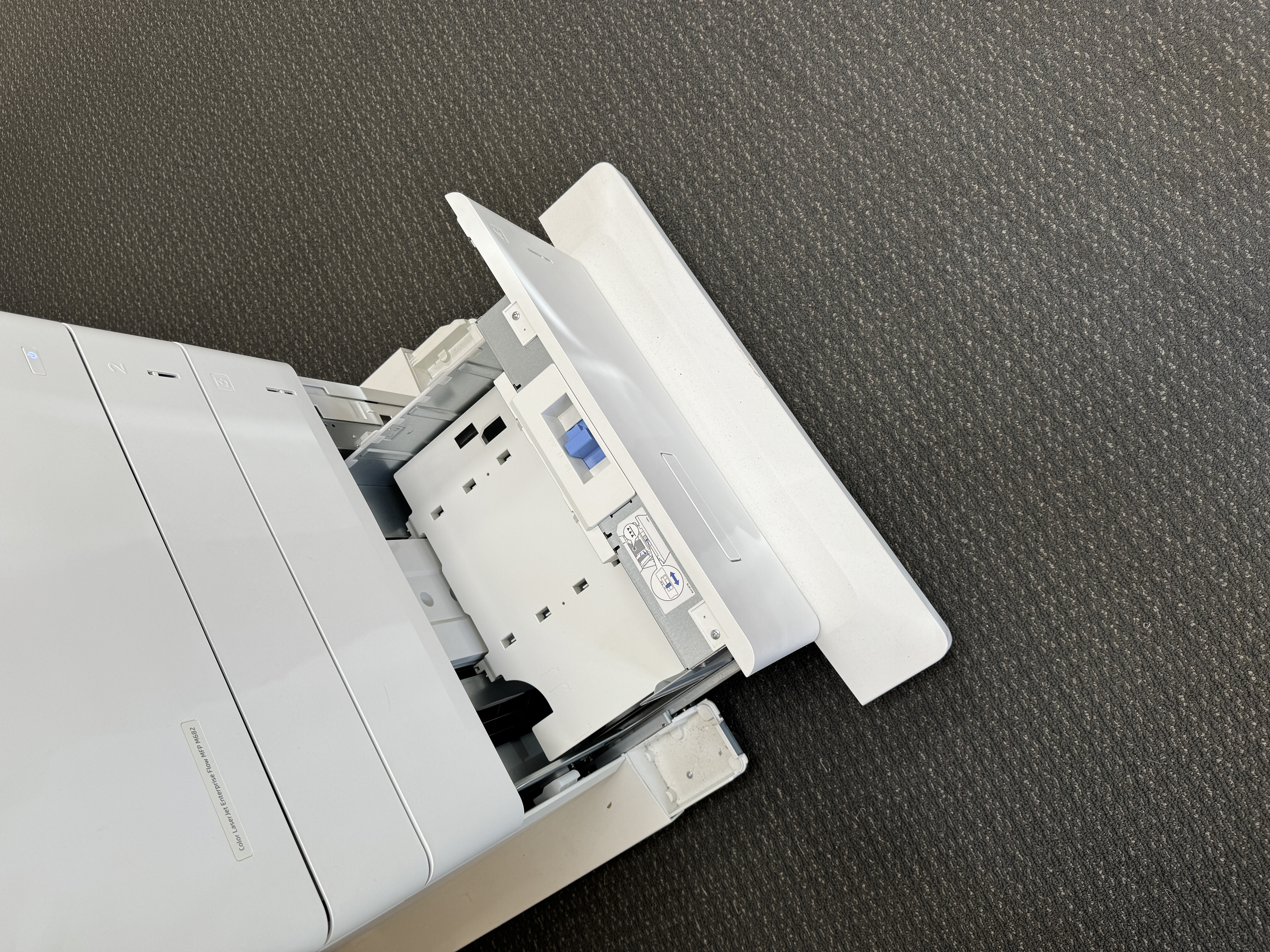
When considering durable machines for high volume printing, it’s crucial to look for robust models designed to withstand continuous usage. Opt for printers equipped with high-capacity input trays to minimize downtime for paper refills. Choose reliable brands known for their longevity and efficiency in handling large print jobs seamlessly. Features like automatic double-sided printing can also enhance productivity for your high-volume printing needs. Investing in a durable machine tailored for high-volume tasks will ensure consistent performance and longevity in your printing operations.
All-in-One Printers for Versatility
All-in-one printers, also known as multifunction printers, offer a versatile solution for small businesses and home offices. These devices combine printing, scanning, copying, and sometimes faxing capabilities in a single machine, making them efficient and space-saving. With features like document feeders, duplex printing, and various connectivity options, such as Ethernet or wireless, these printers cater to diverse needs. Businesses can streamline their office equipment with these all-in-one printers, enhancing productivity and convenience in one compact package.


Understanding the Cost of Ownership
When selecting a printer copy machine, understanding the cost of ownership is crucial. Consider the balance between the initial investment and long-term savings. Evaluate ongoing expenses such as ink or toner costs, maintenance requirements, and potential repairs. Assess the total cost over the expected lifespan of the printer copy machine to make an informed decision. This approach ensures cost-effectiveness and efficiency in managing your printing needs. Understanding the cost of ownership is key to optimizing your printing expenses.
Initial Investment vs. Long-Term Savings
When considering a printer copy machine, weighing the initial investment against long-term savings is crucial. While laser printers typically have a higher upfront cost due to toner cartridges, they often offer lower per-page printing expenses over time compared to inkjet printers with more pricey ink cartridges. Factoring in day-to-day usage and maintenance costs can help determine the most cost-effective option for your printing needs. Evaluating the total cost of ownership is essential in making a financially sound decision for your business or home office setup.

Ink or Toner Costs
In assessing printer copy machine costs, factoring in ink or toner expenses is crucial. Toner cartridges are generally more expensive upfront but have a lower cost per page in the long run, ideal for high volume printing. In contrast, ink cartridges are cheaper initially but may cost more per page, especially for color printing. Understanding your printing needs and volume is key to determining the most cost-effective option for your office setup. Always consider the total cost of ownership while evaluating ink or toner expenses.
Eco-Friendly Printer Copy Machines
The current demand for eco-friendly printer copy machines is driven by a focus on energy efficiency and sustainability. These machines are designed to minimize environmental impact through the use of recyclable materials and eco-friendly inks. Users can contribute to sustainability efforts by opting for these devices that ensure reduced energy consumption and promote responsible recycling practices. Embracing eco-friendly printer copy machines aligns with a commitment to environmental stewardship in the office environment.


Energy Efficiency and Sustainability
When selecting a printer copy machine, considering energy efficiency and sustainability is crucial. Opt for models with energy-saving features like automatic sleep mode to reduce power consumption during periods of inactivity. Look for eco-friendly certifications such as ENERGY STAR to ensure lower energy usage. Sustainable practices can also include using recyclable materials and eco-friendly inks. By choosing a printer copy machine with a focus on energy efficiency and sustainability, you contribute to both cost savings and environmental conservation.
Recyclable Materials and Eco-Friendly Inks
When choosing a printer copy machine with a focus on sustainability, consider models that utilize recyclable materials and eco-friendly inks. These features contribute to reducing environmental impact by promoting recycling and minimizing the use of harmful substances. Opting for such eco-conscious technologies aligns with modern business practices that prioritize sustainability and responsible resource consumption. By selecting devices that incorporate recyclable materials and eco-friendly inks, you actively participate in promoting a greener and more environmentally-friendly office environment.
Advanced Features and Technologies
When choosing a printer copy machine, consider advanced features like wireless printing and cloud connectivity. These technologies provide enhanced accessibility and convenience. Security features are crucial for safeguarding confidential documents. Look for models with encryption capabilities and secure printing options to protect sensitive information. Incorporating these advanced technologies ensures efficiency and confidentiality in your printing tasks. Stay updated with the latest advancements to streamline your printing processes and enhance productivity in a professional setting.
Wireless Printing and Cloud Connectivity
Wireless printing and cloud connectivity have revolutionized the way we interact with printers. The seamless integration allows users to print from various devices without the hassle of cords or cables. With cloud connectivity, documents can be accessed and printed remotely, enhancing workflow efficiency. This feature is particularly beneficial in a professional setting, where time is of the essence, and the ability to print on-the-go is crucial for productivity. Embracing wireless and cloud capabilities can streamline printing processes and elevate workplace productivity significantly.
Security Features for Confidential Documents
Security features for confidential documents are crucial in printer copy machines, especially for businesses handling sensitive information. Look for machines with encryption capabilities to protect data during transmission and secure printing options like PIN codes to prevent unauthorized access. Trusted brands like HP and Xerox offer advanced security protocols to safeguard your documents from potential breaches. Enhanced security measures such as authentication requirements and secure erase functions add an extra layer of protection for your confidential files. Prioritize these features when selecting a printer copy machine for your professional needs.
Maintenance and Troubleshooting Tips
Regular maintenance is key to keeping your printer copy machine running smoothly. Clean the printer regularly, especially the printheads or toner cartridges. Ensure proper ventilation to prevent overheating. Address any paper jams promptly to avoid damage. For troubleshooting, consult the user manual for guidance on common issues. If problems persist, contact customer support for assistance or consider professional servicing. By following these tips, you can prolong the lifespan and efficiency of your printer copy machine.
Regular Cleaning and Care
Regular maintenance of your multifunction printer is crucial to ensure optimal performance. To keep your printer copy machine running smoothly, regularly clean its exterior and interior components with a soft, lint-free cloth. Additionally, inspect and clean the document feeder and scanner glass to avoid streaks or spots on your copies. Proper care extends the lifespan of your device and ensures consistent print quality for all your office needs. Preventative measures like this simple cleaning routine can save you time and money in the long run.
Dealing with Common Issues
Dealing with common issues requires basic troubleshooting steps. Start by checking for paper jams or low ink levels. Ensure the printer copy machine is correctly connected to power and the network. If the prints are of poor quality, consider calibrating the printer or replacing the ink cartridges. For connectivity issues, verify the network settings and restart the device if necessary. If problems persist, refer to the user manual or contact customer support for assistance. Stay proactive in maintaining your printer copy machine to minimize disruptions.
User Reviews and Testimonials
User Reviews and Testimonials:
Discover firsthand experiences and recommendations regarding printer copy machines. Explore top-rated models according to real users in various settings. Gain insights into the performance, reliability, and overall satisfaction levels from individuals who have used these devices. Make informed decisions based on the feedback and evaluations shared by users who have practical experience with different printer copy machine models. Learn from the experiences of others to optimize your selection process effectively.
Real-Life Experiences and Recommendations
When selecting a printer copy machine, real-life experiences and recommendations play a vital role. Users’ insights provide valuable information on reliability, performance, and overall satisfaction. By considering these anecdotes, you can make a more informed decision that aligns with your specific needs and expectations. Reading reviews and testimonials can give you a glimpse into how different models fare in actual usage scenarios, helping you choose a machine that suits your requirements and delivers as promised. Make use of these practical insights for a smoother selection process.
Top Rated Models According to Users
When looking for top-rated printer copy machines according to users, certain models stand out for their performance and reliability. Brands like HP, Canon, and Epson often receive high praise for their printer copy machines. Models such as HP OfficeJet Pro, Canon Pixma, and Epson EcoTank are frequently recommended by users for their print quality, speed, and overall functionality. Users appreciate features like wireless connectivity, efficient ink usage, and user-friendly interfaces. Reading user reviews can provide valuable insights into the best-performing models in the market.
Making the Purchase
When making a purchase decision for a printer copy machine, consider reputable vendors that offer warranties and reliable customer support. Look for deals and promotions on websites like Amazon. Assess the warranty coverage for your chosen model and inquire about available accessories that may enhance its functionality. Ensure the seller provides clear information regarding the warranty terms and any additional benefits or services included with the purchase for a confident buying experience. Selecting a dependable provider can offer peace of mind throughout your ownership experience.
Where to Buy Your Printer Copy Machine
For convenient acquisitions of printer copy machines, reputable retailers like Amazon, office supply stores, or direct manufacturer outlets offer a wide selection. Consider popular brands such as HP, Canon, Epson, or Xerox for quality assurance. Evaluate online reviews for insights into user experiences before making a purchase. Warranty and customer support are vital aspects to review, ensuring peace of mind post-purchase. Diligent research and comparisons can lead to finding the ideal printer copy machine meeting your specific requirements.
Warranties and Customer Support
When investing in a printer copy machine, warranties and customer support play a crucial role. Look for comprehensive warranties to safeguard your purchase. Evaluate the level of customer support offered by the manufacturer, ensuring that assistance is readily available if needed. Quick and reliable customer support can significantly impact your overall experience with the device. Prioritize brands known for their exceptional post-purchase service to ensure a smooth ownership experience.
Conclusion
In conclusion, selecting the right printer copy machine is essential for maximizing productivity and efficiency in your workspace. By understanding the key features, costs, and environmental impact, you can make an informed decision tailored to your needs. Consider factors like print quality, speed, connectivity, and eco-friendliness when making your choice. Explore user reviews, maintenance tips, and FAQs to ensure a smooth buying process. A well-chosen printer copy machine can streamline your printing tasks and contribute to a more sustainable office environment. Make a smart investment that aligns with your requirements for optimal performance.
Frequently Asked Questions
Can I use third-party ink or toner cartridges?
Yes, it is possible to use third-party ink or toner cartridges with printer copy machines. However, it is important to note that using third-party consumables may void the warranty of the printer. It is recommended to check the printer’s user manual or contact the manufacturer for specific guidelines regarding the use of third-party cartridges. Additionally, using third-party cartridges may affect print quality and performance, so it is advisable to choose high-quality, reputable third-party products if opting for this option.
How do I connect my printer to multiple devices?
To connect your printer to multiple devices, you can utilize various connectivity options, such as wireless or Ethernet connections. Wireless connectivity allows you to connect your printer to your home or office Wi-Fi network, enabling multiple devices to connect and print wirelessly. Ethernet connectivity involves connecting your printer directly to your router or network switch using an Ethernet cable. Both options provide convenient and easy access to your printer from multiple devices, including laptops, smartphones, and tablets.
What is the average lifespan of a printer copy machine?
The average lifespan of a printer copy machine can vary depending on various factors, including the brand, model, usage, and maintenance. Generally, printer copy machines can last anywhere from 3 to 5 years, although some high-quality models can last even longer with proper care and regular maintenance. Regular cleaning, replacing consumables on time, and following the manufacturer’s maintenance guidelines can help maximize the lifespan of your printer copy machine.
Is it worth repairing a printer copy machine, or should I just buy a new one?
The decision to repair or replace a printer copy machine depends on several factors, including the specific issue, the age of the printer, and the cost of repairs. If the printer is relatively new and the repair cost is reasonable, it may be worth repairing. However, if the printer is older and the cost of repairs is close to or exceeds the cost of a new printer, it may be more cost-effective to purchase a new one. It is recommended to consult with a professional technician or the printer manufacturer for advice on the best course of action.
How can I recycle my old printer copy machine?
Old printer copy machines can often be recycled to reduce their environmental impact. Many manufacturers and retailers offer recycling programs or take-back initiatives for old printers. You can also check with local recycling centers or electronic waste (e-waste) drop-off locations in your area for proper disposal. Additionally, some printer manufacturers offer trade-in programs, allowing you to exchange your old printer for a discount on a new one. Recycling your old printer copy machine helps minimize waste and ensures that valuable materials are reused or properly disposed of.