

Key Highlights
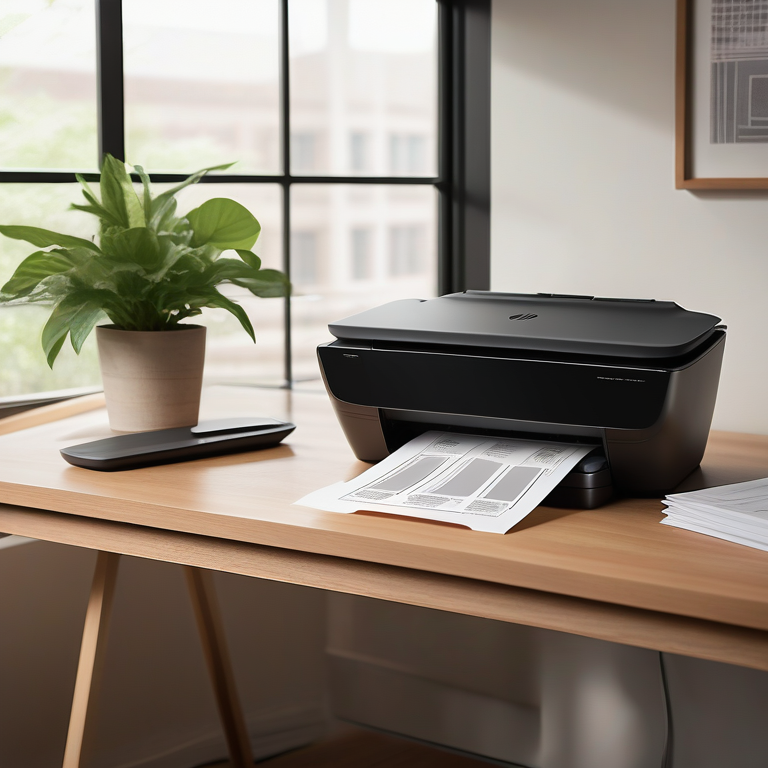
- This blog post will explore a range of HP printers and scanners to meet the demands of modern home offices and businesses.
- We’ll discuss the top HP models for 2023 and explore crucial aspects to consider when choosing a device.
- Learn about connectivity options, such as wireless and ethernet, ensuring seamless integration.
- Understand the different types of printers available, such as inkjet and laser printers.
- Discover the importance of print and scan quality, and how these impact your productivity.
Introduction
In today’s digital world, it is important to have a good printer and scanner in your home office. If you want to find the best printer for you, check out the HP Store. They have many great choices. You can trust HP because they focus on quality and new ideas. Their printers will fit your needs.
Top HP Printer and Scanner Models for 2023
As we enter 2023, HP still stands out with its great range of printers and scanners. These modern devices can handle everything from simple printing jobs to large projects. No matter if you care more about speed, print quality, or special features, HP has the right model for you.
Finding the right printer can be tough. That’s why picking a brand known for its performance and reliability is key. HP printers and scanners are popular with people and businesses because they offer excellent quality and the latest technology.
HP LaserJet Pro MFP M428fdw: A Comprehensive Review
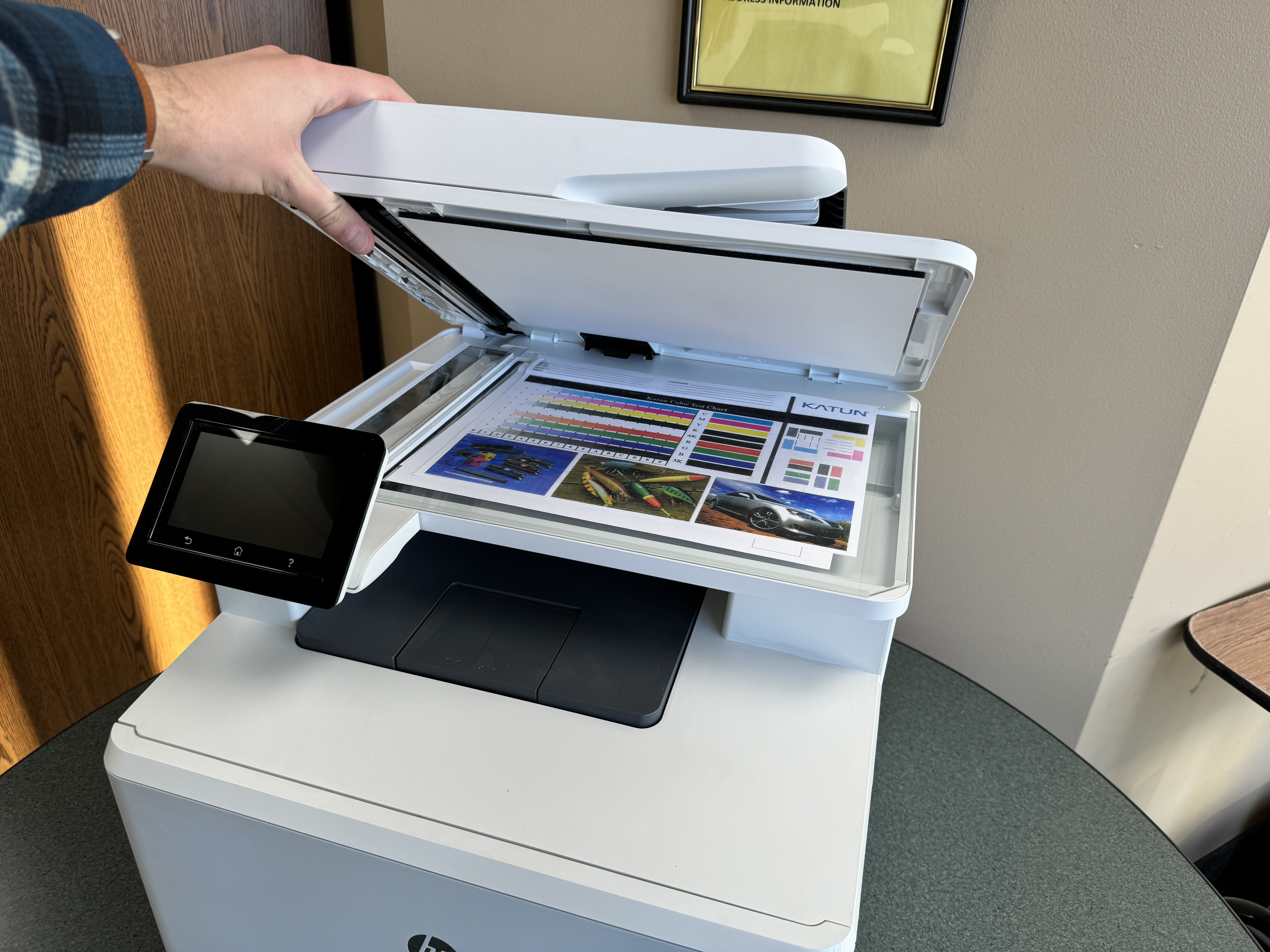
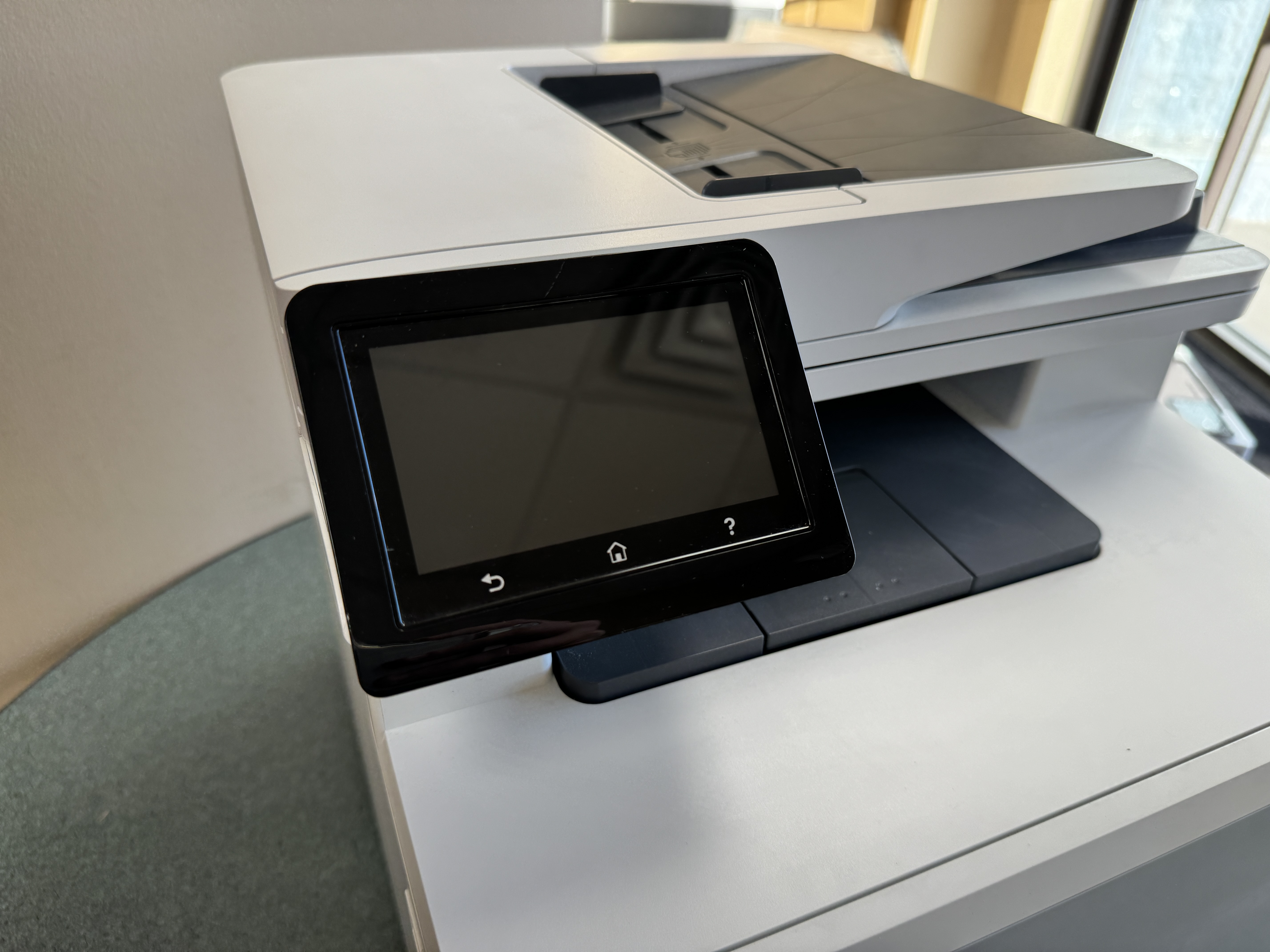
The HP LaserJet Pro MFP M428fdw is a great multifunction printer that works well. It prints clearly and quickly because it is a laserjet. This makes it a good choice for professional papers. The printer has a touchscreen, which makes it easy to use.
This all-in-one printer connects well, too. With both wireless and ethernet options, the M428fdw can fit into any home or office network. You can easily print from many devices. Wireless printing keeps your workspace neat, while an ethernet connection is good for businesses that need more reliability.
The HP LaserJet Pro MFP M428fdw is all about convenience and getting things done. It is a complete solution for printing, scanning, copying, and faxing.
HP OfficeJet Pro 9025e: Maximizing Productivity for Minneapolis-St. Paul Home Offices
Meet the HP OfficeJet Pro 9025e. It is an all-in-one inkjet printer perfect for home offices in Minneapolis-St. Paul. This printer makes it easy to print, scan, copy, and fax, all in one device. It is made to boost your productivity so you can focus on what is important.
The 9025e does more than print. It works with HP’s Instant Ink service. This service automatically sends you new ink cartridges before you run out. This way, you won’t face downtime. Plus, it saves you money and helps reduce wasted ink, making it an eco-friendly choice.
Here’s why the HP OfficeJet Pro 9025e is a smart pick:
- Fast printing speeds to meet your needs.
- Great wireless connectivity for a smooth workflow.
- An automatic document feeder to help with multi-page jobs.
Essential Features to Consider When Choosing an HP Printer and Scanner
Choosing the right printer is important for getting the most done. You need to think about what you and your business need. Look at things like the kinds of documents you often print, how much you print, and whether you need extras like scanning, copying, and faxing.
Once you know your main needs, it will be easier to look at specific printer features. We will discuss key points like how you connect the printer, the quality of printing and scanning, and whether it is good for the environment. With this information, you can easily choose the best HP printer and scanner for your home or office in Minneapolis-St. Paul.
Connectivity Options for Seamless Integration
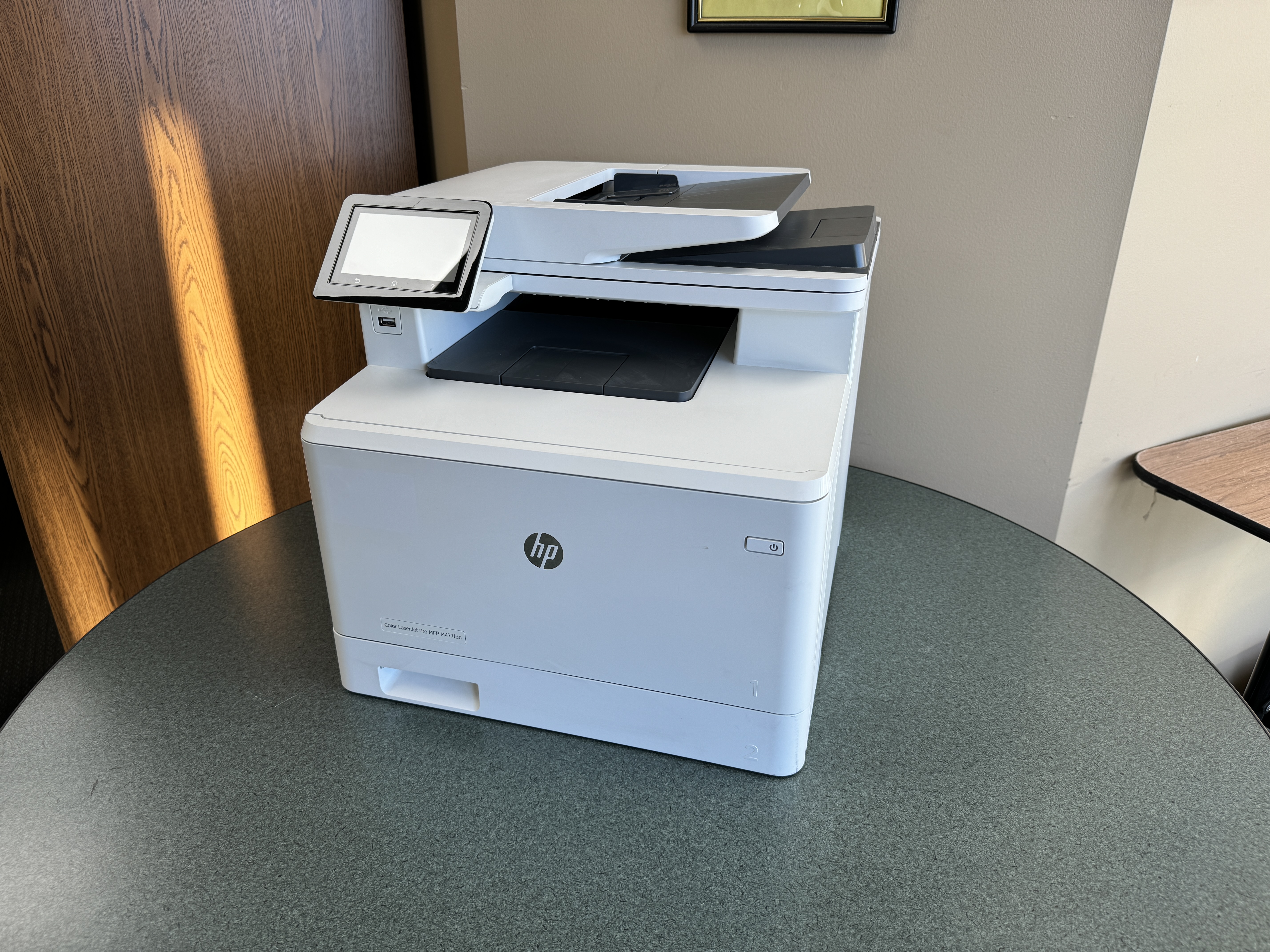
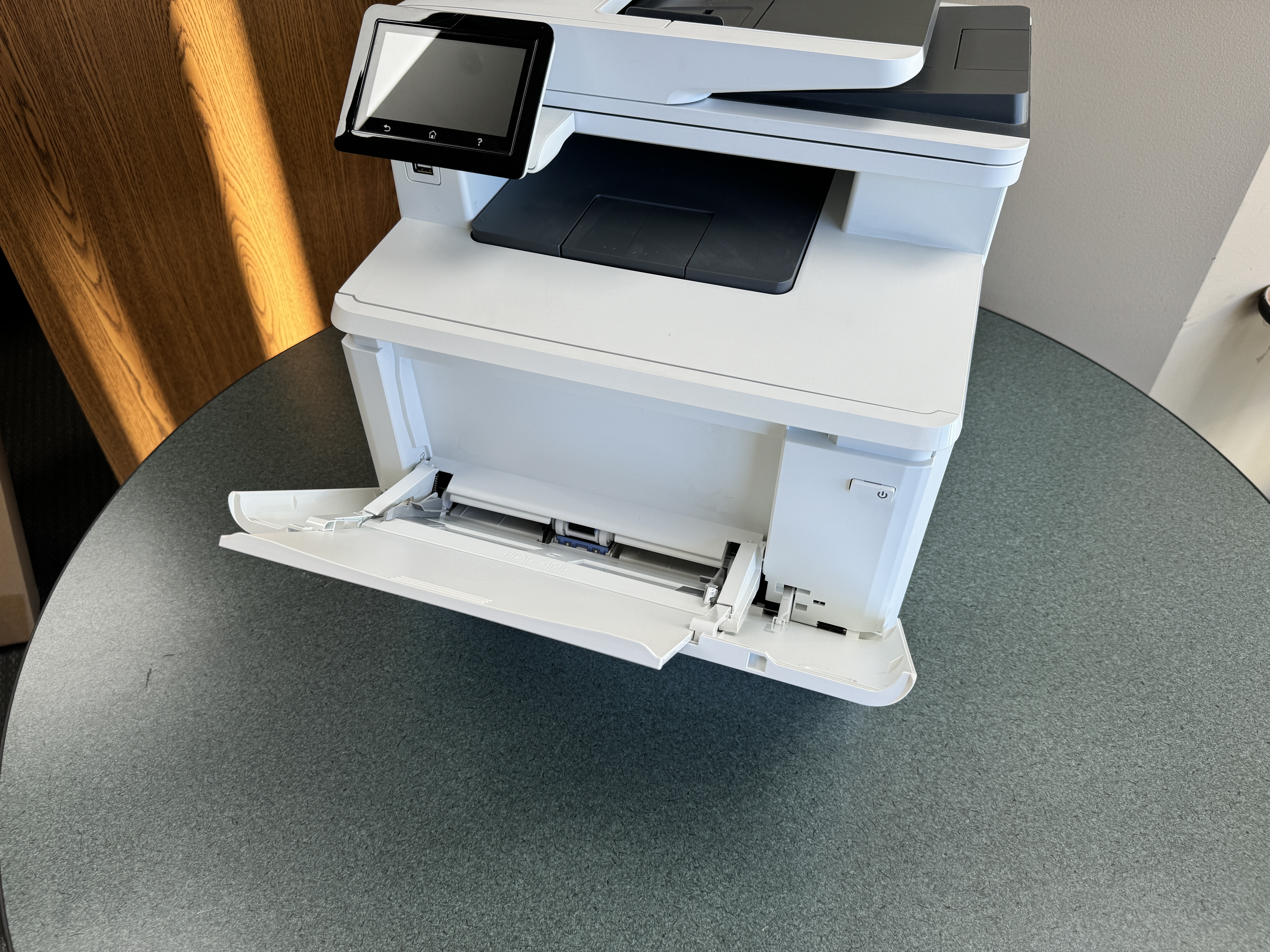
Seamless connection is very important in our connected world. HP knows this and provides many options for connecting its printers and scanners. When you check the HP Store, you will find models that have built-in wireless and ethernet features. This makes it easy to connect with what you already have.
Wireless connection is common because it is so convenient. You can print without messy cords from your laptops, Smartphones, or tablets. HP printers use the newest wireless technology, giving you a stable and effective connection. If you are looking for a versatile solution, consider the high-performing HP printer with scanner copier. While wireless is flexible, many businesses prefer ethernet. You can connect your HP printer with scanner copier directly to your network. This method offers better security and stability, which is important for places that do a lot of printing. Print and Scan Quality: What Minneapolis-St. Paul Businesses Need to Know Whether you pick a laser printer or an inkjet model, HP guarantees great print and scan quality, which is very important but often forgotten. The kind of ink or toner you choose really affects the final print. Knowing these differences will help you make a better choice. Laser printers use toner cartridges, which are great for clear text and sharp images. They work well for professional documents and presentations. Inkjet printers use ink cartridges and are excellent at making bright, high-quality photos and graphics, perfect for marketing materials and brochures. Also, HP scanners capture documents clearly, keeping all the details. The optical resolution is measured in dots per inch (DPI), and it’s an important feature to look at. A higher DPI means more detailed scans, which is vital for saving important documents or making digital copies. If you are in need of a reliable all-in-one solution, consider the high-performing HP printer with scanner copier for your business needs.

Conclusion
In conclusion, using a good HP printer scanner copier can really help you work better and faster. Top models for 2023, like the HP LaserJet Pro MFP M428fdw and HP OfficeJet Pro 9025e, have great features designed to fit your needs. When you choose an HP printer scanner copier device, think about how it connects and how well it prints and scans. This will help you get smooth operation and great results. Whether you need it for home or business use in Minneapolis-St. Paul, these important features will improve your printing and scanning. For more details about HP products, check out our frequently asked questions to help you choose the right HP printer scanner copier solutions.
Frequently Asked Questions
How can I connect my HP printer scanner copier to my home network in Minneapolis-St. Paul?
Connecting your HP printer scanner copier to your home network is simple. Most HP printer scanner copier devices can connect wirelessly or through an ethernet cable. You can check the user manual or go to the HP Store for step-by-step instructions on how to connect your HP printer scanner copier model in Minneapolis-St. Paul.
What is the best HP printer for high-volume printing needs?
For small to medium businesses that need to print a lot, HP printer and scanner solutions like laser printers are usually the best choice. They are faster and more efficient. Look for HP printer and scanner models that have Instant Ink and large paper trays. These features can help make your printing tasks easier. Can HP scanners convert documents directly into editable formats? Yes, HP scanners have a feature called Optical Character Recognition (OCR) technology. With this, you can scan your documents and turn them into editable text. This makes it easier to manage your documents. Are there eco-friendly HP printer options available in Minneapolis-St. Paul? Many HP printers are made to be eco-friendly. You can find ENERGY STAR certified HP printer models in the HP Store. These printers use less energy but still work well. What are the warranty options for HP printers and scanners in Minneapolis-St. Paul? HP has different warranty choices for their HP printers and scanners. These options can change depending on the product. For details on warranty coverage, visit the official HP Store or reach out to their customer support. They can help you find the best HP printer scanner for your needs in Minneapolis-St. Paul.