

Key Highlights
- Explore a diverse range of office copiers tailored to businesses of all sizes in Minneapolis-St. Paul.
- Discover key factors to consider before purchasing a new commercial printer, ensuring you select the best fit for your needs.
- Benefit from expert insights and guidance as you navigate the world of multifunction printers and office equipment.
- Find the perfect office copier from leading brands like Xerox, Canon, and Konica Minolta, all renowned for reliability and performance.
- Learn practical installation and maintenance tips to maximize your copier’s lifespan and ensure smooth operations.
Introduction
In today’s busy business world, having good office copiers and commercial printers is very important. These machines do more than just print and copy. They now act as workflow central platforms that help make tasks easier and improve productivity. Picking the right office copier can greatly affect how your business runs, so it’s important to make a smart choice for lasting success.
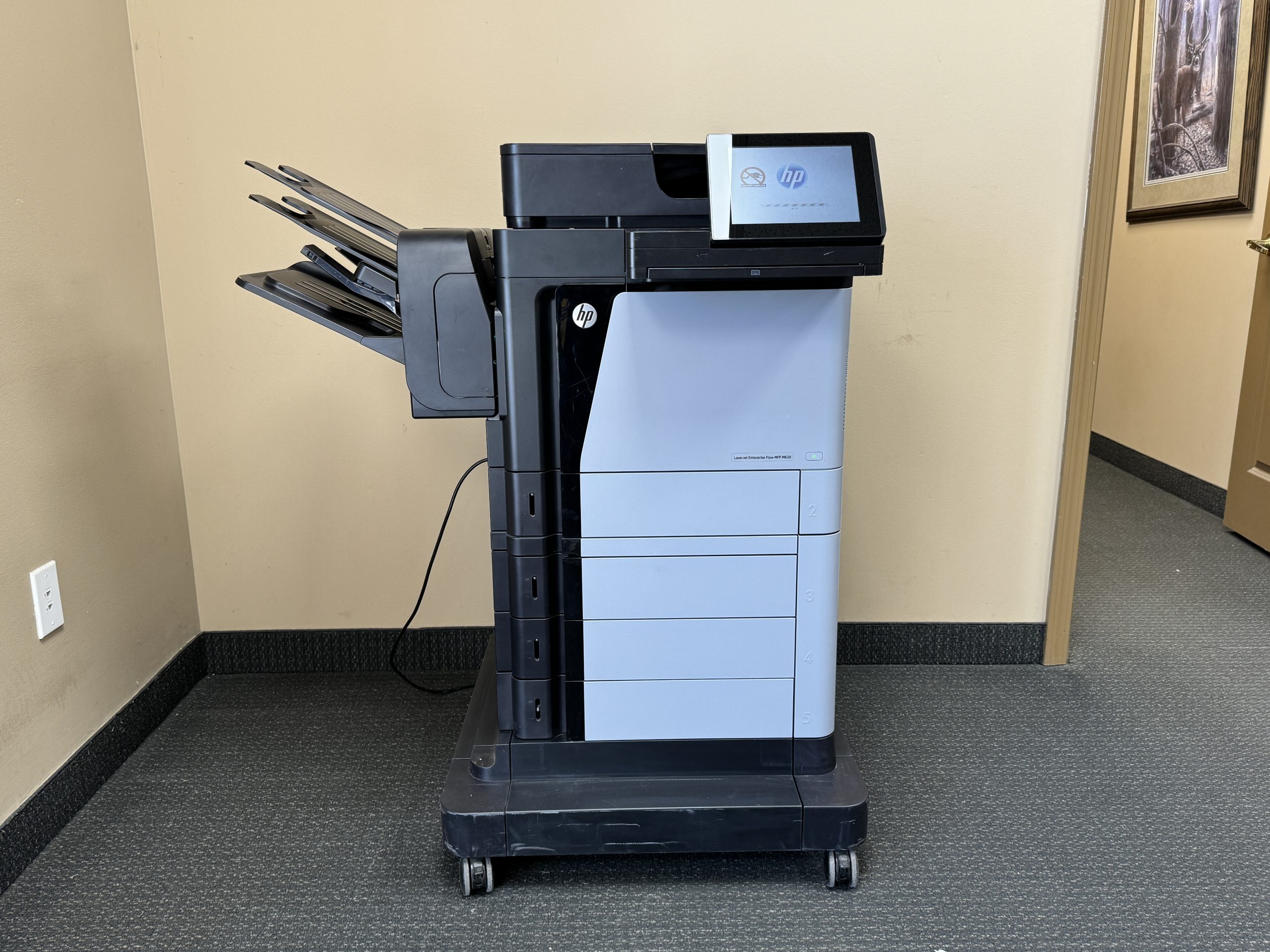
Office Copiers From IOT Solutions
https://g.co/kgs/R3pXR5s
https://www.shop.xerox.com/xerox-c310
https://www.shop.xerox.com/versalink-c7000
Understanding Office Copiers and Commercial Printers
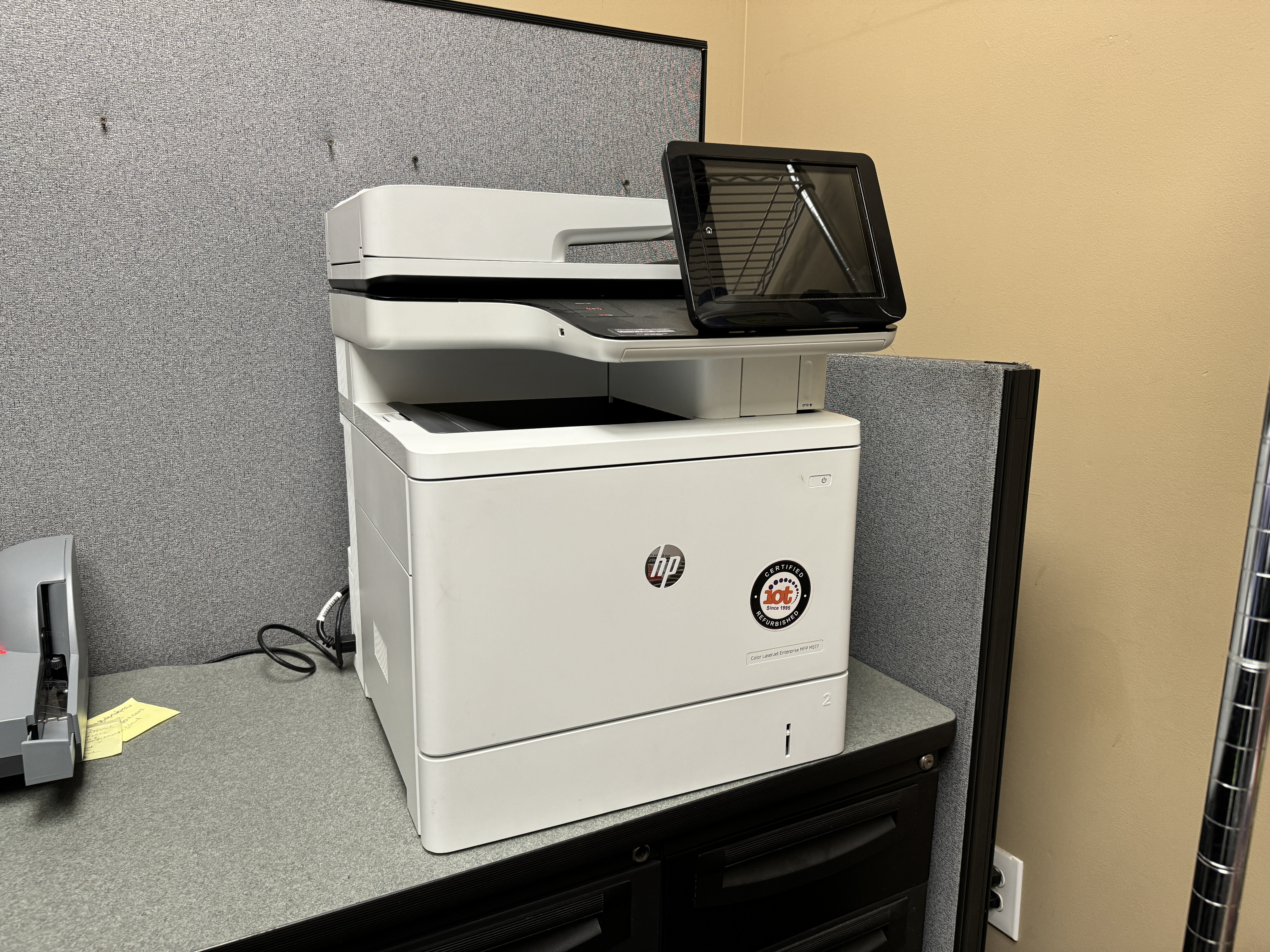
Modern office copiers, or multifunction printers (MFPs), are much more advanced than older models. Today, color MFPs from brands like Xerox have become essential tools in offices. These machines do more than just copy documents. They also print, scan, fax, and email, all from one device.
This combination of functions helps to make work easier and saves space in the office. By selecting the right commercial printer, you invest in a solution that grows with your needs. This brings you better efficiency and convenience.
The Evolution of Office Copiers in Minneapolis-St. Paul
The office equipment scene in Minneapolis-St. Paul has changed a lot over the years. Office copiers, in particular, have improved greatly. Leading brands like Xerox, Konica, and Toshiba have been key players. They keep setting new standards with innovations that change how businesses operate.
We have moved from simple analog copiers to advanced digital multifunction devices now. These changes show how dedicated these companies are to meeting the needs of today’s workspaces.
As technology keeps advancing, commercial printers will also keep improving. Businesses in Minneapolis-St. Paul can look forward to more advanced and integrated solutions in the future.
Types of Commercial Printers Available in the Market
To choose the right office printer, you need to know the different types and what each one is good for. Each printer type uses special technology. This makes them vary in print quality, speed, and cost.
Here’s a quick list of common types of commercial printers:
- Inkjet Printers: These are cheap and produce bright colors. They work great for printing high-quality graphics and photos.
- Laser Printers: These are known for being fast and making sharp text. They are a popular choice for printing lots of documents.
- LED Printers: Like laser printers, LED printers use light-emitting diodes for printing. They provide similar speed and quality.
Think about what your business mostly prints. Is it high-resolution images, text-heavy documents, or both? This will help you decide which printer type is best for you.
https://www.shop.xerox.com/xerox-b230
https://www.shop.xerox.com/versalink-b415
Key Features to Look for When Buying an Office Copier
Modern office copiers do more than just print and copy. They have many features that can help improve your work process. When selecting a commercial printer, think about which features will meet your needs best.
Make security features a priority to keep your important data safe. Choose a printer with easy wifi connectivity so it connects well to your network. Check the ppm, or pages per minute, to see if it meets your printing needs.
Print Speed and Volume: What Your Business Needs
One important thing to think about when choosing an office copier is its print speed. This speed is often measured in pages per minute (PPM). If your business prints a lot, you need a copier that can handle it. This keeps wait times short and boosts productivity.
Look at how much you print every day or week. This will help you figure out the best PPM range for your needs. If you pick a printer with a PPM that is too low, you may face delays. On the other hand, if you choose one with a much higher PPM, you might be spending too much for what you need.
Getting the right balance means your office copier will fit well with how you work. This helps you stay efficient and saves money.
Connectivity Options for Efficient Workflow
In today’s connected work world, staying connected is very important. Picking an office copier with good connectivity options can make your tasks easier. This will turn your printer into a central hub for your work.
Wifi connectivity is now common. It lets users print from different devices without wires. Some copiers even have extra options like Ethernet for wired connections and near-field communication (NFC) for easy mobile printing.
These different ways to connect meet various work needs. This means employees can print safely and easily from their favorite devices. In the end, this helps everyone be more productive.
Top Brands and Models of Office Copiers in Minneapolis-St. Paul
Minneapolis-St. Paul has a strong market for office equipment suppliers. They provide a variety of commercial printers from well-known brands. When you choose an office copier, picking a trusted brand means you get reliability, good performance, and help after you buy.
Brands like Xerox, Canon, and Konica Minolta are well-known for their great products. They offer multifunction printers that use the latest technology. These printers meet different business needs and fit different budgets.
Highlighting Industry Leaders and Innovators
Konica Minolta is known for its bizhub series. These printers are easy to use and provide high-quality prints. They often include advanced finishing options, making them great for businesses that have special printing needs.
Xerox is a leader in the industry and offers a wide range of office copiers. They have small models for small businesses and big printers for large companies. Xerox provides solutions that meet different printing requirements.
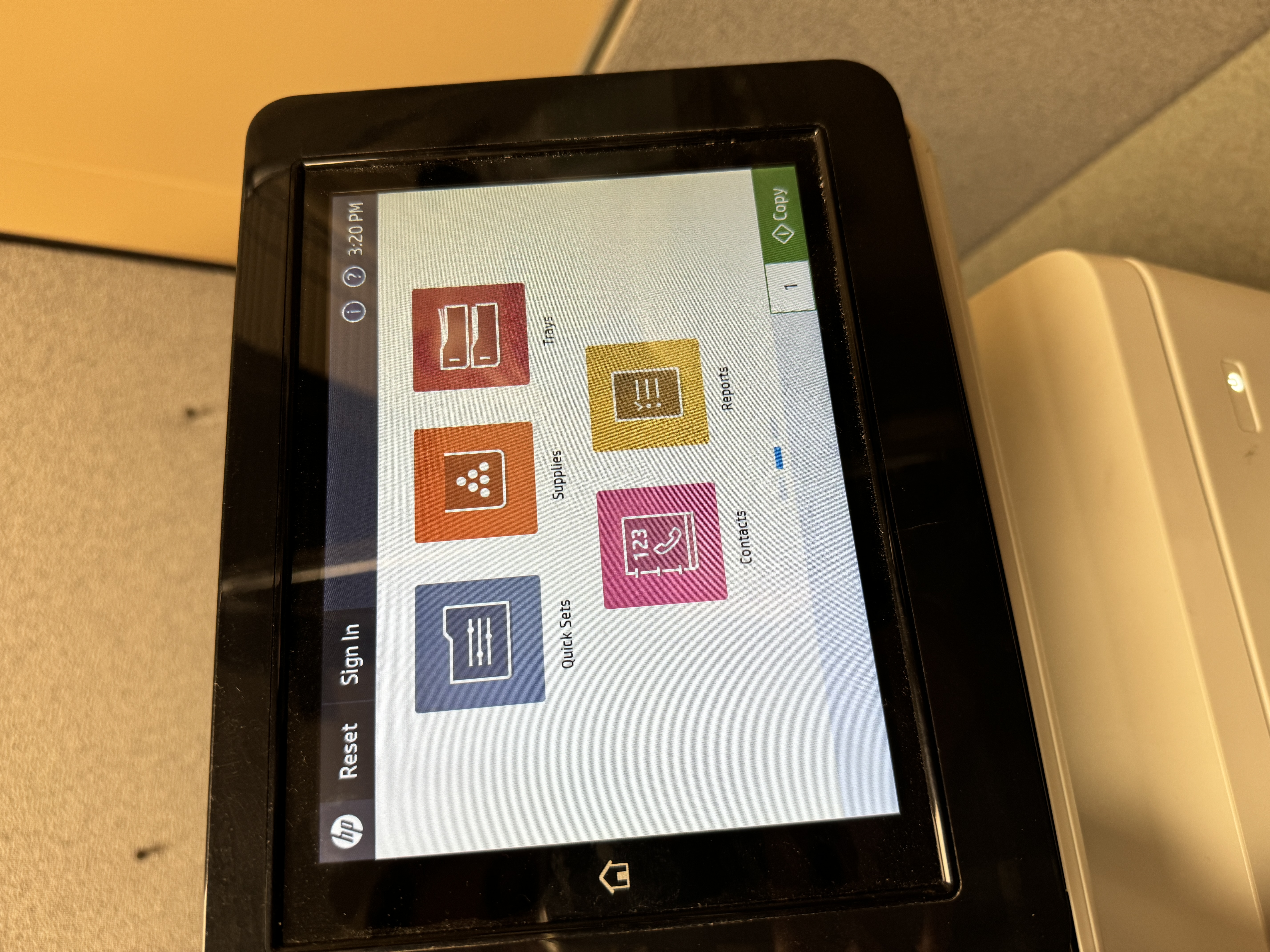
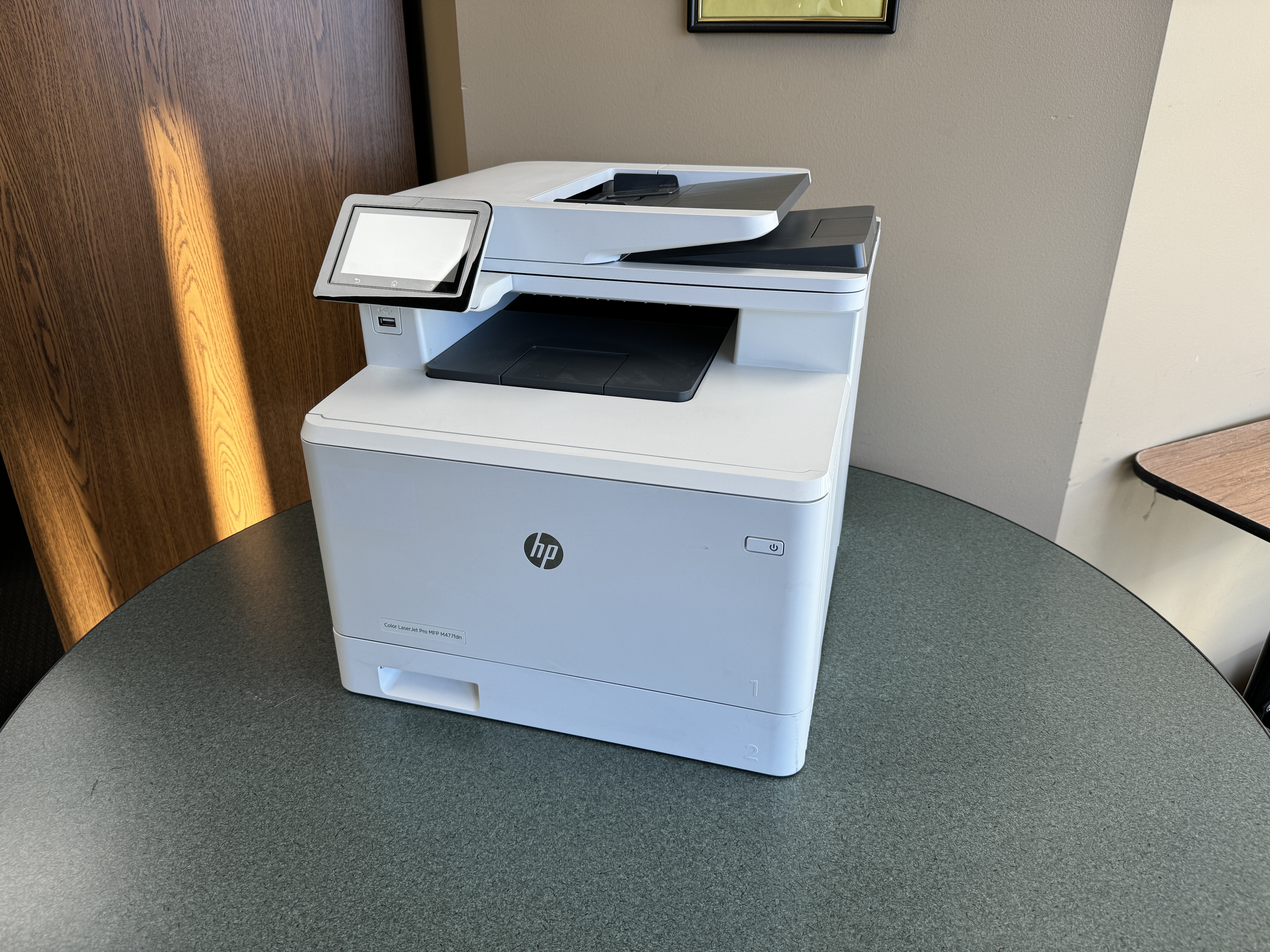
HP is another key player in the market. They offer printers loaded with features that focus on connectivity and security. Their printers support mobile printing technologies. This helps meet the needs of workers who are always on the go.
Comparing Popular Models: Pros and Cons
To guide your decision-making, here’s a concise comparison of popular office copier models:
|
Model |
Brand |
Pros |
Cons |
|
WorkCentre 6515 |
Xerox Copier |
Compact, color printer, wireless capabilities |
Limited paper capacity |
|
imageRUNNER ADVANCE |
Canon |
Fast print speed, high-quality output |
Can be expensive |
|
bizhub C308 |
Konica Minolta |
Feature-rich multifunction printer, |
May require specialized maintenance |
Ultimately, the “best” model depends entirely on your specific requirements and budget.
How to Choose the Right Commercial Printer for Your Business
Finding the right office equipment can be hard because there are many features and prices to choose from. Choosing the best commercial printer for your business depends on knowing what you need. You should match those needs with the right features.
Look at things like how much you print, how much you want to spend, what functions you need, and any security concerns. If you are unsure, you should ask for help from a good office equipment supplier. They can help you find the perfect fit.
Assessing Your Business Printing Needs
Take time to understand what your business needs for printing before looking for office printers for sale. Find out how much you print each day or week. This will help you figure out the speed and capacity you need. If your business often uses presentations, marketing papers, or documents for clients, think about getting a color MFP.
Think about the kinds of documents you often print. Do you print big spreadsheets, architectural drawings, or mostly letters and invoices? These answers will help you decide on the paper sizes and finishing options you’ll require.
By clearly defining your printing needs, you can narrow down your choices. You can then focus on models that fit your needs. This will help you make a smart and cost-effective investment.
Budget Considerations: Finding the Best Value
Finding a cost-effective solution is important for most businesses. However, the cheapest option does not always mean the best value in the long run. It’s good to balance affordability with quality and features. This way, your investment will serve you well for many years.
If buying a new commercial printer is too expensive for your budget, consider leasing instead. Leasing gives you flexibility and steady monthly payments. This can be a great option for businesses that want the latest technology without spending a lot upfront.
Talk to office equipment suppliers. Share your budget concerns and ask about financing options or lease-to-own programs. This will help you make a smart choice.
Installation and Maintenance Tips for Office Copiers
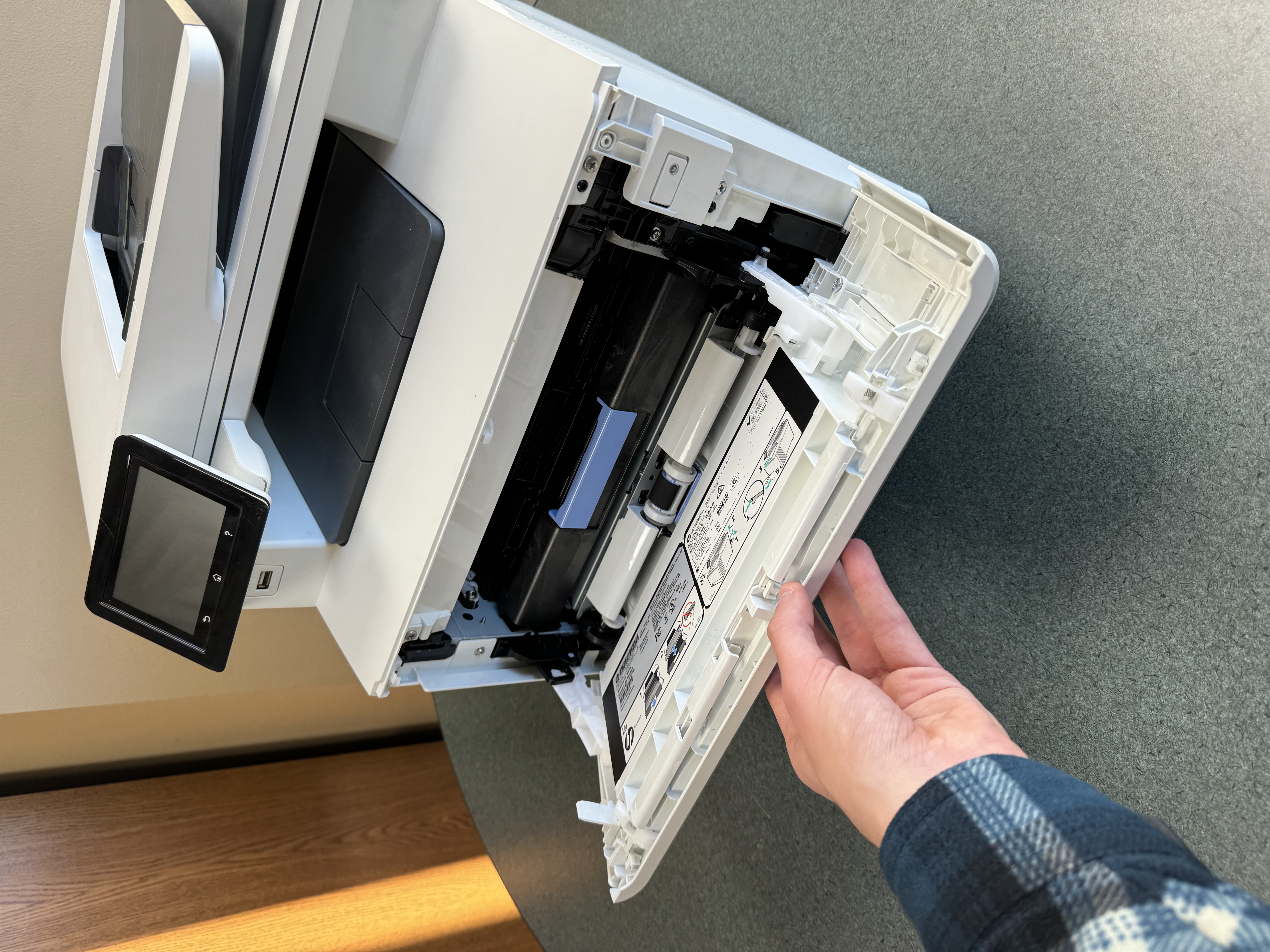
Taking care of your new office copier is important for it to last long and run well. It’s not just about buying it. You need to install it properly and keep it maintained regularly. When you keep your copier in good shape, it works better, has fewer problems, lasts longer, and gives you clear prints.
Make sure to follow the manufacturer’s instructions for installation or get help from a pro to make things easy. Create a maintenance plan that includes cleaning, replacing toner, and having qualified technicians check it every now and then.
Setting Up Your New Office Copier
Setting up your new office copier properly is very important. This ensures it works smoothly with your current workflow central platform. First, choose a good spot for the printer. Make sure there is enough ventilation and that it’s easy to maintain. Then, connect the printer to your network using Wi-Fi or Ethernet, and follow the maker’s guide.
Next, install the necessary drivers and software on all the computers that will use the printer. Also, set up security settings to keep sensitive info safe and limit access to the printer.
Take time to customize user profiles, create default printing settings, and learn how to use the control panel. This will help everything run efficiently.

Routine Maintenance to Extend the Life of Your Printer
Setting up a regular maintenance schedule is important. It helps avoid surprise breakdowns and makes your office copier last longer. Check your printer’s manual for the best times to do maintenance.
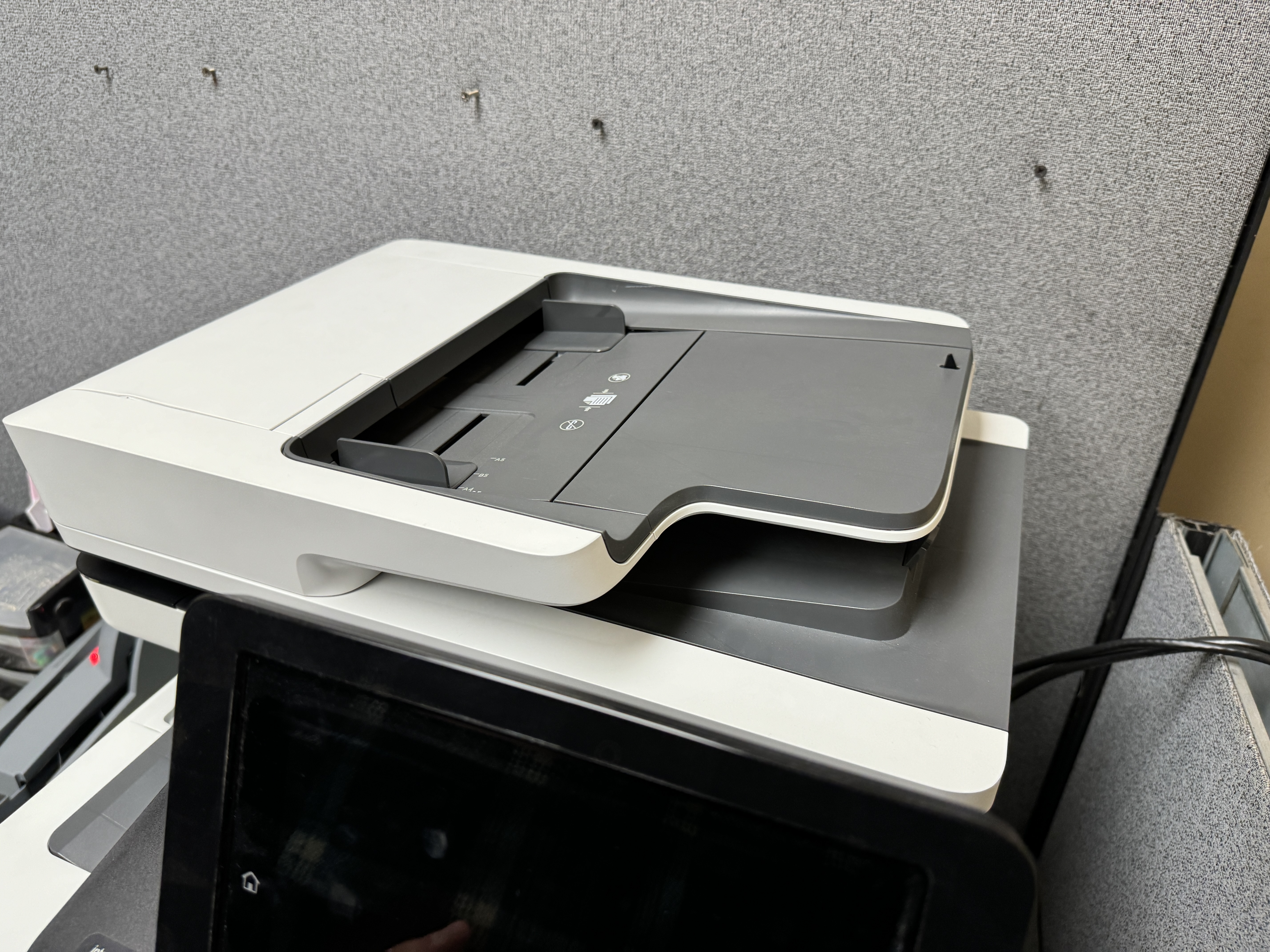
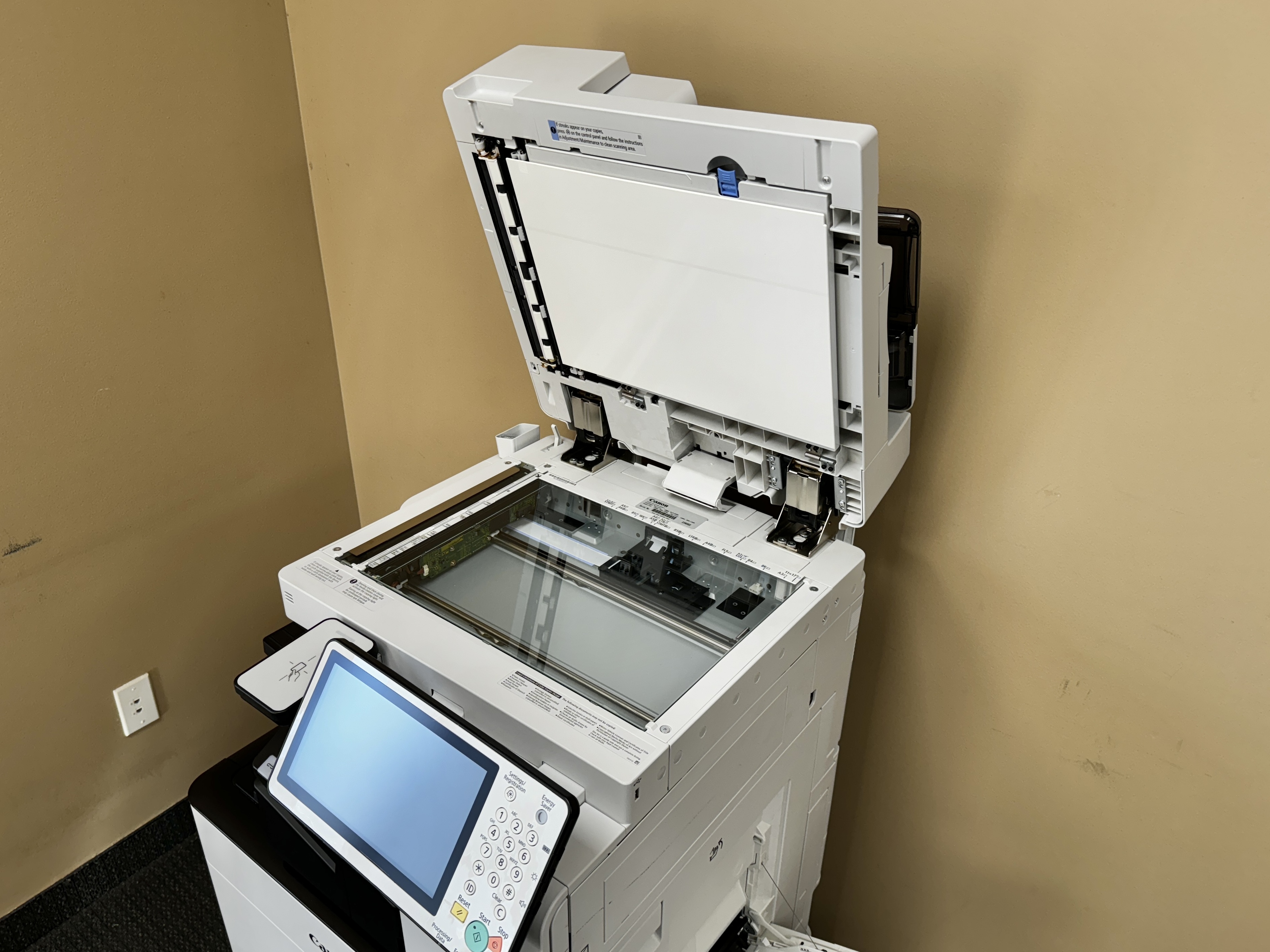
Make sure to clean the scanner glass, document feeder, and output trays often. This stops dust and dirt from building up.
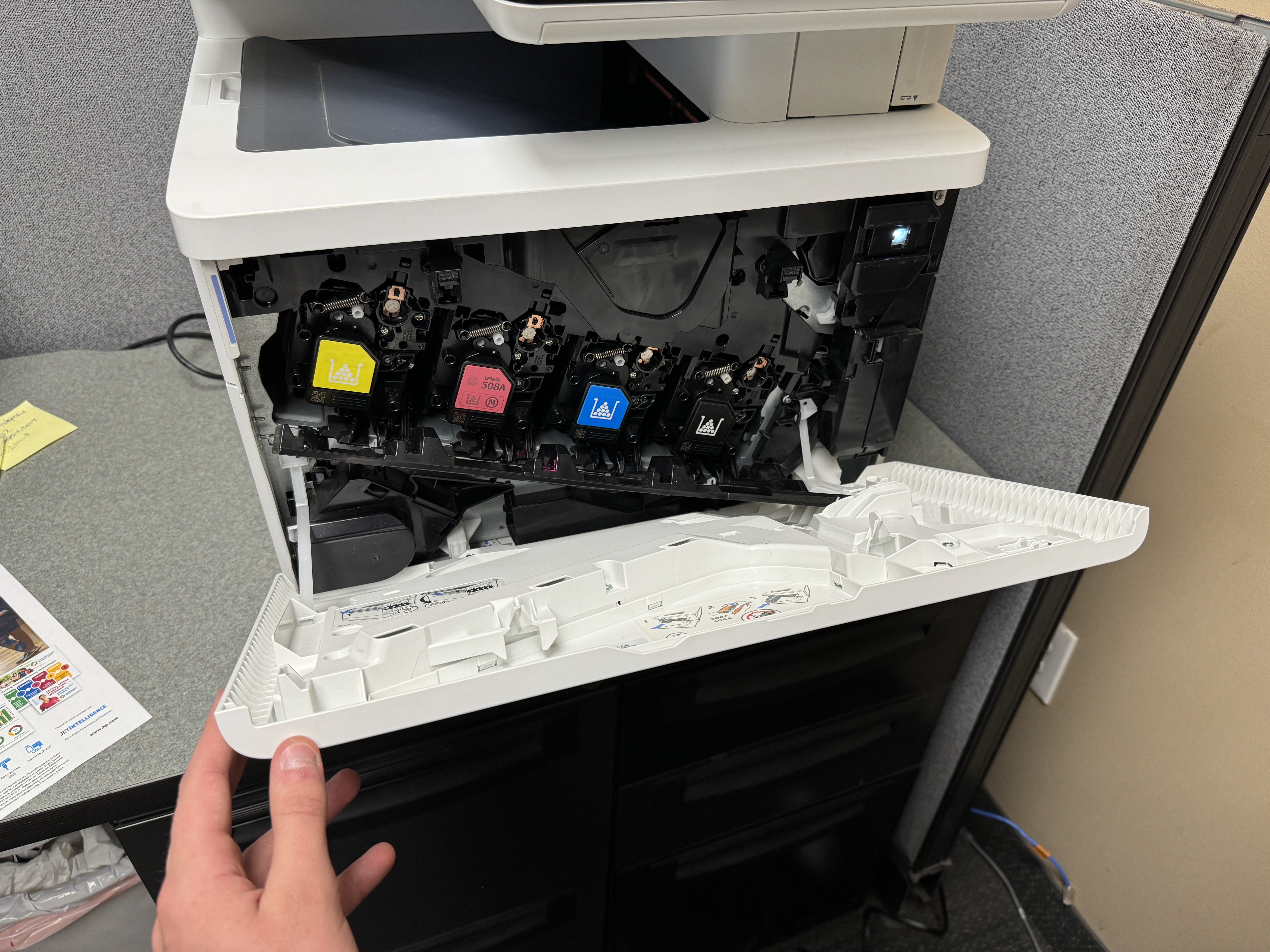
Change the toner cartridges as soon as needed. This keeps the print quality steady. Don’t use cheap or wrong toner. It can harm the printer’s parts.
Also, check and clean the fuser unit regularly. This part helps stick toner to the paper.
Conclusion
In conclusion, picking the right office copier is very important for your business. It helps with productivity and efficiency. You should learn about how copiers have changed over time. Assess what printing you need and keep your budget in mind. Also, think about maintenance to help with your decision. There are many commercial printers out there. Choose one that has the right features for your business. When you invest in a good copier, it can make your workflow smoother and improve how your business works overall. Do detailed research, compare different models, and get advice from experts. This will help you make the best choice for your business needs.
Frequently Asked Questions
What Are the Long-Term Costs Associated with Owning a Copier?
After the first prices or lease deal, you should budget for ongoing costs. This includes the toner replacement, maintenance, and some repairs. Choosing eco-friendly options, like refillable toner cartridges, can help you save money over time.
Can I Lease an Office Copier in Minneapolis-St. Paul?
Yes, leasing is a common way to get office equipment, such as commercial printers. Many suppliers in the Minneapolis-St. Paul area provide flexible lease agreements. These agreements come with different terms and pricing options.
Are There Eco-Friendly Commercial Printers?
Many companies focus on being sustainable. They make eco-friendly color printers. These printers use recycled materials. They also use less energy. Many have duplex printing, which helps to save paper.
How Do I Secure My Office Copier Against Data Breaches?
Protecting your central workflow hub from data breaches is very important. Today’s office copiers come with security features to help. These features include user authentication, data encryption, and secure connectivity protocols. They work together to keep your sensitive information safe.