
Key Highlights
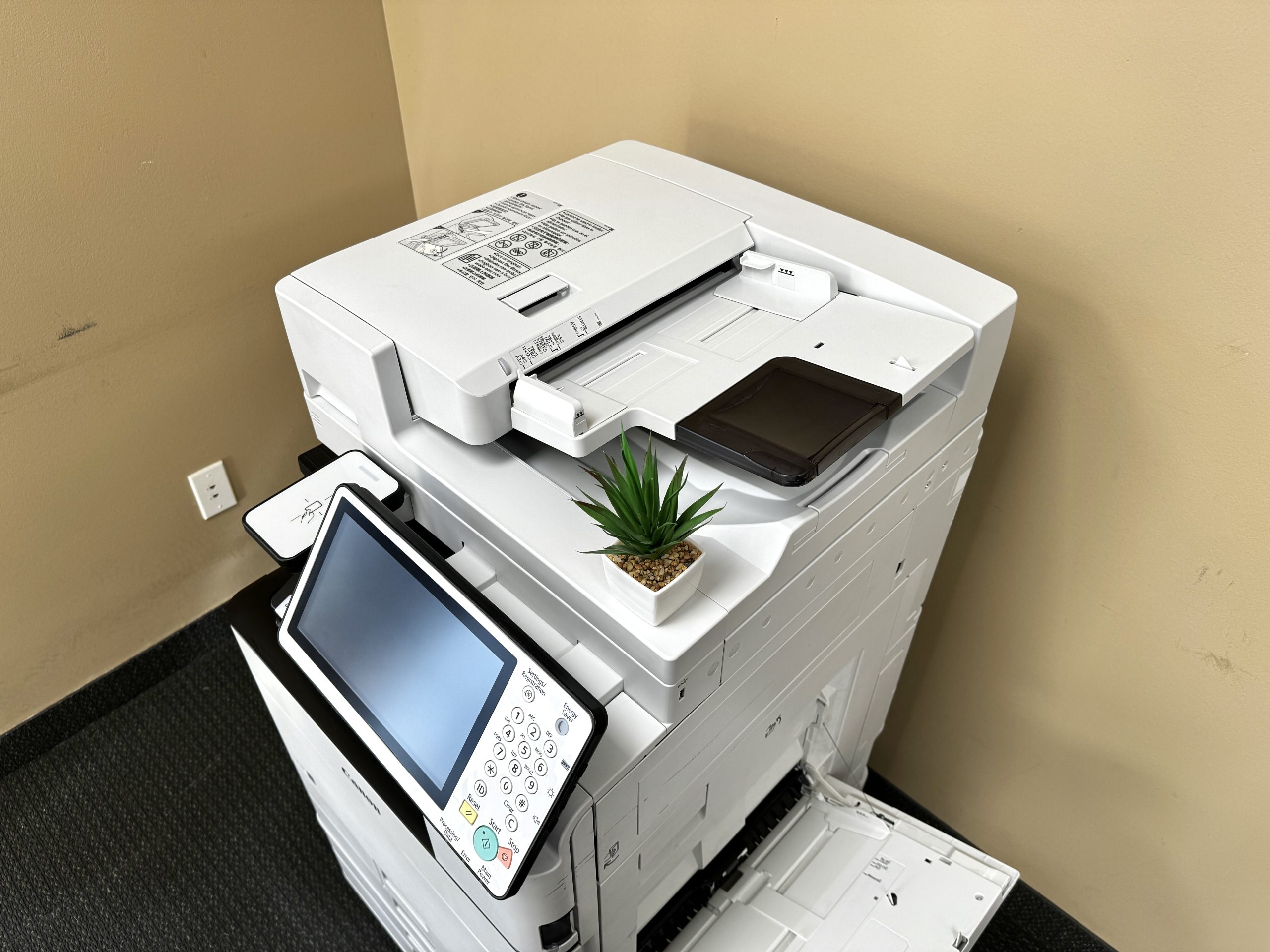
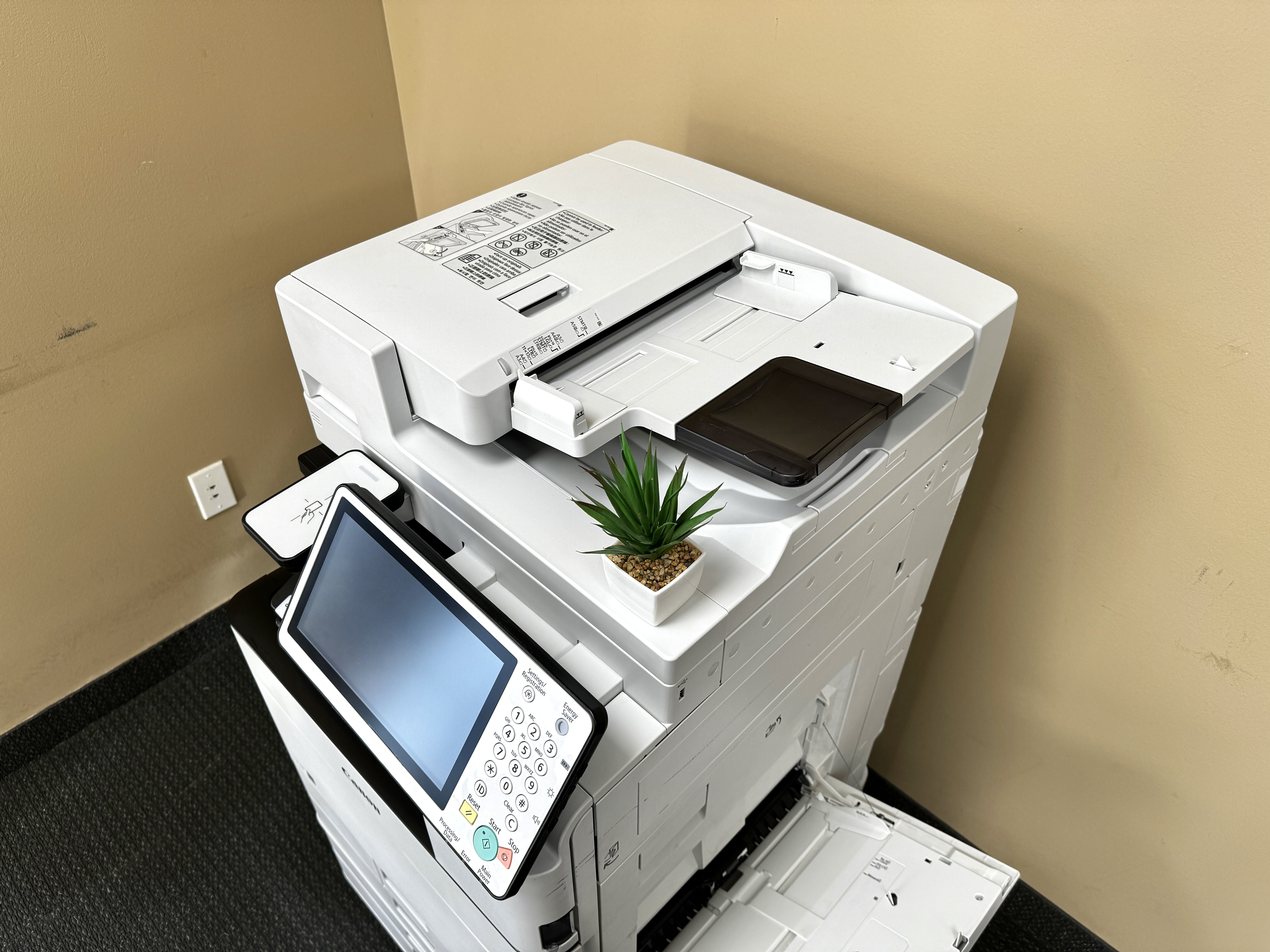
- Discover the latest advancements in color printer copiers for 2024, catering to businesses of all sizes in Minneapolis-St. Paul.
- Explore a diverse range of options, from high-performance inkjet models ideal for graphic design studios to budget-friendly laser printers perfect for startups.
- Prioritize essential features like connectivity, print resolution, speed, and cost of ownership to make informed decisions.
- Learn valuable tips on maximizing printer efficiency, reducing printing costs, and extending the lifespan of your device.
- Find answers to frequently asked questions about all-in-one printers, guiding you toward the perfect printing solution for your business needs.
Introduction
In today’s busy business world, a good and efficient printing solution is very important. All-in-one color printer copiers are essential tools for businesses in Minneapolis-St. Paul. They provide one place for printing, copying, scanning, and sometimes faxing. These AIO printers help with duplex printing, which boosts productivity. They also connect well with mobile devices, allowing for easy management of documents and improved workflows, including the ability to send documents via email.
Color copiers and printers from IOT Solutions
Top All-in-One Color Printer Copiers for 2024 in Minneapolis-St. Paul
Minneapolis-St. Paul businesses work in a busy environment that needs flexible printing solutions. It doesn’t matter if you are a startup, a small business, or a large company. Picking the right all-in-one color printer copier is important for smooth operations.
We will look at a list of the best printers that fit different needs, budgets, and printing requirements. Our goal is to help you understand more so you can make a good choice when picking the right printing partner for your Minneapolis-St. Paul business.
1. Advanced Connectivity Options for Busy Minneapolis Offices
In today’s busy workplaces, staying connected is very important for getting work done. Modern all-in-one printers come with many ways to connect, which is perfect for active offices in Minneapolis.
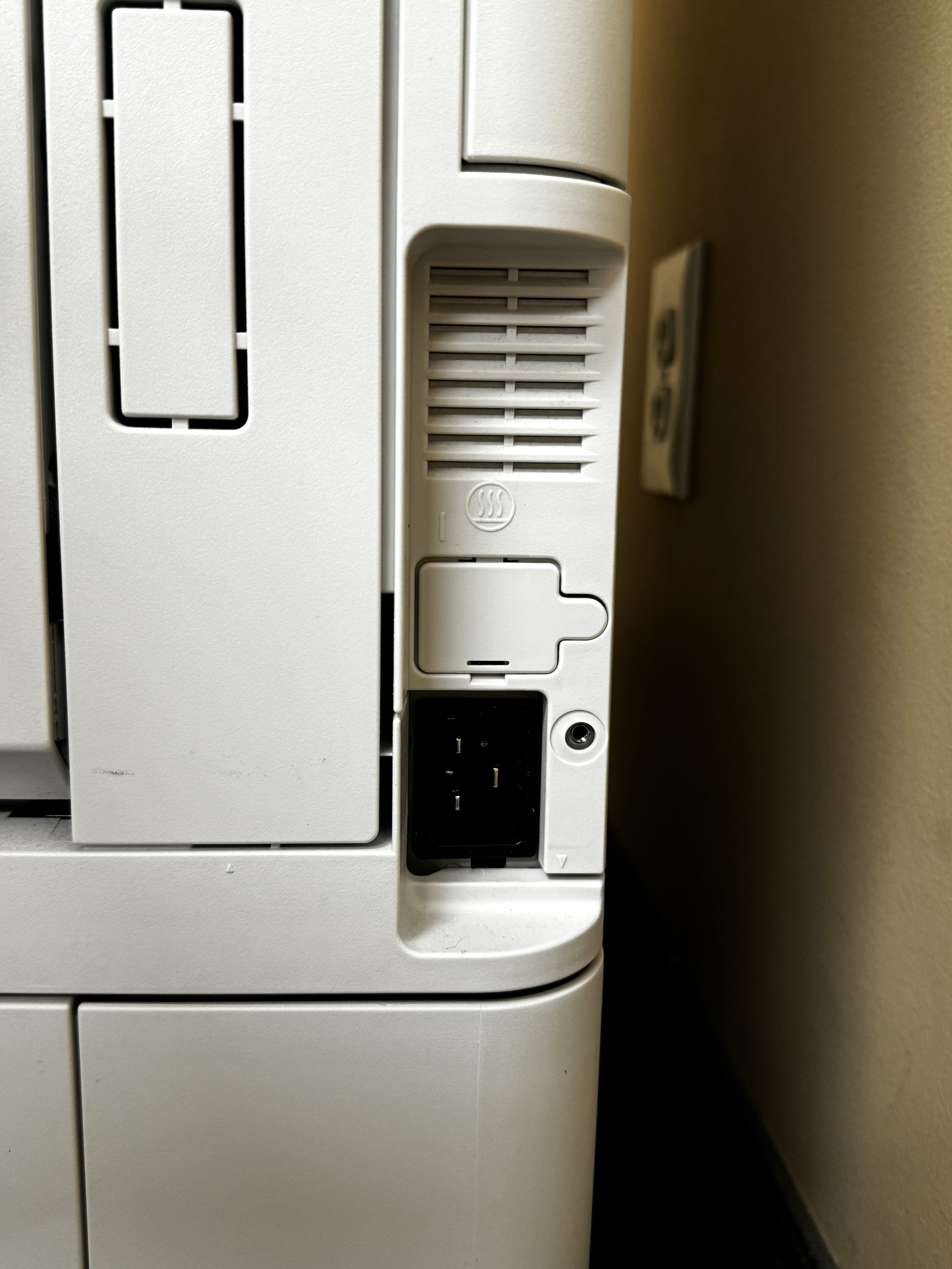
Wireless connections, usually using Wi-Fi, are common now. This lets many people print from their laptops, smartphones, or tablets without needing cables. For something more secure, Ethernet ports allow a direct wired connection.
USB ports give a way to connect devices directly. Being able to print from a mobile device makes it easier for employees to print from almost any spot in the office.
2. High-Performance Inkjet Models for Graphic Design Studios
Graphic design studios need great print quality to show their creative work clearly. High-performance inkjet printers are perfect for this. They create bright colors and sharp details that make designs come alive.
These printers use advanced color ink technologies to make high-quality prints with smooth shades and fine lines. When picking an inkjet printer for graphic design, think about important things like color gamut. This means the range of colors a printer can produce. Also, consider ink droplet size. Smaller droplets create sharper images.
Buying a good inkjet printer helps make sure your graphic design studio produces prints that meet high standards.
3. Budget-Friendly Laser Printers for Startups and Small Businesses
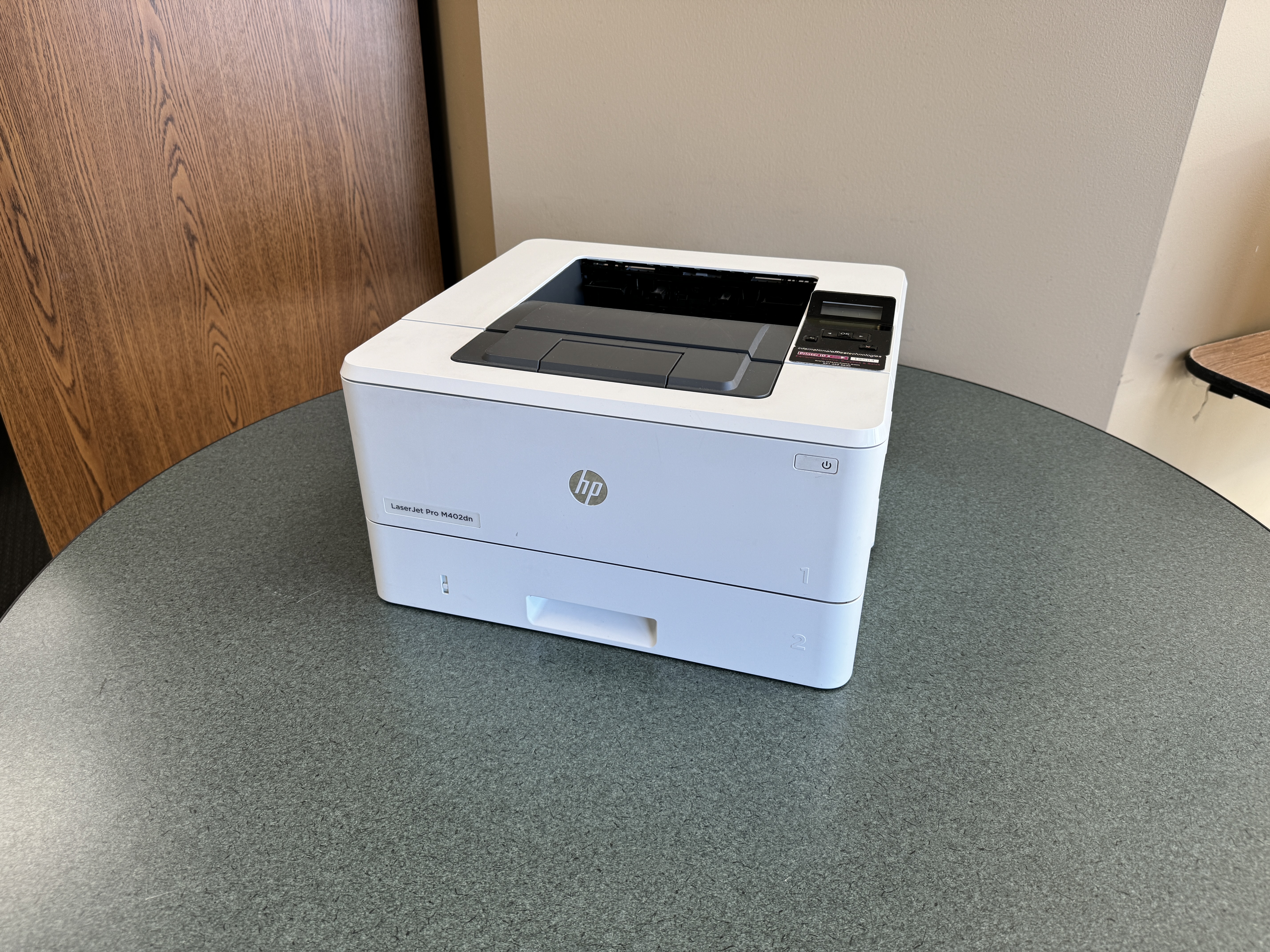
Startups and small businesses need printing options that fit their budget and still look good. Laser printers, especially those that use monochrome toner, are a great choice for printing a lot of text quickly and cheaply.
Laser printers can make clear text documents fast and well. They use toner cartridges, which can print more pages than inkjet cartridges do. This means the cost per page is lower.
Because of this, laser printers are a smart choice for businesses that mostly print documents, invoices, or reports. By choosing a budget-friendly laser printer, small businesses can keep printing costs down without losing a professional look.
4. Eco-Friendly Supertank Printers for Environmentally Conscious Users
As we focus more on sustainability, users who care about the environment want printing options that reduce their impact on the Earth. Eco-friendly supertank printers are a great choice. They have large ink tanks that can be refilled, which make them a better option than traditional printers that use cartridges.
Supertank printers cut down on ink cartridge waste. This is because they can hold much more ink in their tanks. So, users need to replace cartridges less often. This helps lessen the negative impact of making and throwing away plastic cartridges.
Additionally, supertank printers usually cost less per color page in the long run. This makes them a smart and eco-friendly choice for printing.

5. Compact and Portable Printers for On-the-Go Printing Needs
The growth of remote work and mobile jobs has increased the need for small and easy-to-carry printers. These printers are made for people who want to print while they are away from the office or working from a home office.
Portable printers are usually light and small. This makes it easy to put them in backpacks or briefcases. They often connect wirelessly to laptops, smartphones, or tablets. This allows you to print from your mobile device without needing a Wi-Fi connection.
Whether you need to print presentations before a meeting or documents when you are traveling, these compact printers help you stay productive almost anywhere.
6. Wide-Format Printers for Professional Quality Posters and Banners
For businesses and people wanting to make eye-catching materials, wide-format printers can help. They can create professional looking posters, banners, and big graphics. These printers can handle larger paper sizes, which lets you print large designs in high resolution.
Wide-format printers use special inks and technology to make sure the colors are bright, the lines are clear, and the photo quality is great over large areas. They are perfect for companies in marketing, advertising, and design. Large graphics are important for grabbing attention and sharing messages well.
From bright banners for trade shows to high-quality posters for promotions, wide-format printers allow users to create stunning visuals that make a strong impact.
7. Feature-Rich Models with Exceptional Photo Printing Capabilities
Photo lovers and businesses that need great photo printing will enjoy the new all-in-one printers. These printers can create lab-quality photos right at home. They use special color ink systems to deliver amazing photo quality.
With several ink cartridges, including a special photo black ink, these printers can show more colors and fine details. This means the prints can look as good as those from professional photo labs. Plus, with options for borderless printing and different paper types, you can get creative and make professional-looking photo prints with models such as the Canon PIXMA TS9521Ca Wireless All-In-One Inkjet Printer and the HP OfficeJet Pro 9730e Wireless All-In-One Wide Format Inkjet Printer.
Whether you want to save special memories, show off real estate pictures, or make marketing materials with high-quality images, all-in-one printers with great photo printing features are the perfect choice.
Key Features to Consider When Choosing a Color Printer Copier
Choosing the right color printer copier for your business requires you to think about a few important things. This helps make sure that what you buy fits your printing needs and budget.
Knowing these key features will help you make a smart choice. It will improve your printing tasks and increase the value of your investment.
Understanding Printer Resolution for High-Quality Outputs
Printer resolution is measured in dots per inch (DPI). This measurement is important for the quality of your printed and scanned documents. A higher DPI means more dots in every inch. This creates sharper images and smoother colors.
When you pick a printer copier, think about what you need. If you mainly print text documents, a resolution of 600 DPI should be enough. But if you want great images and graphics, choose a printer with at least 1200 DPI or more.
Scanning resolution matters too. A higher scan resolution captures more details. This is key for saving documents, digitizing photos, or making clear digital copies. Knowing how to choose the right printer and scanner resolution helps ensure your results meet your quality needs.
The Importance of Connectivity: Wi-Fi, Bluetooth, and More
Seamless connectivity is very important for businesses today, and printer copiers are no different. Options like Wi-Fi are commonly used. They allow many users to print from their laptops, tablets, or smartphones without cables.
Bluetooth is another good choice for wireless printing, especially for mobile devices. It makes it easy and quick to print documents, photos, or other files directly from compatible devices.
For businesses that need a safer and more reliable wired connection, Ethernet ports offer a fast and stable link to the printer. By checking your connectivity needs and choosing a printer copier with the right options, you can make sure it works well with your current network setup.
https://support.hp.com/us-en/document/ish_3259780-2802006-16
https://www.brother-usa.com/warranty-information
Evaluating Print Speed for Efficient Office Operations
Print speed, shown in pages per minute (PPM), is very important. It affects how much work you can get done, especially for businesses that print a lot. When you check print speed, look at both black and white PPM and color PPM. Color printing usually takes more time.
The duty cycle is the most pages a printer can print in a month. It is also key to consider. Picking a printer with a duty cycle that fits your expected print volume helps it last longer and work well. This way, you avoid issues from wear and tear.
By looking closely at your print speed needs and duty cycle, you can pick a printer copier that meets your work demands. This will help improve how your office runs.
Assessing the Cost of Ownership: Inkjet vs. Laser
Understanding the cost of ownership is important when buying a color printer copier. It’s not just about the price you pay at first. You also need to think about ongoing costs, mainly ink or toner.
Inkjet printers usually cost less upfront. However, they may need ink cartridge replacements more often, which can raise your costs over time. Laser printers are usually more expensive at the start, but they use toner cartridges that last longer. This means you’ll pay less for each page, especially if you print many text documents. Additionally, some printers offer ink subscription programs that can help lower the cost of ownership even further. Be sure to research and compare these options when considering the overall cost of your printer.
To better understand long-term costs, consider how much you print. Think about the types of documents you often print, like if they are text-heavy or have a lot of graphics. Also, look at the cost of replacement toner cartridges or ink cartridges for the specific printer models. This will help you see the long-term costs linked to each printer type.
Navigating the World of Printer Security Features
In today’s world, where cybersecurity threats are growing, it’s important to think about the security features of your color printer copier. This is especially true if you often work with sensitive information.
Modern printers come with features to keep your data safe and stop unauthorized access.
Check for features like user authentication. This means users must enter their login details at the control panel or use secure print release systems. This helps make sure that only the right people can print private documents.
Data encryption is another important feature. It protects the information sent to and from the printer, stopping anyone from intercepting it without permission.
Also, look for secure print erase features. These automatically delete print jobs saved on the printer’s hard drive once they are printed. This helps lower the chances of data breaches.
By focusing on printer security features, you can lessen possible weaknesses and keep your business information safe.
How to Maximize Your Printer’s Efficiency
Maximizing your printer’s efficiency helps it last longer and work better. This way, you will have fewer interruptions in your tasks.
By using these strategies, you can boost your printer’s efficiency, cut down on waste, and make it last longer. This will give you a better return on your investment.
Optimal Printer Settings for Various Document Types
Adjust your printer settings based on the type of document you are printing. This helps improve print quality and saves ink or toner. For internal documents or drafts, consider using duplex printing, which means printing on both sides of the paper. This will cut down on paper usage.
Lowering the print quality for drafts or documents that don’t need high resolution can also help save ink or toner. If you are printing presentations or marketing materials, choose a higher print quality setting. This will give you bright colors and clear images.
Use color printing wisely. Reserve it for documents or graphics where color is really needed. This can help you save a lot on ink or toner costs over time.
Tips for Reducing Printing Costs Without Sacrificing Quality
Reducing printing costs can still keep your documents looking professional. You can lower expenses by using a few easy methods.
Try to print on both sides of the paper (duplex printing). This saves paper. For pages that don’t need color, use black and white (monochrome pages) to save color ink and toner. When you print internal documents or drafts, choose draft or standard settings instead of high-quality. High settings use more ink and toner.
Using fonts that need less ink, like Arial or Calibri, can help save ink over time. These smart choices help you keep printing costs down without losing quality.
Regular Maintenance to Extend Your Printer’s Lifespan
Just like any other office gear, keeping your color printer copier in good shape is essential. This helps make it last longer and work better. Check your printer’s user manual for the best care tips and stick to them.
Simple tasks, like cleaning the outside and inside of the printer, including the glass screen, can stop dust from reducing print quality and creating problems. Use good quality paper that matches your printer type. This helps avoid paper jams and keeps printing smooth.
If your printer has a duty cycle, try to follow it. This stops the printer from being overloaded, which can cause overheating and damage. Taking care of your printer is important for making it last longer and reducing downtime.
Conclusion
In conclusion, picking the right color printer copier for your needs in 2024 is very important. This choice will help with productivity and quality. You might need features like advanced connectivity, great graphic design tools, budget options, eco-friendly choices, small size for portability, wide-format printing, or top photo printing. In Minneapolis-St. Paul, there are many models to look at. Check important features like resolution, connectivity, print speed, ownership costs, and security to boost efficiency. By knowing these points and using best practices for care and maintenance, you can make sure your color printer copier fits your needs well. Make a smart choice based on what you need for printing to improve your printing experience.
Frequently Asked Questions
What Are the Advantages of All-in-One Printers Over Traditional Printers?
AIO printers bring together printing, copying, scanning, and sometimes faxing all in one device. This saves space and money. It also makes work easier than having different machines for each job.
Can All-in-One Printers Handle Heavy-Duty Printing Tasks?
Yes, laserjet MFPs (multifunction printers) made for heavy work can manage large print jobs. Check the duty cycle and features like automatic document feeders (ADF) to make sure it fits your needs.
How Do I Choose Between an Inkjet and a Laser Color Printer Copier?
Think about the type of print jobs you will have and how much you will print. Inkjet printers are great for printing photos. On the other hand, laser printers work better for printing a lot of text. They also have a lower cost for each page if you print a lot.
Are There Eco-Friendly Printer Options Available in Minneapolis-St. Paul?
Yes, you can find eco-friendly choices like supertank printers. These printers use refillable ink tanks, which cuts down on waste from cartridges. You should also look at printer brands that have recycling programs for cartridges.